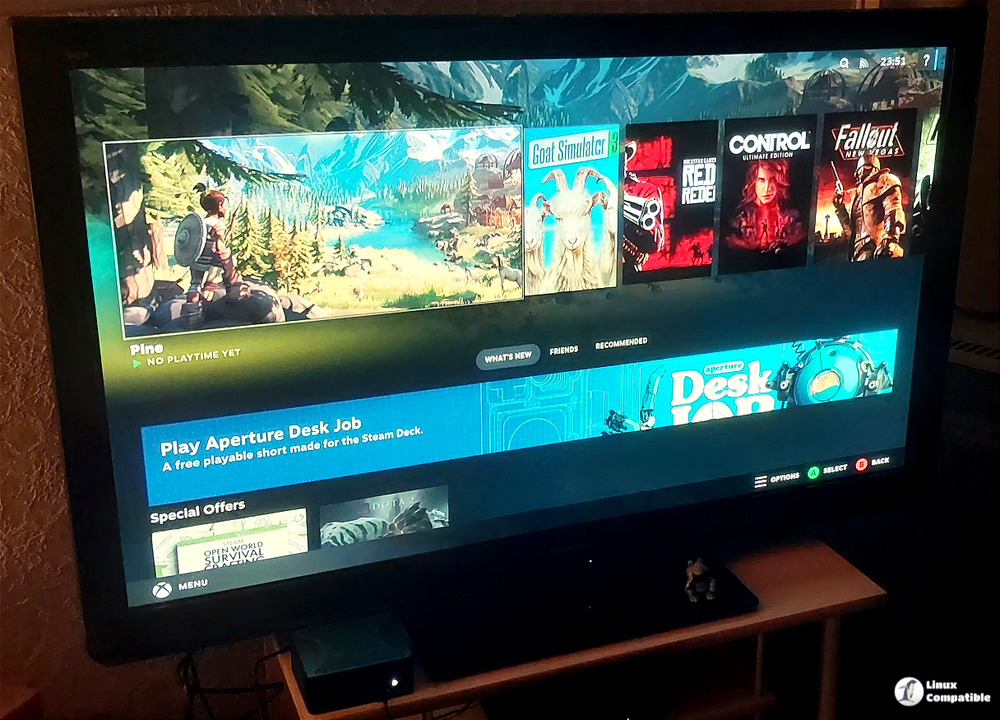
Bazzite Linux has officially launched version 43.20260118, introducing a series of significant updates aimed at improving user experience and addressing previous issues. The update features a new kernel (6.17.7-ba24), which is expected to enhance the performance across various hardware configurations. Additionally, system firmware has been updated to version 20260110-1, ensuring users have access to the latest drivers and improved hardware compatibility.
The release also brings updates to popular desktop environments, including Gamescope (now version ba147-1.bazzite), Gnome (upgraded to 49.2.2-1), and KDE (now at version 6.5.5-1). Moreover, crucial security packages have seen updates, with Mesa moving to version 25.3.1-2, Bazaar at 0.7.5-01, Ptyxis at 49.2-1, and Nvidia graphics support upgraded to 590.48.01-1.
Beyond these major enhancements, the update incorporates numerous smaller fixes and tweaks contributed by the development team, all aimed at refining the operating system's overall performance and user interface.
For existing Bazzite Linux users, upgrading is straightforward. The recommended method involves using the bazzite-rollback-helper tool for a smooth transition to the new version. However, users interested in a more hands-on approach can opt for manual updates. It is advisable to review the release notes or visit community forums to familiarize oneself with any potential issues that may arise during the update process.
Users can download the Bazzite Linux ISO files directly from the official website. This major update reinforces Bazzite Linux's commitment to providing a reliable and improved operating system experience for its users.
In addition to the key updates mentioned, it would be beneficial for users to explore additional features or enhancements that may have been included in the release. Engaging with the Bazzite Linux community can also provide valuable insights and tips on optimizing the new version for individual needs, ensuring users can leverage all the benefits of the latest update
The release also brings updates to popular desktop environments, including Gamescope (now version ba147-1.bazzite), Gnome (upgraded to 49.2.2-1), and KDE (now at version 6.5.5-1). Moreover, crucial security packages have seen updates, with Mesa moving to version 25.3.1-2, Bazaar at 0.7.5-01, Ptyxis at 49.2-1, and Nvidia graphics support upgraded to 590.48.01-1.
Beyond these major enhancements, the update incorporates numerous smaller fixes and tweaks contributed by the development team, all aimed at refining the operating system's overall performance and user interface.
For existing Bazzite Linux users, upgrading is straightforward. The recommended method involves using the bazzite-rollback-helper tool for a smooth transition to the new version. However, users interested in a more hands-on approach can opt for manual updates. It is advisable to review the release notes or visit community forums to familiarize oneself with any potential issues that may arise during the update process.
Users can download the Bazzite Linux ISO files directly from the official website. This major update reinforces Bazzite Linux's commitment to providing a reliable and improved operating system experience for its users.
In addition to the key updates mentioned, it would be beneficial for users to explore additional features or enhancements that may have been included in the release. Engaging with the Bazzite Linux community can also provide valuable insights and tips on optimizing the new version for individual needs, ensuring users can leverage all the benefits of the latest update
Bazzite Linux 43.20260118 released
Bazzite Linux has been updated to version 43.20260118, bringing several key changes to enhance user experience and resolve existing issues. The update includes a fresh kernel (6.17.7-ba24) for smoother performance across all hardware, as well as updates to system firmware, desktop environments, and security packages. In addition to these major changes, the release also features numerous smaller fixes and tweaks contributed by developers to polish the overall feel of the operating system. Users can upgrade easily using a helper tool or manual methods but are advised to check release notes and community forums for details on any potential issues before updating.