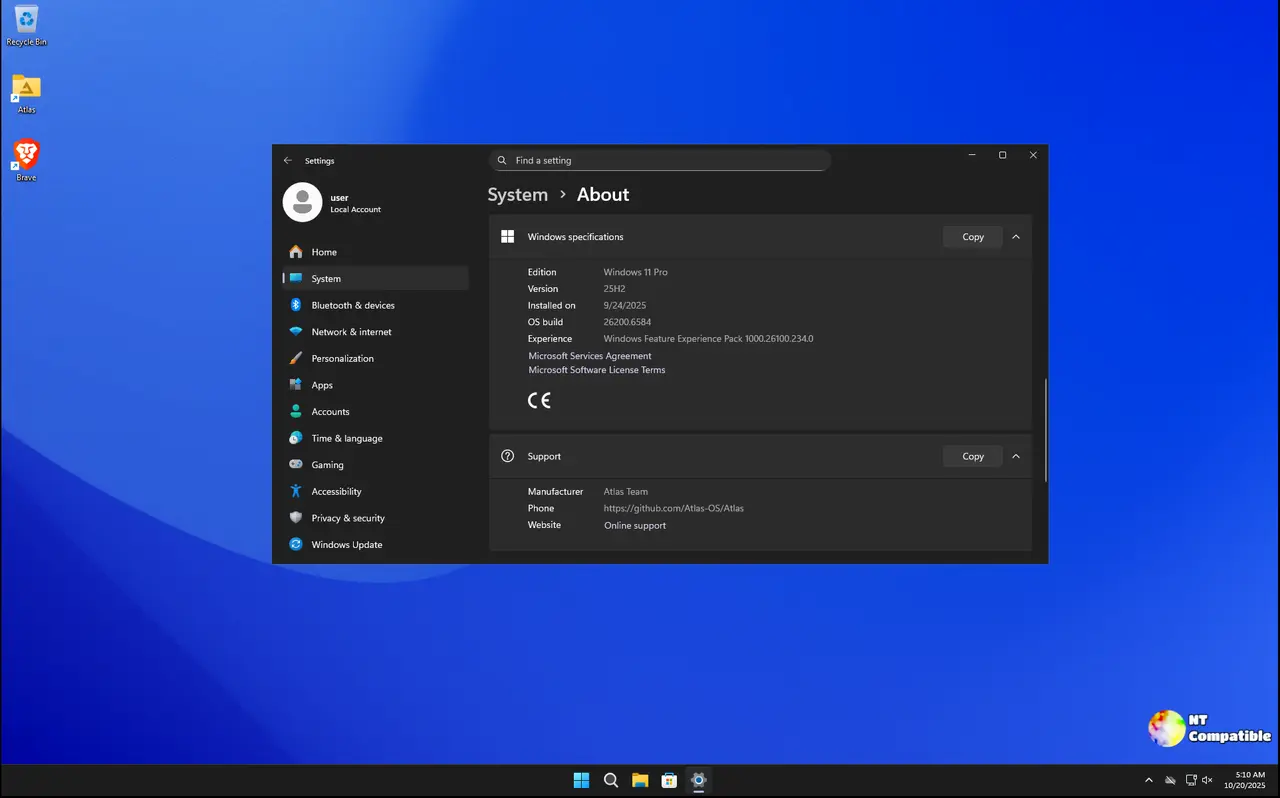
Atlas OS 0.6.2 introduces a redesigned Atlas Manager featuring an automated "Get Ready" workflow, which streamlines the PC setup process for Windows 11 25H2 and 26H2 users across Pro, Education, and Enterprise editions. The update resolves various installation and update issues from previous versions while implementing default settings that disable power-saving features and virtualization-based security (VBS) to optimize gaming performance. Despite the improvements, the project faces criticism from IT professionals and privacy advocates due to its aggressive default security toggles and the disabling of certain telemetry features. Overall, Atlas OS 0.6.2 represents a step forward in usability for gamers, although users must navigate the implications of reduced security settings
Atlas OS 0.6.2 Adds Automated 'Get Ready' Workflow and Fixes Install Failures on Windows 11
Atlas OS 0.6.2 bringing a redesigned Atlas Manager that automates the entire PC prep process through its new "Get ready" workflow. The update targets Windows 11 25H2 and 26H2 across Pro, Education, and Enterprise editions, leaving Home and LTSC unsupported. Alongside the automation overhaul, the release patches a long tail of Windows Update retries, Microsoft Store repairs, and ISO creation hangs while locking in default tweaks that disable power saving and VBS to protect gaming latency and anti-cheat compatibility. The project continues to operate under GPLv3 with fully inspectable installation packages, though the aggressive default security toggles keep drawing fire from IT professionals and privacy watchdogs alike.