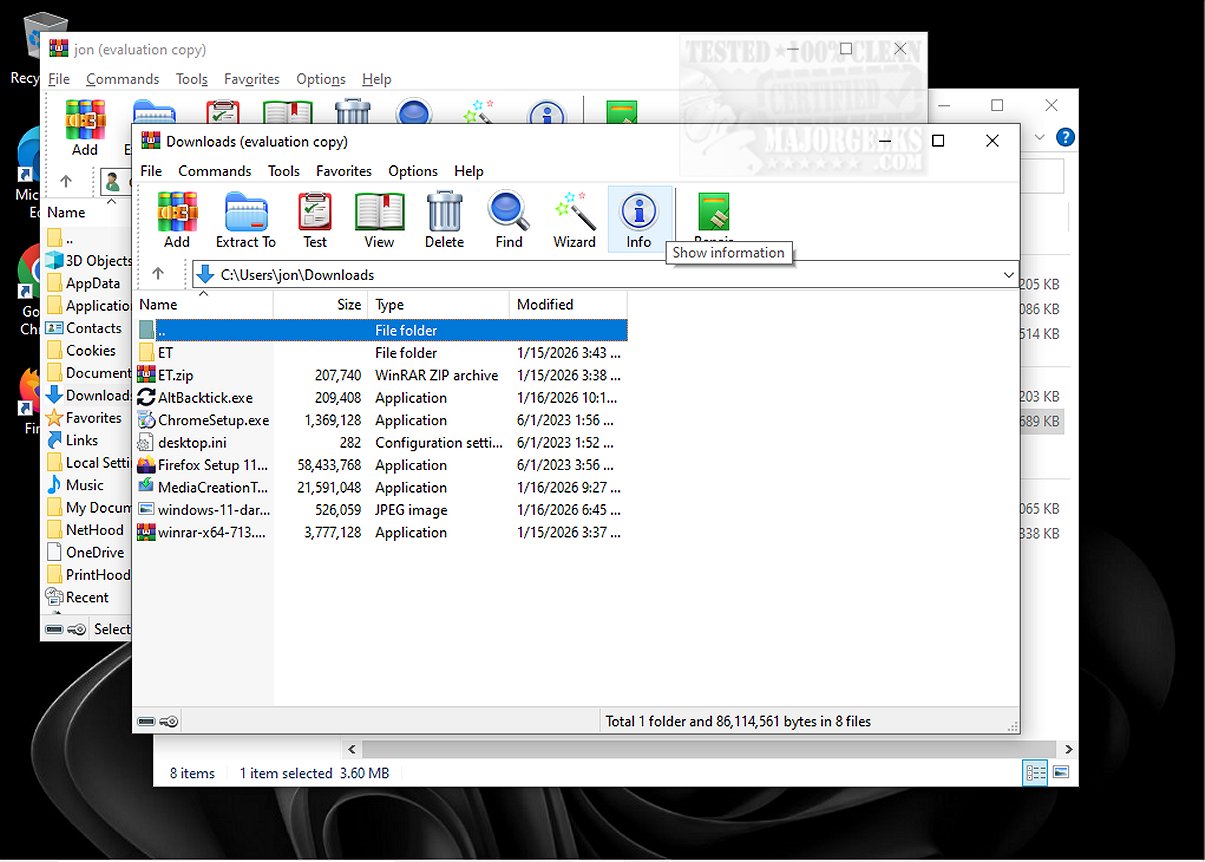
AltBacktick is a lightweight utility designed specifically for improving window navigation for users who often work with multiple instances of the same application. By utilizing the Alt + backtick keyboard shortcut, users can easily switch between windows of the same program, enhancing their productivity and workflow.
Purpose of AltBacktick
The primary function of AltBacktick is to facilitate easier navigation between various windows of a single application. Unlike the standard Alt + Tab shortcut, which allows users to cycle through all open windows across different applications, AltBacktick streamlines the process by focusing solely on the windows within a chosen application. This functionality is akin to the CMD + tilde shortcut used on Mac systems, providing a more efficient solution for users who juggle multiple windows of the same program.
Understanding the Backtick Key
For those unfamiliar, the backtick key (`) is situated above the TAB key on a QWERTY keyboard. If you are using a different keyboard layout, the AltBacktick shortcut will still correspond to the key located above the TAB key, ensuring accessibility across various keyboard configurations.
User Experience Enhancement
Operating without a traditional user interface, AltBacktick allows users to switch between open windows effortlessly. According to its developers, the application is similar to the Easy Window Switcher but offers expanded support for a wider range of applications and can even manage minimized windows, thereby improving multitasking capabilities.
Navigating Multiple Windows Made Simple
For users engaged with larger applications that entail numerous windows, finding an efficient navigation method is crucial. The Alt + Backtick shortcut presents a straightforward way to browse active windows without the need to click through each one repeatedly. This can save valuable time and streamline workflows.
Conclusion: Geek Verdict
AltBacktick stands out as an essential tool for users needing to manage multiple windows within the same application. Its ability to enable seamless and efficient switching proves particularly beneficial when working with numerous instances of programs like Notepad. By opting for AltBacktick over the conventional Alt + Tab method, users can experience a more focused and user-friendly navigation system. Embrace this tool to enhance your productivity and navigate tasks with unprecedented ease.
Future Enhancements and Potential Developments
Looking ahead, the developers of AltBacktick may consider additional features such as customizable shortcuts, improved support for more complex multitasking scenarios, or integration with popular productivity tools. Such enhancements could make AltBacktick an even more powerful ally for users seeking to optimize their workflow and window management strategies
Purpose of AltBacktick
The primary function of AltBacktick is to facilitate easier navigation between various windows of a single application. Unlike the standard Alt + Tab shortcut, which allows users to cycle through all open windows across different applications, AltBacktick streamlines the process by focusing solely on the windows within a chosen application. This functionality is akin to the CMD + tilde shortcut used on Mac systems, providing a more efficient solution for users who juggle multiple windows of the same program.
Understanding the Backtick Key
For those unfamiliar, the backtick key (`) is situated above the TAB key on a QWERTY keyboard. If you are using a different keyboard layout, the AltBacktick shortcut will still correspond to the key located above the TAB key, ensuring accessibility across various keyboard configurations.
User Experience Enhancement
Operating without a traditional user interface, AltBacktick allows users to switch between open windows effortlessly. According to its developers, the application is similar to the Easy Window Switcher but offers expanded support for a wider range of applications and can even manage minimized windows, thereby improving multitasking capabilities.
Navigating Multiple Windows Made Simple
For users engaged with larger applications that entail numerous windows, finding an efficient navigation method is crucial. The Alt + Backtick shortcut presents a straightforward way to browse active windows without the need to click through each one repeatedly. This can save valuable time and streamline workflows.
Conclusion: Geek Verdict
AltBacktick stands out as an essential tool for users needing to manage multiple windows within the same application. Its ability to enable seamless and efficient switching proves particularly beneficial when working with numerous instances of programs like Notepad. By opting for AltBacktick over the conventional Alt + Tab method, users can experience a more focused and user-friendly navigation system. Embrace this tool to enhance your productivity and navigate tasks with unprecedented ease.
Future Enhancements and Potential Developments
Looking ahead, the developers of AltBacktick may consider additional features such as customizable shortcuts, improved support for more complex multitasking scenarios, or integration with popular productivity tools. Such enhancements could make AltBacktick an even more powerful ally for users seeking to optimize their workflow and window management strategies
AltBacktick 1.5.1 released
AltBacktick is a lightweight application designed to improve window navigation for users who frequently work with multiple instances of the same program. By using the Alt + backtick shortcut, AltBacktick lets you seamlessly switch between windows of the same application.