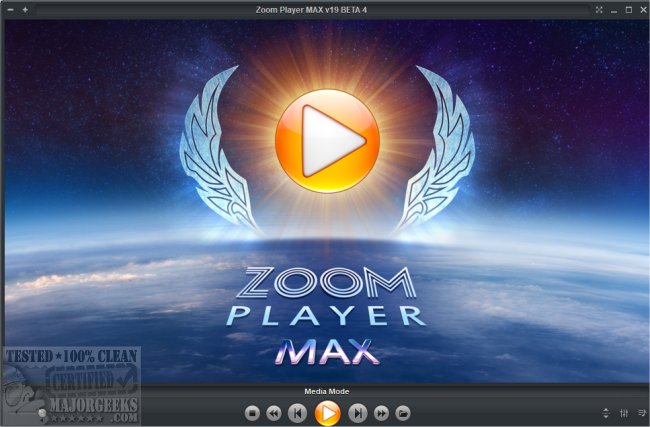
Zoom Player MAX 22.2 Beta 1 has been released, offering users an easy way to transform any PC into a powerful Home Entertainment Center or Home Theater PC without the need for specialized hardware. The software leverages its advanced Smart Play technology to ensure that a wide range of video, audio, and image formats can be played smoothly and reliably, enhancing both performance and stability.
The user-friendly interface of Zoom Player MAX employs a simple 5-Key navigation system (up, down, left, right, select), making it accessible for individuals with little to no prior computer experience. This intuitive design allows users to seamlessly navigate through various features, including Media Library, File Browsing, Playlist management, Color Control, Audio Equalizer, Chaptering, and Play History.
Zoom Player MAX is also highly customizable, enabling users to create a viewing environment that can be tailored to suit different audiences, whether for children or professional use. The software is compatible with a vast array of media formats:
- Video Formats: Supports everything from DVDs and BluRays to AVI, QuickTime, XVID, DIVX, and many others, covering both common and niche formats.
- Audio Formats: Includes MP3, WMA, AAC, FLAC, and a diverse selection of others, ensuring high-quality audio playback across various file types.
- Image Formats: Handles formats like JPEG, PNG, GIF, BMP, and TIFF, making it versatile for image viewing.
- Interactive Formats: Supports DVDs and HTML, as well as Flash, allowing for interactive content playback.
In addition to its core functionality, Zoom Player MAX provides users with helpful guides on related topics, such as uninstalling the Movies and TV app, enabling Windows Sonic Surround Sound, and diagnosing audio issues in Windows systems.
In summary, Zoom Player MAX 22.2 Beta 1 stands out as a comprehensive multimedia player that not only simplifies media access but also enhances the overall viewing experience through its robust feature set and user-friendly design. As the software continues to evolve, it is likely to incorporate even more features and support for additional formats, catering to the diverse needs of home entertainment enthusiasts
The user-friendly interface of Zoom Player MAX employs a simple 5-Key navigation system (up, down, left, right, select), making it accessible for individuals with little to no prior computer experience. This intuitive design allows users to seamlessly navigate through various features, including Media Library, File Browsing, Playlist management, Color Control, Audio Equalizer, Chaptering, and Play History.
Zoom Player MAX is also highly customizable, enabling users to create a viewing environment that can be tailored to suit different audiences, whether for children or professional use. The software is compatible with a vast array of media formats:
- Video Formats: Supports everything from DVDs and BluRays to AVI, QuickTime, XVID, DIVX, and many others, covering both common and niche formats.
- Audio Formats: Includes MP3, WMA, AAC, FLAC, and a diverse selection of others, ensuring high-quality audio playback across various file types.
- Image Formats: Handles formats like JPEG, PNG, GIF, BMP, and TIFF, making it versatile for image viewing.
- Interactive Formats: Supports DVDs and HTML, as well as Flash, allowing for interactive content playback.
In addition to its core functionality, Zoom Player MAX provides users with helpful guides on related topics, such as uninstalling the Movies and TV app, enabling Windows Sonic Surround Sound, and diagnosing audio issues in Windows systems.
In summary, Zoom Player MAX 22.2 Beta 1 stands out as a comprehensive multimedia player that not only simplifies media access but also enhances the overall viewing experience through its robust feature set and user-friendly design. As the software continues to evolve, it is likely to incorporate even more features and support for additional formats, catering to the diverse needs of home entertainment enthusiasts
Zoom Player MAX 22.2 Beta 1 released
With Zoom Player MAX, you can instantly convert any PC into a Home Entertainment Center or Home Theater PC with no special hardware requirement.