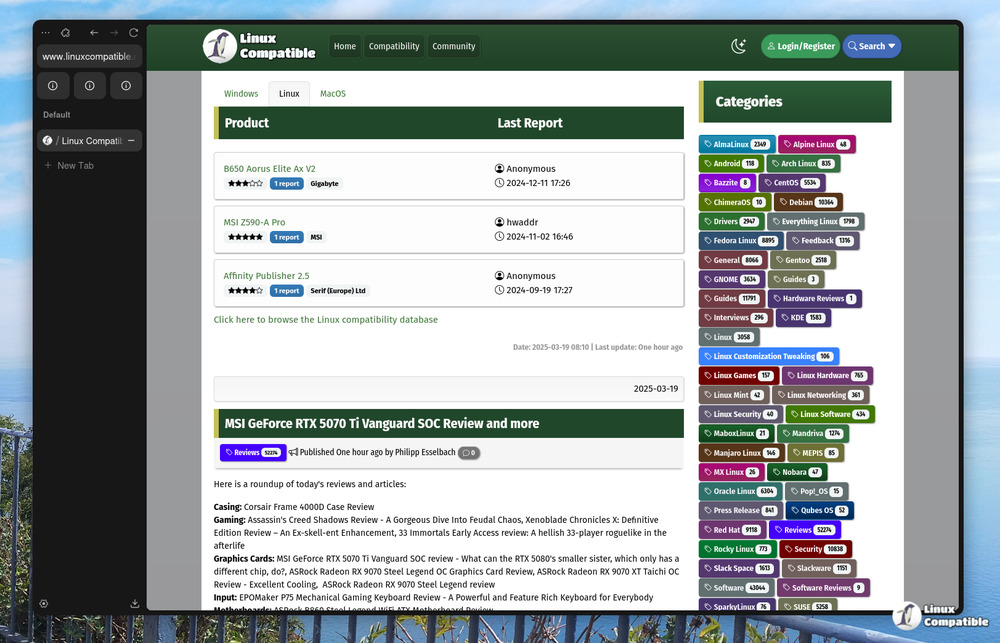
Zen Browser version 1.19.3b has been released, featuring enhanced workflow controls such as background tab duplication and selective space unloading from the context menu. The update includes critical fixes that improve fullscreen toggling behavior in split view and ensures that toolbar flags are respected in new windows. Additional navigation updates prevent accidental URL bar reactivation and keep bookmarks visible during fullscreen mode, improving overall user experience. Overall, this release focuses on practical improvements for workspace management rather than flashy new features, making it more user-friendly for power users
Zen Browser 1.19.3b released
Zen Browser version 1.19.3b introduces workflow controls such as background tab duplication and selective space unloading from the context menu. Critical fixes address split view behavior during fullscreen toggles and ensure the chrome hide toolbar flag is respected for new windows. Navigation updates stop accidental urlbar reactivation when pressing CTRL+T while the search field remains open. Additional quality of life changes keep bookmarks visible on full screen and improve accessibility options for split view controls.