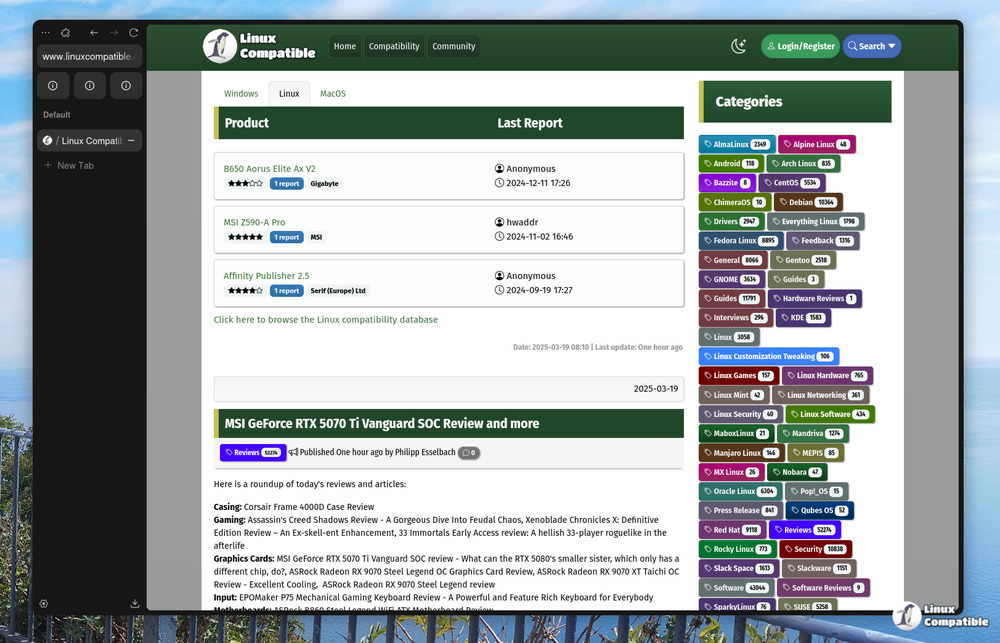
The Zen Browser has introduced its latest update, version 1.17.14b, which brings several minor yet impactful enhancements aimed at improving user experience. One of the standout features of this update is the ability to customize the position of the download icon popup within compact mode, allowing users to tailor the browser's aesthetics to their liking, especially in scenarios where screen real estate is limited.
Additionally, this release addresses persistent issues that have affected Mac users, notably the frustrating startup hangs that occurred when the WebRenderer was disabled. These startup problems have been resolved, providing a smoother initiation experience. Users who experienced their default search engine reverting to a previous setting after restarts will also find relief, as this issue has been corrected.
Beyond the major fixes, version 1.17.14b includes a variety of minor tweaks across the browser. The update notification system has been improved for a more seamless experience, particularly when interacting with media players. Furthermore, icons that cluster on hover are now better organized, contributing to a cleaner and more streamlined user interface.
Overall, the Zen Browser 1.17.14b update emphasizes user customization and interface refinement, catering to those who appreciate the finer details in their browsing experience.
Looking ahead, users can anticipate future updates that may focus on further enhancing performance, expanding customization options, and improving compatibility with various operating systems and media applications. The ongoing commitment to user feedback suggests that subsequent versions may continue to refine and optimize the overall functionality of the Zen Browser, ensuring it remains a competitive choice in the web browser market
Additionally, this release addresses persistent issues that have affected Mac users, notably the frustrating startup hangs that occurred when the WebRenderer was disabled. These startup problems have been resolved, providing a smoother initiation experience. Users who experienced their default search engine reverting to a previous setting after restarts will also find relief, as this issue has been corrected.
Beyond the major fixes, version 1.17.14b includes a variety of minor tweaks across the browser. The update notification system has been improved for a more seamless experience, particularly when interacting with media players. Furthermore, icons that cluster on hover are now better organized, contributing to a cleaner and more streamlined user interface.
Overall, the Zen Browser 1.17.14b update emphasizes user customization and interface refinement, catering to those who appreciate the finer details in their browsing experience.
Looking ahead, users can anticipate future updates that may focus on further enhancing performance, expanding customization options, and improving compatibility with various operating systems and media applications. The ongoing commitment to user feedback suggests that subsequent versions may continue to refine and optimize the overall functionality of the Zen Browser, ensuring it remains a competitive choice in the web browser market
Zen Browser 1.17.14b released
Zen Browser has released a new version, 1.17.14b. This update includes some minor but useful changes for users who care about fine-tuning their experience. The compact mode now allows you to customize the location of the download icon popup, giving you more control over the look and feel of your browser. Additionally, issues with startup hangs on Mac systems and default search engine resetting have been fixed, along with various other small tweaks that improve the user interface.