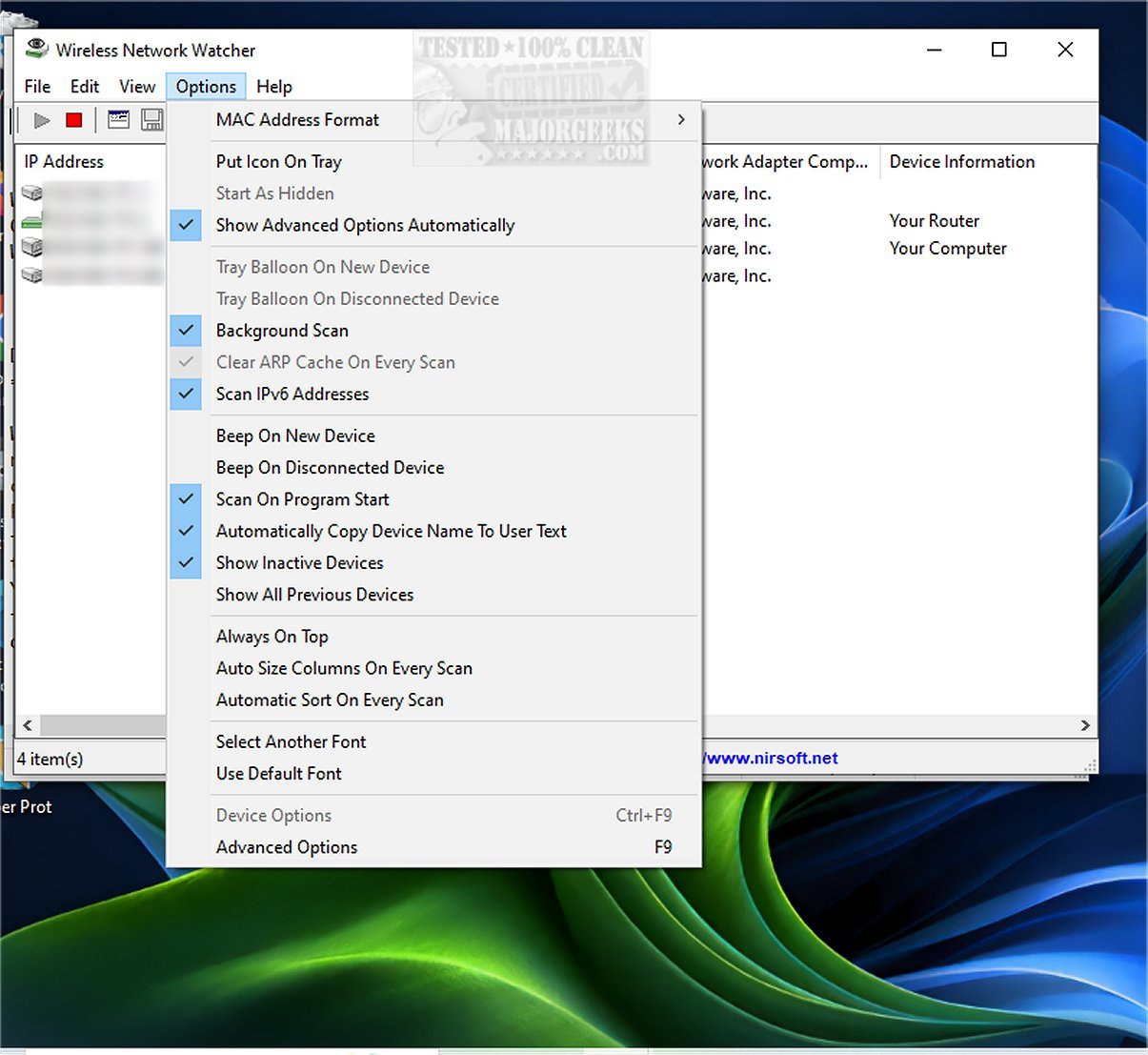
Wireless Network Watcher 2.44 has been released as a free monitoring tool designed to efficiently scan and display all devices connected to your wireless network. This user-friendly software provides detailed information for each connected device, including its IP address, MAC address, the manufacturer of the network card, and optionally, the computer name. Users have the capability to export the list of connected devices in various formats such as HTML, XML, CSV, or plain text, and can also copy the information to the clipboard for use in spreadsheet applications like Excel.
In addition to its core functionality, Wireless Network Watcher can help users enhance their network management skills. For instance, users can learn how to improve wireless network performance, hide or block nearby Wi-Fi networks on Windows, and check network adapter speeds in Windows 10 and 11. Furthermore, the tool can assist in resetting network settings in Windows 10 and 11, providing a comprehensive approach to maintaining a secure and efficient home or office network.
As technology continues to evolve, tools like Wireless Network Watcher play a crucial role in ensuring users remain informed and in control over their network environments. Future updates may include features such as real-time monitoring, alerts for unknown devices, and enhanced security protocols to further safeguard users' networks
In addition to its core functionality, Wireless Network Watcher can help users enhance their network management skills. For instance, users can learn how to improve wireless network performance, hide or block nearby Wi-Fi networks on Windows, and check network adapter speeds in Windows 10 and 11. Furthermore, the tool can assist in resetting network settings in Windows 10 and 11, providing a comprehensive approach to maintaining a secure and efficient home or office network.
As technology continues to evolve, tools like Wireless Network Watcher play a crucial role in ensuring users remain informed and in control over their network environments. Future updates may include features such as real-time monitoring, alerts for unknown devices, and enhanced security protocols to further safeguard users' networks
Wireless Network Watcher 2.44 released
Wireless Network Watcher is a small freeware monitoring tool that quickly scans your wireless network and then lists all the computers and devices that are currently connected.