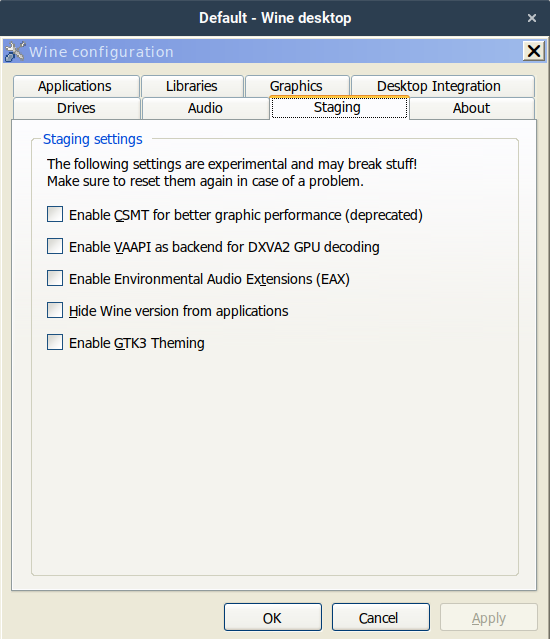
Wine Staging 11.3 has been released, incorporating updates from the upstream development release and an improved vkd3d-latest patchset that enhances Direct3D 12 support in Vulkan. Users can install Wine Staging on Linux by adding a specific repository or compiling from source, ensuring that it resides in the designated directory to avoid conflicts with the stable version. The update brings important bug fixes and performance tweaks that enhance user experience, particularly for those utilizing DirectX 12 games. For those who prefer to build from source, the process involves ensuring a working build environment and applying the appropriate staging patches, allowing for greater customization
Wine Staging 11.3: What's New and How to Install
Wine Staging 11.3 has been updated with a fresh rebase on the upstream development release, including bug fixes and performance tweaks from the mainline 11.3 branch. The update also includes an updated vkd3d-latest patchset, which provides critical fixes for Direct3D 12 calls to Vulkan. If you're using Wine Staging on Linux, you can quickly install it by adding a repository or compiling it from source, depending on your distribution. To use the latest version of Wine Staging, you should run it with the full path, such as /opt/wine-staging/bin/wine, to avoid accidentally falling back to the stable version.
Wine Staging 11.3: What's New and How to Install @ Linux Compatible