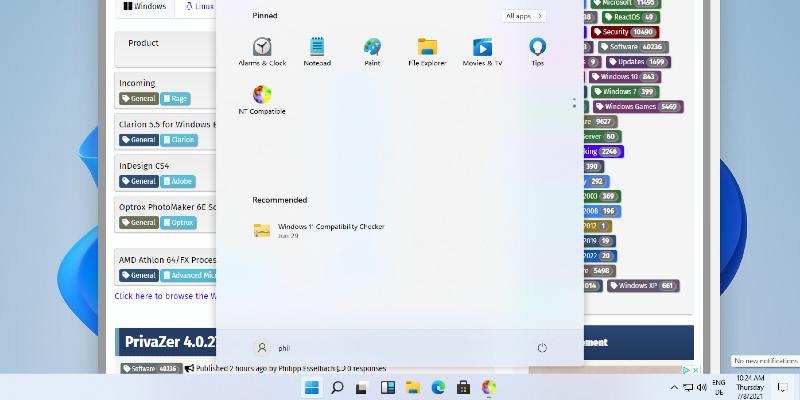
Microsoft has introduced a new optional update for Windows 11 Insiders, build 29531.1000, which is now available in the Canary channel and focuses on low-level platform modifications. Users interested in switching to this new track should be aware that they will remain within the 29500 series for future updates and cannot revert without a clean reinstall. The update process involves navigating to Windows Update settings, selecting the optional update, and restarting the system to apply the new build. While this new build offers early access to kernel changes and UI experiments, it may temporarily disable some non-essential features, making the previous 28000 series a safer choice for power users needing stability
Windows 11 Insider Build 29531.1000: How to Opt-In and What to Expect
Microsoft has released a new optional update for Windows 11 Insiders, build 29531.1000, which is part of the Canary channel and focuses on low-level platform tweaks. If you're looking to jump into this newer track, be aware that future updates will stay in the 29500 series and there's no going back without a clean reinstall.
Windows 11 Insider Build 29531.1000: How to Opt-In and What to Expect @ NT Compatible