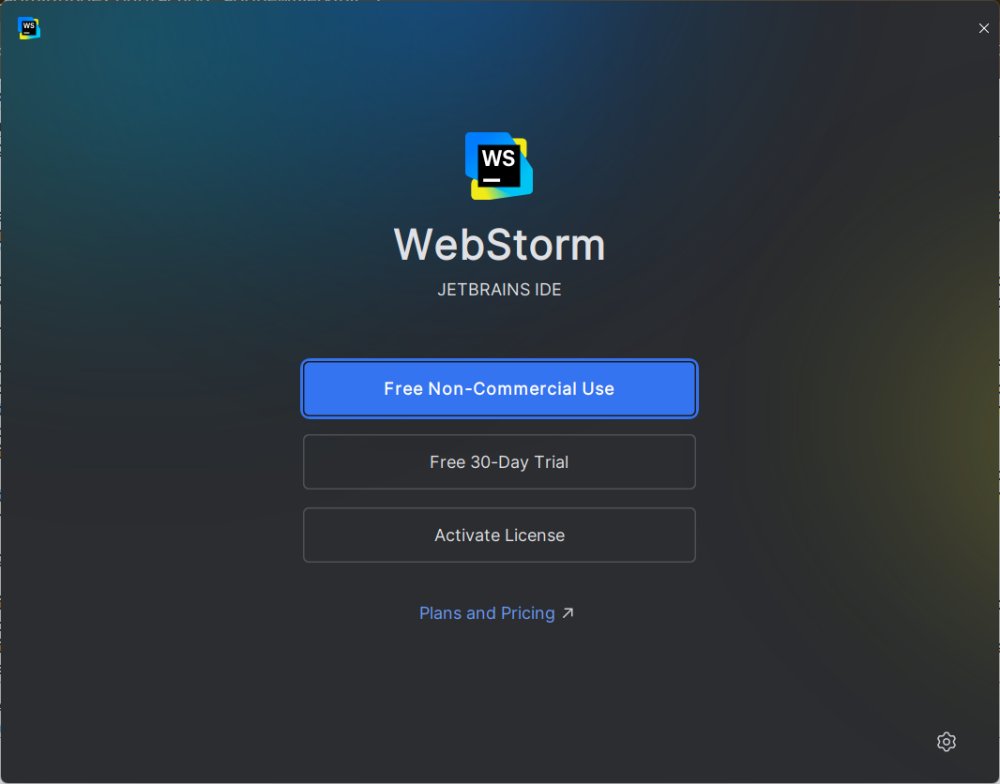
JetBrains has unveiled the latest update of its integrated development environment (IDE) for web and JavaScript development, WebStorm 2025.3.2. This IDE is designed to streamline the development process, making it user-friendly and efficient for developers, especially those working within the JavaScript and TypeScript ecosystems, including Node.js. WebStorm is akin to JetBrains’ other products like IntelliJ IDEA and PyCharm, sharing a robust core engine that supports a responsive and feature-rich environment tailored specifically for web development.
Key Features of WebStorm
WebStorm offers a comprehensive suite of tools and functionalities essential for modern web development. It provides:
1. Real-time Code Intelligence: Advanced features like context-aware autocompletion, refactoring tools, and seamless navigation enhance coding efficiency.
2. Built-in Development Tools: Out-of-the-box support for Git, terminal access, npm scripts, Webpack, Vite, and various testing frameworks like Jest and Mocha eliminates the need for additional configuration.
3. Framework Compatibility: The IDE supports a multitude of web frameworks, including React, Angular, Vue.js, and Svelte, ensuring developers can work in a unified environment regardless of the technology stack.
4. Live Editing and Debugging: WebStorm allows developers to debug both frontend and backend code within the same interface, complete with breakpoints and real-time log tracking.
5. AI Integration: The new version supports local AI coding assistants such as Ollama and LM Studio, allowing for private code suggestions and explanations without the need to upload data to the cloud.
6. Efficient File Navigation: Quick navigation features enable developers to jump between files, methods, and variables effortlessly, enhancing productivity.
Who Should Use WebStorm?
WebStorm is ideal for professional developers and freelancers engaged in web development projects. Its robust feature set justifies the cost for those who code regularly, as it can significantly save time and enhance productivity. The built-in AI tools cater to developers looking for assistance without relinquishing code privacy.
A free individual license is available for non-commercial use, allowing access to the IDE’s features and basic AI tools. However, commercial users will need to purchase a subscription, which ranges from $6 to $28 per month.
Pros and Cons
Pros:
- Comprehensive support for JavaScript, TypeScript, and popular frameworks.
- Integrated tools for version control, debugging, and testing.
- Privacy-focused AI capabilities that run locally.
- Highly customizable through themes and plugins.
Cons:
- May be excessive for hobbyists or those new to programming.
Conclusion
WebStorm stands out as a powerful IDE that caters to serious web developers by providing an all-in-one solution for coding, debugging, and project management. Its latest features, especially the integration of local AI tools, enhance functionality while maintaining user privacy. For developers who spend considerable time coding, WebStorm promises to save time and improve overall productivity, making the investment worthwhile. Transitioning from basic editors to WebStorm will likely feel like a significant upgrade, thanks to its advanced capabilities and cohesive environment.
What's Next?
As web development continues to evolve, future updates of WebStorm may further enhance its AI capabilities and integration with emerging technologies. Continuous improvements in performance and user experience will likely keep WebStorm at the forefront of IDE options for web developers
Key Features of WebStorm
WebStorm offers a comprehensive suite of tools and functionalities essential for modern web development. It provides:
1. Real-time Code Intelligence: Advanced features like context-aware autocompletion, refactoring tools, and seamless navigation enhance coding efficiency.
2. Built-in Development Tools: Out-of-the-box support for Git, terminal access, npm scripts, Webpack, Vite, and various testing frameworks like Jest and Mocha eliminates the need for additional configuration.
3. Framework Compatibility: The IDE supports a multitude of web frameworks, including React, Angular, Vue.js, and Svelte, ensuring developers can work in a unified environment regardless of the technology stack.
4. Live Editing and Debugging: WebStorm allows developers to debug both frontend and backend code within the same interface, complete with breakpoints and real-time log tracking.
5. AI Integration: The new version supports local AI coding assistants such as Ollama and LM Studio, allowing for private code suggestions and explanations without the need to upload data to the cloud.
6. Efficient File Navigation: Quick navigation features enable developers to jump between files, methods, and variables effortlessly, enhancing productivity.
Who Should Use WebStorm?
WebStorm is ideal for professional developers and freelancers engaged in web development projects. Its robust feature set justifies the cost for those who code regularly, as it can significantly save time and enhance productivity. The built-in AI tools cater to developers looking for assistance without relinquishing code privacy.
A free individual license is available for non-commercial use, allowing access to the IDE’s features and basic AI tools. However, commercial users will need to purchase a subscription, which ranges from $6 to $28 per month.
Pros and Cons
Pros:
- Comprehensive support for JavaScript, TypeScript, and popular frameworks.
- Integrated tools for version control, debugging, and testing.
- Privacy-focused AI capabilities that run locally.
- Highly customizable through themes and plugins.
Cons:
- May be excessive for hobbyists or those new to programming.
Conclusion
WebStorm stands out as a powerful IDE that caters to serious web developers by providing an all-in-one solution for coding, debugging, and project management. Its latest features, especially the integration of local AI tools, enhance functionality while maintaining user privacy. For developers who spend considerable time coding, WebStorm promises to save time and improve overall productivity, making the investment worthwhile. Transitioning from basic editors to WebStorm will likely feel like a significant upgrade, thanks to its advanced capabilities and cohesive environment.
What's Next?
As web development continues to evolve, future updates of WebStorm may further enhance its AI capabilities and integration with emerging technologies. Continuous improvements in performance and user experience will likely keep WebStorm at the forefront of IDE options for web developers
WebStorm 2025.3.2 released
WebStorm is the kind of IDE that makes life easier, not messier.