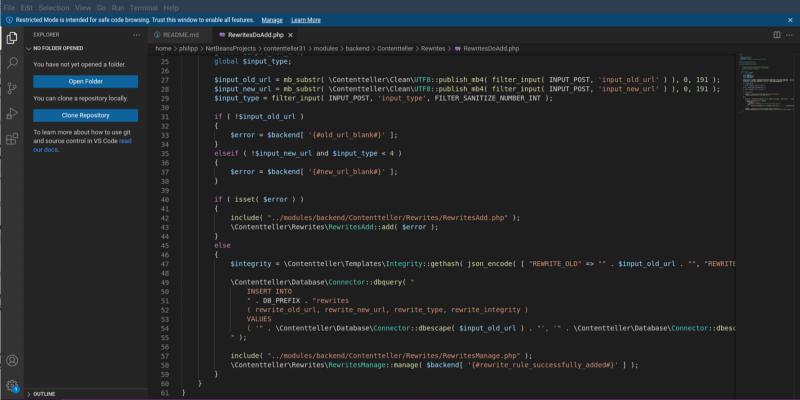
VSCodium has released version 1.110.11631, which includes various fixes aimed at improving user experience during coding. Notable updates feature adjustments to icon sizes in the status bar and terminal, enhanced tab spacing for a cleaner interface, and the ability to disable Copilot's inline suggestions to reduce distractions while coding. Users can easily upgrade through the Help menu without losing their settings, making the process straightforward. This update focuses on enhancing usability, particularly for those who have experienced issues with icon visibility and unwanted suggestions during their coding sessions
VSCodium 1.110.11631: Fix Font Issues, Disable Copilot Inline Actions and Improve Tab Spacing
VSCodium 1.110.1 drops a tidy set of fixes that straighten out icon sizing in the status bar, tighten up tab spacing, and correct the pixel‑perfect look of the minimap’s bottom pane. The update also gives users a quick toggle to turn off Copilot’s inline suggestions, which can be a real nuisance after an extension hiccup. A simple JSON tweak disables those pop‑in hints while preserving the rest of the editor’s AI features. After a restart, the UI should feel smoother and the Copilot pop‑ups will no longer interrupt typing flow.