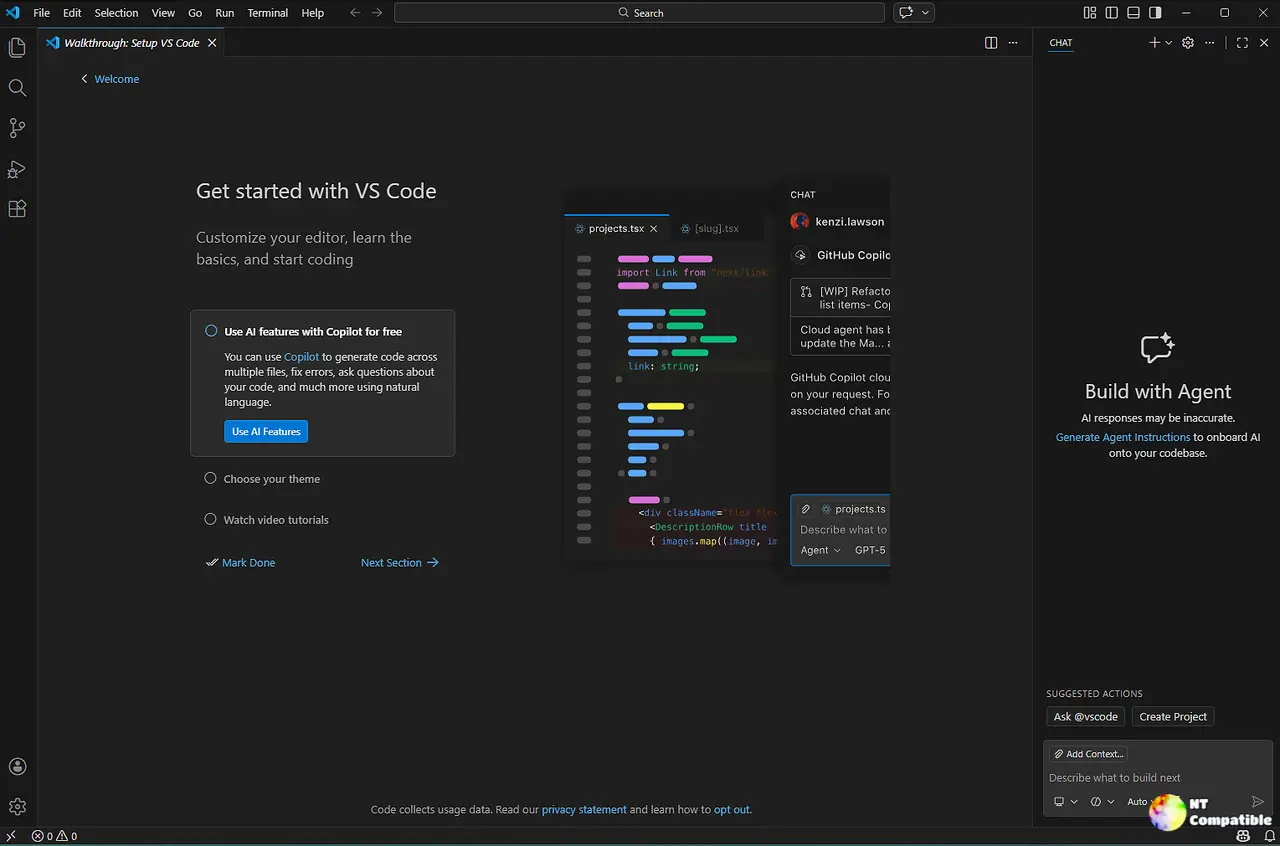
Visual Studio Code version 1.115 introduces significant improvements, such as the ability to paste images directly into the terminal, enhancing the development experience by simplifying file handling. The update also addresses issues with background terminal notifications for AI agents, preventing automation scripts from freezing during timeouts. Mac users benefit from restored pinch-to-zoom functionality in the integrated browser, while session tracking enhancements allow for better management of file edits and customization during automated runs. Overall, this release focuses on improving workflow efficiency without disrupting existing extensions or forcing users into beta testing
Visual Studio Code 1.115.0 released
Visual Studio Code version 1.115 finally lets you paste images directly into the terminal using Ctrl+V or drag-and-drop instead of hunting for file paths. Background terminals now properly notify AI agents when commands finish, stopping automation scripts from freezing during timeout events that plagued previous builds. Mac users get pinch-to-zoom back in the integrated browser while session tracking finally restores file edits and displays favicons in quick pick lists. The update fixes specific workflow bottlenecks without forcing developers into beta territory or breaking existing extension configurations.