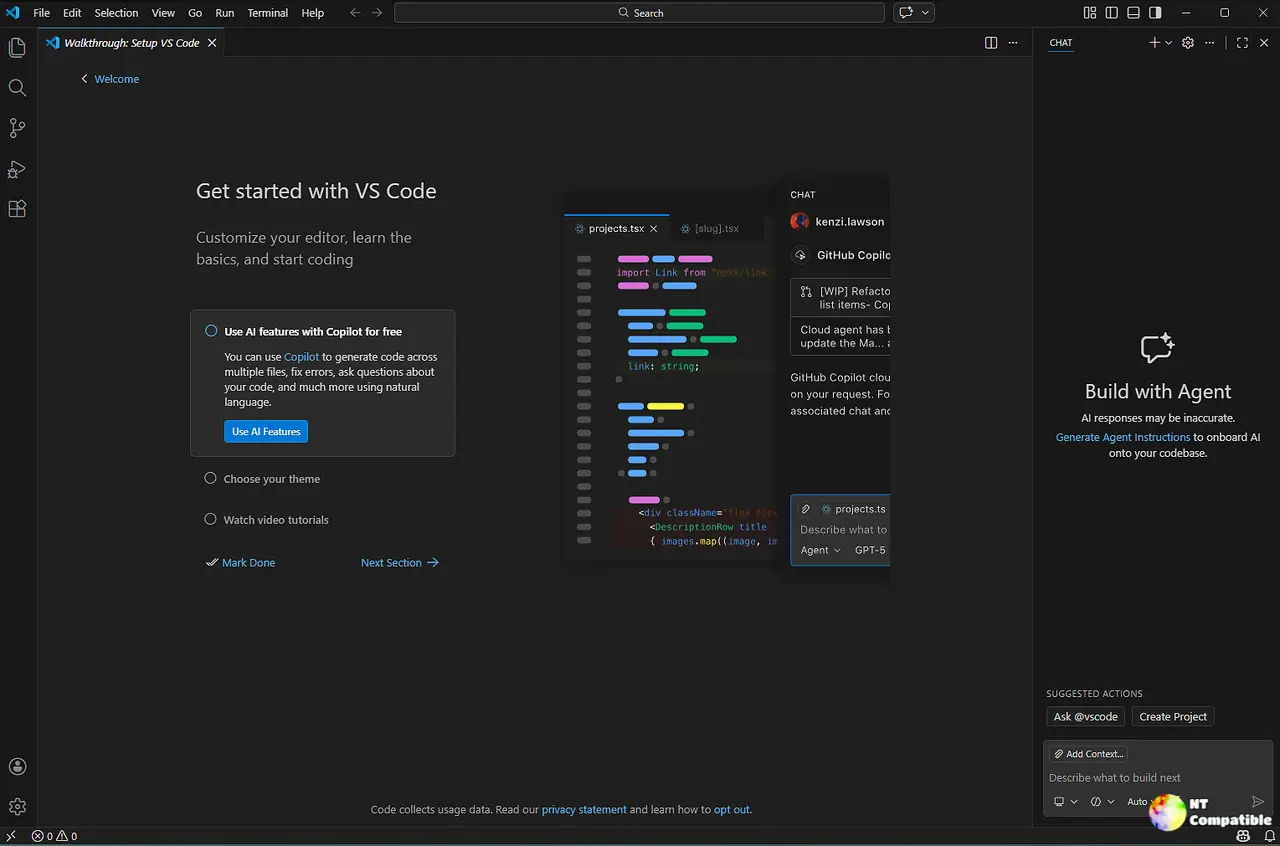
The Visual Studio Code 1.111 release introduces AI-centric features designed to improve user efficiency, including an adjustable permissions picker and a new debug snapshot attachment function. Users can enable the Autopilot feature, which allows the built-in agent to auto-approve tool calls and retry on errors, although it bypasses safety checks, necessitating user caution. The update also enhances terminal usability with a dedicated AI profile group and offers extension authors improved local-string IntelliSense capabilities. Additional improvements include structured onboarding chat tips, agent-scoped hooks for custom processing logic, and various bug fixes to enhance overall performance
Visual Studio Code 1.111 Release: Autopilot, Agent Hooks, and Debug Snapshots Explained
The latest VS Code 1.111 release brings AI‑centric tweaks that let the editor do more for users, from an adjustable permissions picker in the chat view to a new debug snapshot attachment feature that captures agent events at any moment. With chat.autopilot.enabled Stable users can opt into the preview mode that auto‑approves tool calls, keeps retrying on errors, and even answers follow‑up questions until a task_complete signal is sent—an option that requires caution because it ignores configured safety checks.