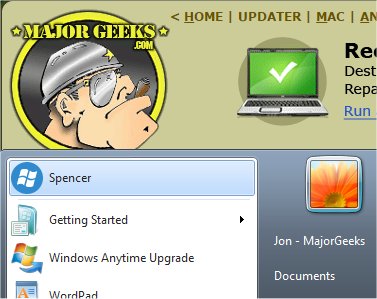
Spencer 1.36 has been released, offering users a free utility that reinstates the classic XP-style Start Menu for Windows 7, 8, 10, and 11. This tool provides easy access to all Start Menu entries, as well as quick links to the Control Panel, Run dialog, Shut Down Windows, and the Administrator command line. Setting up Spencer is straightforward: simply download and extract the program, then right-click to pin it to the taskbar, ensuring it doesn't clash with the 8.1 Start Button, or add it directly to the Start Menu. Users can also assign a shortcut key to the icon, allowing the Start Menu to be opened with a simple keypress.
In addition to its practical features, Spencer enhances user experience by enabling customization of the Start Menu, making it more familiar for those who prefer the XP interface. This release is particularly beneficial for users transitioning from older Windows versions, as it combines the nostalgia of the classic design with modern functionality.
Overall, Spencer 1.36 serves as a valuable tool for those looking to personalize their Windows experience by reverting to a more traditional Start Menu layout, catering to individual preferences in navigation and accessibility. As users continue to seek ways to optimize their systems, Spencer stands out as a user-friendly solution worth exploring
In addition to its practical features, Spencer enhances user experience by enabling customization of the Start Menu, making it more familiar for those who prefer the XP interface. This release is particularly beneficial for users transitioning from older Windows versions, as it combines the nostalgia of the classic design with modern functionality.
Overall, Spencer 1.36 serves as a valuable tool for those looking to personalize their Windows experience by reverting to a more traditional Start Menu layout, catering to individual preferences in navigation and accessibility. As users continue to seek ways to optimize their systems, Spencer stands out as a user-friendly solution worth exploring
Spencer 1.36 released
Spencer is a freeware utility that allows users to return the classic XP-styled Start Menu to Windows 7, 8, 10, and 11.