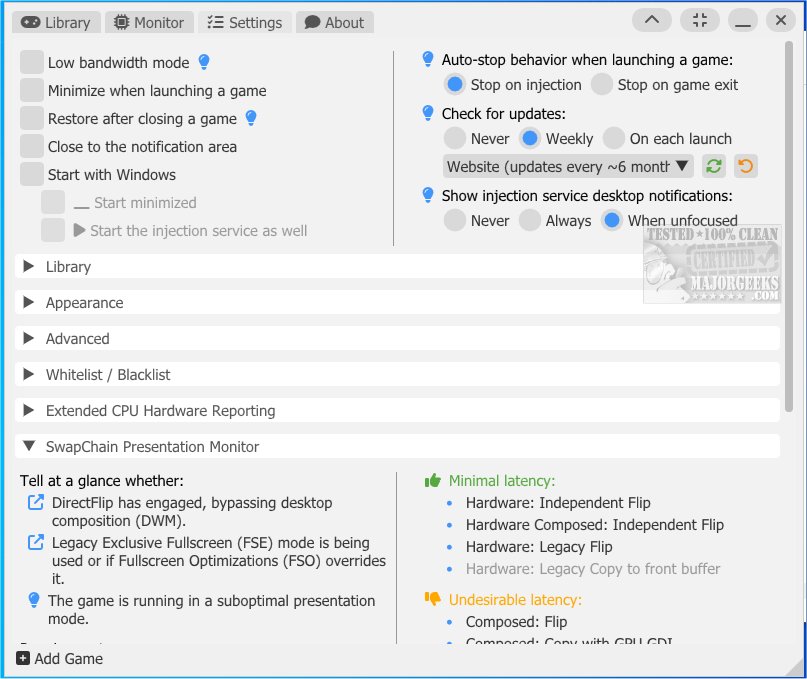
Special K 26.3.15 has been released, offering a rich suite of features aimed at enhancing the PC gaming experience. Designed as a multi-purpose tool, Special K allows gamers to optimize performance and customize their gaming environments extensively, catering to individual preferences and hardware capabilities.
However, users are cautioned that the current versions of Special K may lead to bans in online play, so they should proceed at their own risk. The tool provides a framework for modifying various game elements, addressing common issues that gamers face, and includes enhancements for graphics, performance analysis, and corrections through mods.
Among its advanced capabilities, Special K focuses on modifying the graphics pipeline while also managing input devices, window management, and in-game functionalities linked with Steam. The tool supports specific adjustments for numerous popular games like "Chrono Cross," "Final Fantasy XV," "NieR: Automata," and many others, providing tailored optimizations to improve gameplay.
Key features include an advanced FPS limiter for better frame pacing, enhanced performance in borderless window mode for Direct3D 11 games, and HDR support for various graphics APIs. Users can also override settings for DirectStorage, DLSS, and NVIDIA Reflex, manage audio outputs based on display changes, and even capture screenshots upon unlocking Steam achievements.
For those looking to explore Special K, a dedicated Wiki is available to assist with getting started and addressing frequently asked questions. Additional resources for optimizing gaming on Windows include guides on enabling or disabling Fullscreen Optimizations, monitoring FPS, and managing Xbox Game Bar settings.
In conclusion, Special K stands out as a powerful tool for gamers seeking to enhance their experience through extensive customization and performance improvements, although caution is advised when using it in online environments. As PC gaming continues to evolve, tools like Special K will play a vital role in helping gamers get the most out of their systems
However, users are cautioned that the current versions of Special K may lead to bans in online play, so they should proceed at their own risk. The tool provides a framework for modifying various game elements, addressing common issues that gamers face, and includes enhancements for graphics, performance analysis, and corrections through mods.
Among its advanced capabilities, Special K focuses on modifying the graphics pipeline while also managing input devices, window management, and in-game functionalities linked with Steam. The tool supports specific adjustments for numerous popular games like "Chrono Cross," "Final Fantasy XV," "NieR: Automata," and many others, providing tailored optimizations to improve gameplay.
Key features include an advanced FPS limiter for better frame pacing, enhanced performance in borderless window mode for Direct3D 11 games, and HDR support for various graphics APIs. Users can also override settings for DirectStorage, DLSS, and NVIDIA Reflex, manage audio outputs based on display changes, and even capture screenshots upon unlocking Steam achievements.
For those looking to explore Special K, a dedicated Wiki is available to assist with getting started and addressing frequently asked questions. Additional resources for optimizing gaming on Windows include guides on enabling or disabling Fullscreen Optimizations, monitoring FPS, and managing Xbox Game Bar settings.
In conclusion, Special K stands out as a powerful tool for gamers seeking to enhance their experience through extensive customization and performance improvements, although caution is advised when using it in online environments. As PC gaming continues to evolve, tools like Special K will play a vital role in helping gamers get the most out of their systems
Special K 26.3.15 released
Special K offers a wide range of tools and features designed to enhance the PC gaming experience.