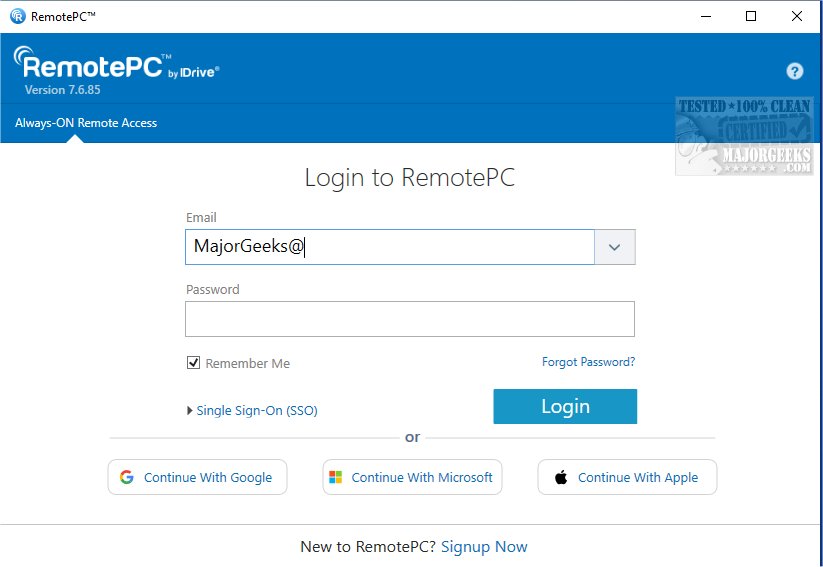
RemotePC has recently released version 7.6.98, enhancing its secure remote desktop access capabilities, which allows users to connect to their computers from virtually anywhere at any time. This tool is ideal for flexible work arrangements, promoting productivity by offering reliable access to remote devices.
Overview of RemotePC
RemotePC enables real-time connections to any remote computer that has an active Internet connection and the RemotePC application installed. This feature allows users to work efficiently from various locations, whether at home, in a café, or while traveling. With Always-ON Remote Access, users can work on documents, manage emails, and run applications remotely. The platform also supports the sharing of a simple session code for secure, instant access.
Managing Remote Computers
One of the standout features of RemotePC is its ability to manage locked or logged-off PCs. This flexibility is crucial for addressing urgent tasks or monitoring systems while on the move. Users can customize connection settings to prioritize either visual quality or response time based on their current needs and internet speed.
Collaboration Features
RemotePC enhances collaboration by allowing users to invite colleagues or friends to access their computers, facilitating teamwork on presentations, joint documents, and file sharing. For mobile users, the extended keyboard feature includes all function keys, simplifying remote control from smartphones or tablets. At the end of a session, users can remotely lock their computers for added security.
The platform also includes a Whiteboard feature for interactive brainstorming, allowing users to draw and annotate directly on the remote screen. Privacy is prioritized with an option to turn off the host computer's display, ensuring confidentiality during remote work.
Adaptability for Various Workflows
RemotePC provides adaptability by allowing users to change screen resolutions from their mobile devices for optimal display. Additionally, it supports printing documents from the remote computer to a local printer, streamlining file management. Effective communication is facilitated through real-time messaging, reducing confusion during virtual collaborations.
Security Features
To bolster security, RemotePC includes a 'Trusted Devices' feature that restricts access to recognized devices only. Users can restart their online computers remotely without needing to establish a new connection, which is useful for troubleshooting. Furthermore, the platform allows users to restart remote Windows computers in safe mode for maintenance purposes.
Conclusion
With exceptional file transfer capabilities and robust features designed for remote work and collaboration, RemotePC stands out as a reliable solution for users seeking efficient remote desktop access. Its emphasis on security, adaptability, and collaboration makes it an appealing choice for professionals in diverse fields.
Future Prospects
As remote work continues to grow in popularity, tools like RemotePC are expected to evolve, potentially incorporating advanced features such as AI-driven automation for routine tasks, enhanced virtual reality collaboration environments, and even more seamless integration with various applications. This could further solidify RemotePC’s position as a leading choice for remote connectivity and teamwork in the future
Overview of RemotePC
RemotePC enables real-time connections to any remote computer that has an active Internet connection and the RemotePC application installed. This feature allows users to work efficiently from various locations, whether at home, in a café, or while traveling. With Always-ON Remote Access, users can work on documents, manage emails, and run applications remotely. The platform also supports the sharing of a simple session code for secure, instant access.
Managing Remote Computers
One of the standout features of RemotePC is its ability to manage locked or logged-off PCs. This flexibility is crucial for addressing urgent tasks or monitoring systems while on the move. Users can customize connection settings to prioritize either visual quality or response time based on their current needs and internet speed.
Collaboration Features
RemotePC enhances collaboration by allowing users to invite colleagues or friends to access their computers, facilitating teamwork on presentations, joint documents, and file sharing. For mobile users, the extended keyboard feature includes all function keys, simplifying remote control from smartphones or tablets. At the end of a session, users can remotely lock their computers for added security.
The platform also includes a Whiteboard feature for interactive brainstorming, allowing users to draw and annotate directly on the remote screen. Privacy is prioritized with an option to turn off the host computer's display, ensuring confidentiality during remote work.
Adaptability for Various Workflows
RemotePC provides adaptability by allowing users to change screen resolutions from their mobile devices for optimal display. Additionally, it supports printing documents from the remote computer to a local printer, streamlining file management. Effective communication is facilitated through real-time messaging, reducing confusion during virtual collaborations.
Security Features
To bolster security, RemotePC includes a 'Trusted Devices' feature that restricts access to recognized devices only. Users can restart their online computers remotely without needing to establish a new connection, which is useful for troubleshooting. Furthermore, the platform allows users to restart remote Windows computers in safe mode for maintenance purposes.
Conclusion
With exceptional file transfer capabilities and robust features designed for remote work and collaboration, RemotePC stands out as a reliable solution for users seeking efficient remote desktop access. Its emphasis on security, adaptability, and collaboration makes it an appealing choice for professionals in diverse fields.
Future Prospects
As remote work continues to grow in popularity, tools like RemotePC are expected to evolve, potentially incorporating advanced features such as AI-driven automation for routine tasks, enhanced virtual reality collaboration environments, and even more seamless integration with various applications. This could further solidify RemotePC’s position as a leading choice for remote connectivity and teamwork in the future
RemotePC 7.6.98 released
RemotePC offers secure remote desktop access, enabling users to connect to their computers anytime, anywhere, day or night. It allows for flexible work arrangements and enhances productivity by providing reliable access to your remote devices.