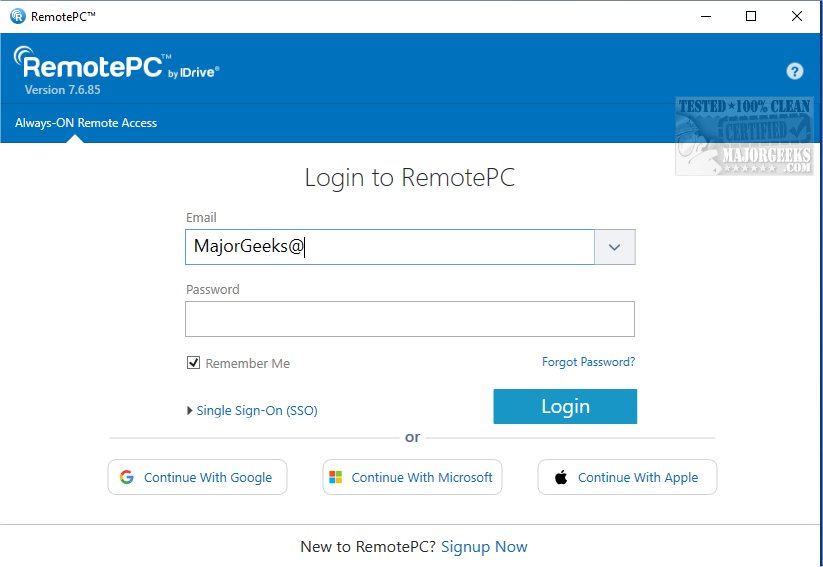
RemotePC has recently released version 7.6.96, enhancing its capabilities for secure remote desktop access. This software allows users to connect to their computers from virtually any location at any time, making it ideal for flexible work arrangements and boosting overall productivity.
What is RemotePC?
RemotePC is a robust application that enables real-time connections to remote computers, given that the target device has an internet connection and the RemotePC app installed. Users can work efficiently from anywhere—be it home, a coffee shop, or while traveling. The Always-ON Remote Access feature allows users to configure their computers for continuous remote control over the internet, and users can share a simple session code for secure, instant access.
Manage Locked or Logged Off PCs
One significant advantage of RemotePC is the ability to manage computers that are logged off or locked. This feature ensures that users can address urgent tasks or monitor systems on the go. The application offers adjustable connection settings to prioritize either quality visuals or faster response times based on the user’s internet speed.
Collaboration Made Easy
RemotePC enhances collaboration by allowing users to invite others to access their computers for joint tasks, such as working on presentations or reviewing documents. The application includes an extended keyboard feature for mobile users, allowing easy control from smartphones or tablets. Users can also lock their remote computer sessions from their mobile devices for added security.
An exciting addition is the Whiteboard feature, which facilitates real-time drawing and annotation on the remote screen, making brainstorming sessions more interactive. For those concerned about privacy, the ability to quickly turn off the host computer’s display ensures confidentiality during remote work.
Adaptable for Any Workflow
RemotePC's adaptability is evident in its ability to change screen resolutions from mobile devices, catering to various workflows. Users can print documents from the remote computer to a local printer, streamlining file management. Real-time messaging capabilities also enhance communication during remote collaborations, reducing confusion often encountered in virtual environments.
Security Features
Security is a top priority for RemotePC. The 'Trusted Devices' feature allows only recognized devices to access remote computers, bolstering account security. Additionally, users can remotely restart their online computers without needing a new connection, which is beneficial for troubleshooting and maintenance tasks.
Geek Verdict
With exceptional file transfer capabilities, RemotePC simplifies the movement of files between mobile devices and remote computers, thereby enhancing data sharing and collaboration. With these powerful features, RemotePC stands out as a leading solution for reliable remote work and teamwork.
Conclusion
In a world increasingly reliant on remote work, tools like RemotePC are essential for maintaining productivity and collaboration. As the demand for flexible work solutions continues to grow, RemotePC's features ensure that users can seamlessly connect to their devices with the security and efficiency necessary for today's work environment
What is RemotePC?
RemotePC is a robust application that enables real-time connections to remote computers, given that the target device has an internet connection and the RemotePC app installed. Users can work efficiently from anywhere—be it home, a coffee shop, or while traveling. The Always-ON Remote Access feature allows users to configure their computers for continuous remote control over the internet, and users can share a simple session code for secure, instant access.
Manage Locked or Logged Off PCs
One significant advantage of RemotePC is the ability to manage computers that are logged off or locked. This feature ensures that users can address urgent tasks or monitor systems on the go. The application offers adjustable connection settings to prioritize either quality visuals or faster response times based on the user’s internet speed.
Collaboration Made Easy
RemotePC enhances collaboration by allowing users to invite others to access their computers for joint tasks, such as working on presentations or reviewing documents. The application includes an extended keyboard feature for mobile users, allowing easy control from smartphones or tablets. Users can also lock their remote computer sessions from their mobile devices for added security.
An exciting addition is the Whiteboard feature, which facilitates real-time drawing and annotation on the remote screen, making brainstorming sessions more interactive. For those concerned about privacy, the ability to quickly turn off the host computer’s display ensures confidentiality during remote work.
Adaptable for Any Workflow
RemotePC's adaptability is evident in its ability to change screen resolutions from mobile devices, catering to various workflows. Users can print documents from the remote computer to a local printer, streamlining file management. Real-time messaging capabilities also enhance communication during remote collaborations, reducing confusion often encountered in virtual environments.
Security Features
Security is a top priority for RemotePC. The 'Trusted Devices' feature allows only recognized devices to access remote computers, bolstering account security. Additionally, users can remotely restart their online computers without needing a new connection, which is beneficial for troubleshooting and maintenance tasks.
Geek Verdict
With exceptional file transfer capabilities, RemotePC simplifies the movement of files between mobile devices and remote computers, thereby enhancing data sharing and collaboration. With these powerful features, RemotePC stands out as a leading solution for reliable remote work and teamwork.
Conclusion
In a world increasingly reliant on remote work, tools like RemotePC are essential for maintaining productivity and collaboration. As the demand for flexible work solutions continues to grow, RemotePC's features ensure that users can seamlessly connect to their devices with the security and efficiency necessary for today's work environment
RemotePC 7.6.96 released
RemotePC offers secure remote desktop access, enabling users to connect to their computers anytime, anywhere, day or night. It allows for flexible work arrangements and enhances productivity by providing reliable access to your remote devices.