PrivacyRoot Task Automator is a newly released software designed to automate a variety of repetitive actions on your PC, significantly enhancing productivity and saving time by reducing the need for manual intervention in routine tasks.
What Does PrivacyRoot Task Automator Do?
The primary function of PrivacyRoot Task Automator is to efficiently execute repetitive tasks that users typically perform on their computers. For example, users can set the application to automatically back up important files when their screensaver activates, or prevent certain applications from launching during Windows startup. The tool features an extensive library of triggers and actions, allowing for a high degree of customization based on individual user needs.
User-Friendly Interface
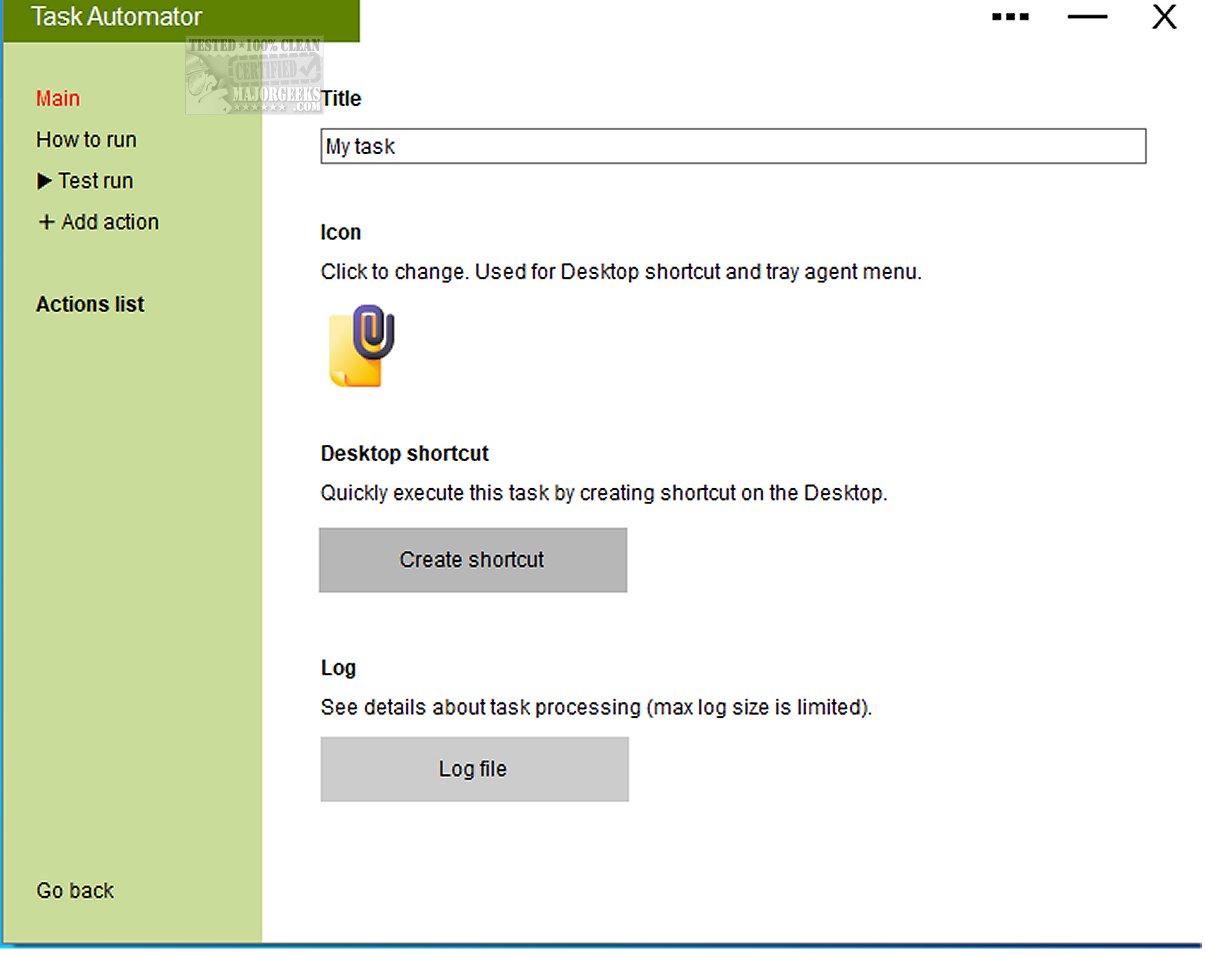
The application is designed with simplicity in mind, making it accessible even to those without prior programming or scripting experience. Users can easily create automated tasks by selecting triggers and corresponding actions through an intuitive interface. Additionally, the software allows for the creation of desktop shortcuts, enabling users to execute their favorite tasks with just a click.
Versatile Task Management
PrivacyRoot Task Automator supports a variety of triggers, including time intervals, Windows startup, screensaver activation, mouse inactivity, and the connection of external drives. The actions that can be performed are wide-ranging, covering file manipulation, controlling third-party applications, and executing internet-related tasks. This flexibility provides users with countless possibilities to enhance their computer's functionality.
Geek Verdict
PrivacyRoot Task Automator is recognized as a robust automation tool that elevates productivity through its diverse triggers and actions. It allows users to seamlessly customize and combine tasks without the need for technical expertise. The creation of desktop shortcuts further enhances convenience, permitting users to execute tasks quickly. Overall, PrivacyRoot Task Automator integrates efficiency with ease, making it an invaluable asset for anyone looking to optimize their daily workflow.
Further Reading and Resources
For users interested in maximizing their productivity, additional resources include guides on automatic and manual trigger starts, keyboard shortcuts for dismissing Windows 10 notifications, an exhaustive list of file explorer shortcuts, and tips for enhancing productivity with time-saving keyboard shortcuts.
Conclusion
PrivacyRoot Task Automator 605 is not just a tool; it is a gateway to a more efficient computing experience, empowering users to automate mundane tasks and focus on more important activities, ultimately transforming the way they interact with their PCs
What Does PrivacyRoot Task Automator Do?
The primary function of PrivacyRoot Task Automator is to efficiently execute repetitive tasks that users typically perform on their computers. For example, users can set the application to automatically back up important files when their screensaver activates, or prevent certain applications from launching during Windows startup. The tool features an extensive library of triggers and actions, allowing for a high degree of customization based on individual user needs.
User-Friendly Interface
The application is designed with simplicity in mind, making it accessible even to those without prior programming or scripting experience. Users can easily create automated tasks by selecting triggers and corresponding actions through an intuitive interface. Additionally, the software allows for the creation of desktop shortcuts, enabling users to execute their favorite tasks with just a click.
Versatile Task Management
PrivacyRoot Task Automator supports a variety of triggers, including time intervals, Windows startup, screensaver activation, mouse inactivity, and the connection of external drives. The actions that can be performed are wide-ranging, covering file manipulation, controlling third-party applications, and executing internet-related tasks. This flexibility provides users with countless possibilities to enhance their computer's functionality.
Geek Verdict
PrivacyRoot Task Automator is recognized as a robust automation tool that elevates productivity through its diverse triggers and actions. It allows users to seamlessly customize and combine tasks without the need for technical expertise. The creation of desktop shortcuts further enhances convenience, permitting users to execute tasks quickly. Overall, PrivacyRoot Task Automator integrates efficiency with ease, making it an invaluable asset for anyone looking to optimize their daily workflow.
Further Reading and Resources
For users interested in maximizing their productivity, additional resources include guides on automatic and manual trigger starts, keyboard shortcuts for dismissing Windows 10 notifications, an exhaustive list of file explorer shortcuts, and tips for enhancing productivity with time-saving keyboard shortcuts.
Conclusion
PrivacyRoot Task Automator 605 is not just a tool; it is a gateway to a more efficient computing experience, empowering users to automate mundane tasks and focus on more important activities, ultimately transforming the way they interact with their PCs
PrivacyRoot Task Automator 605 released
PrivacyRoot Task Automator can execute a wide range of repetitive actions on your PC. It efficiently handles routine or repetitive tasks, allowing you to save time and increase productivity by automating processes that would otherwise require manual intervention.