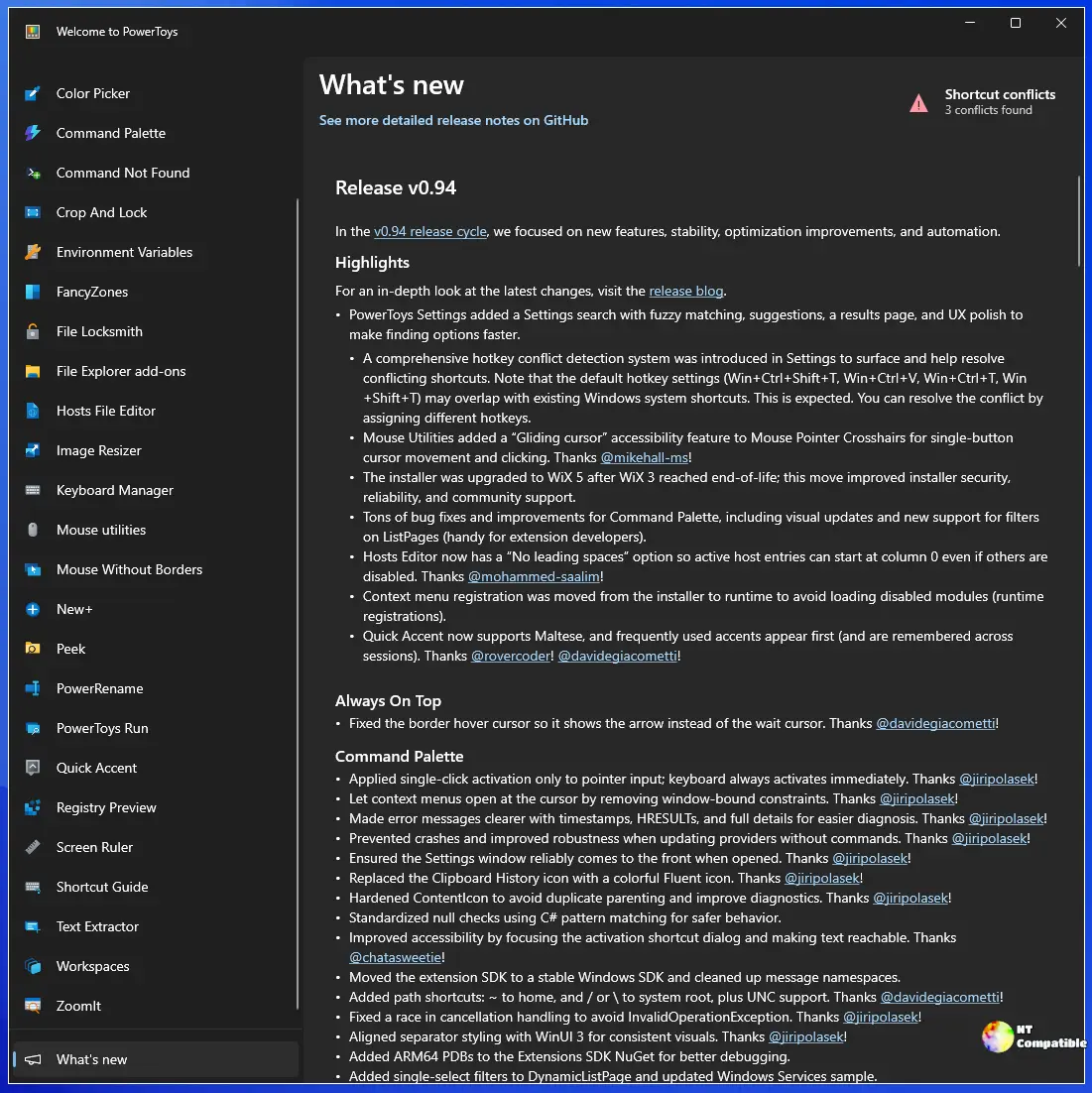
Microsoft has officially launched PowerToys version 0.97.0, marking a substantial update that enhances user experience through new features, stability improvements, and optimization tweaks. A key highlight of this release is the revamped Command Palette, which now includes a dedicated Personalization page, allowing users to customize their interface with background images and custom colors to enhance their creative expression.
Additionally, the Command Palette has introduced a fallback ranking system for search results, ensuring that if the desired command is not immediately visible, users will receive better-suited alternatives automatically. A built-in extension for Light Switch has also been added for easier toggling directly within the Command Palette.
For users with multi-monitor setups, the new CursorWrap tool prevents the cursor from erratically jumping across screens, providing a smoother transition when moving between displays. The update also improves command-line utility support, enhancing CLI integration to streamline automation tasks for users who prefer scripting over standard navigation.
Light Switch now synchronizes its theme with the Night Light mode, offering visual consistency and potentially reducing eye strain. Other improvements include clearer spotlight edges in the Find My Mouse feature and enhanced image support in Advanced Paste for AI transformations.
Bug fixes and optimizations have addressed various issues, including grammar corrections in AI settings, proper loading of background images, and the ability to drag-and-drop Command Palette items. Documentation has also been updated for better clarity regarding Light Switch functionalities, while Mouse Without Borders and Peek have undergone internal improvements for better performance and compatibility.
PowerRename has received significant updates to handle HEIF and AVIF image EXIF data more effectively and optimize memory usage during renaming tasks. The Project Launcher is now transparently listed with third-party software, and Quick Accent has been enhanced with localized quotation marks for better keyboard accessibility.
The update also includes intelligent handling of hotkey conflicts, automatic theme adjustments for tray icons, improved module management, and various performance enhancements throughout. Users can explore the comprehensive release notes for all details regarding the PowerToys v0.97.0 update.
This release showcases Microsoft's continued commitment to enhancing user productivity and experience through regular updates and feature additions, reflecting their responsiveness to user feedback and technological advancements. As PowerToys evolves, it stands to become an even more indispensable tool for power users looking to optimize their workflows and customize their digital environments
Additionally, the Command Palette has introduced a fallback ranking system for search results, ensuring that if the desired command is not immediately visible, users will receive better-suited alternatives automatically. A built-in extension for Light Switch has also been added for easier toggling directly within the Command Palette.
For users with multi-monitor setups, the new CursorWrap tool prevents the cursor from erratically jumping across screens, providing a smoother transition when moving between displays. The update also improves command-line utility support, enhancing CLI integration to streamline automation tasks for users who prefer scripting over standard navigation.
Light Switch now synchronizes its theme with the Night Light mode, offering visual consistency and potentially reducing eye strain. Other improvements include clearer spotlight edges in the Find My Mouse feature and enhanced image support in Advanced Paste for AI transformations.
Bug fixes and optimizations have addressed various issues, including grammar corrections in AI settings, proper loading of background images, and the ability to drag-and-drop Command Palette items. Documentation has also been updated for better clarity regarding Light Switch functionalities, while Mouse Without Borders and Peek have undergone internal improvements for better performance and compatibility.
PowerRename has received significant updates to handle HEIF and AVIF image EXIF data more effectively and optimize memory usage during renaming tasks. The Project Launcher is now transparently listed with third-party software, and Quick Accent has been enhanced with localized quotation marks for better keyboard accessibility.
The update also includes intelligent handling of hotkey conflicts, automatic theme adjustments for tray icons, improved module management, and various performance enhancements throughout. Users can explore the comprehensive release notes for all details regarding the PowerToys v0.97.0 update.
This release showcases Microsoft's continued commitment to enhancing user productivity and experience through regular updates and feature additions, reflecting their responsiveness to user feedback and technological advancements. As PowerToys evolves, it stands to become an even more indispensable tool for power users looking to optimize their workflows and customize their digital environments
PowerToys 0.97.0 released
Microsoft has released PowerToys 0.97.0, a significant update that brings several new features, stability improvements, and optimizations to the table. A standout change is the refreshed Command Palette, which now includes a Personalization page for users to customize their interface with background images and custom colors. Other notable additions include a fallback ranking system for search results in the palette, improved CLI integration, and enhanced tools like CursorWrap and Advanced Paste. The update also addresses bugs and improves various aspects of PowerToys, such as Mouse Without Borders, Peek, and Quick Accent, making it more stable and user-friendly overall.