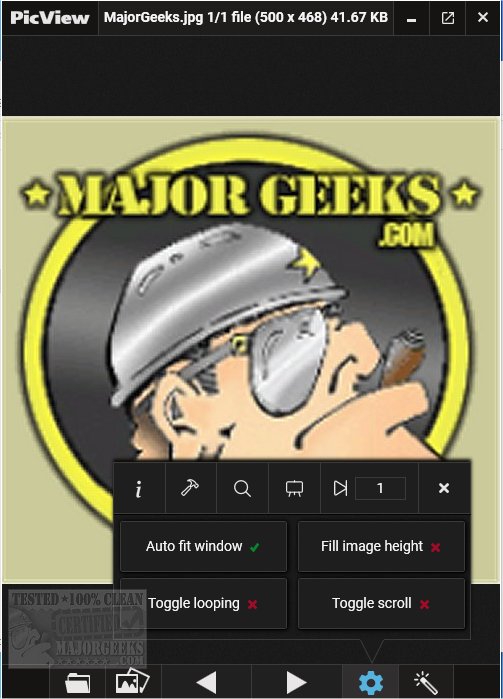
PicView is an Open Source image viewer that prioritizes speed and performance. The latest version, 4.2.0, introduces a range of features that enhance user experience and image handling capabilities.
Key features of PicView include:
- User-Friendly Interface: The software boasts a clear and easy-to-navigate interface, allowing users to toggle between a full image view and the standard interface by pressing Alt + Z. Users can also customize their view by enabling or disabling hover buttons and adjusting the window border colors through the settings menu.
- Background Customization: PicView is capable of displaying images with transparent backgrounds, providing options for a checkerboard, dark, or white background by simply pressing the 'T' key.
- Image Effects and Filters: The software offers 26 shader effects, such as negative colors and pencil sketches, which can be instantly previewed and applied to images. Users can copy these effects to the clipboard for easy sharing or save them directly to their devices. Effects are automatically applied when setting images as wallpapers or lock screens.
- Comprehensive File Format Support: PicView supports a wide range of file formats, including common types like .jpg, .png, and .gif, as well as more specialized formats such as .psd, .heic, and various raw image formats. However, less common formats may take longer to load.
- Basic Image Editing and Management: Users can rotate, flip, crop images, and change file types. PicView also supports drag-and-drop functionality for files, folders, URLs, and archives, alongside capabilities to open files in external applications or view their properties.
In addition to these features, PicView integrates seamlessly with users' workflows, making it a valuable tool for anyone who frequently works with images.
Overall, PicView 4.2.0 stands out as a versatile and efficient image viewer, suitable for both casual users and professionals seeking a reliable solution for image viewing and basic editing.
Future Directions: As PicView continues to evolve, potential future enhancements could include the integration of advanced editing tools, improved performance for uncommon file formats, and additional customization options for the user interface. Engaging the community for feedback and feature requests could further refine and expand the capabilities of this already robust software
Key features of PicView include:
- User-Friendly Interface: The software boasts a clear and easy-to-navigate interface, allowing users to toggle between a full image view and the standard interface by pressing Alt + Z. Users can also customize their view by enabling or disabling hover buttons and adjusting the window border colors through the settings menu.
- Background Customization: PicView is capable of displaying images with transparent backgrounds, providing options for a checkerboard, dark, or white background by simply pressing the 'T' key.
- Image Effects and Filters: The software offers 26 shader effects, such as negative colors and pencil sketches, which can be instantly previewed and applied to images. Users can copy these effects to the clipboard for easy sharing or save them directly to their devices. Effects are automatically applied when setting images as wallpapers or lock screens.
- Comprehensive File Format Support: PicView supports a wide range of file formats, including common types like .jpg, .png, and .gif, as well as more specialized formats such as .psd, .heic, and various raw image formats. However, less common formats may take longer to load.
- Basic Image Editing and Management: Users can rotate, flip, crop images, and change file types. PicView also supports drag-and-drop functionality for files, folders, URLs, and archives, alongside capabilities to open files in external applications or view their properties.
In addition to these features, PicView integrates seamlessly with users' workflows, making it a valuable tool for anyone who frequently works with images.
Overall, PicView 4.2.0 stands out as a versatile and efficient image viewer, suitable for both casual users and professionals seeking a reliable solution for image viewing and basic editing.
Future Directions: As PicView continues to evolve, potential future enhancements could include the integration of advanced editing tools, improved performance for uncommon file formats, and additional customization options for the user interface. Engaging the community for feedback and feature requests could further refine and expand the capabilities of this already robust software
PicView 4.2.0 released
PicView is an Open Source image viewer designed to be fast.