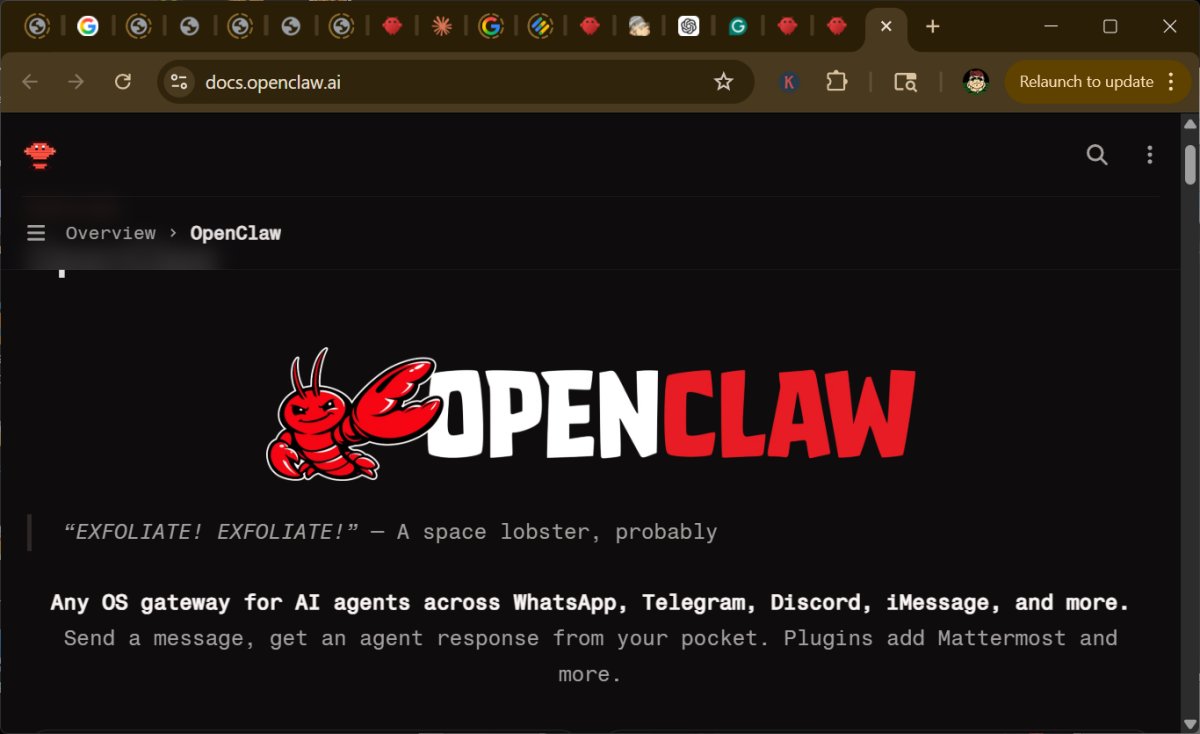
OpenClaw 2026.3.28 has been released as a self-hosted personal AI assistant that operates on your own hardware, providing a more secure and controlled alternative to cloud-based services. It connects seamlessly with popular chat applications like WhatsApp, Telegram, Slack, Discord, and iMessage, allowing users to interact with the AI through familiar platforms. The primary advantage of OpenClaw is the enhanced control over data, tools, and automation it offers, making it a compelling choice for both personal and business use.
Functionality and Use Cases
OpenClaw serves as a bridge between chat applications and an AI agent on your system, capable of managing tasks, maintaining session memory, and integrating with various productivity tools for notes, reminders, email, and more. It excels in automating repetitive tasks, whether in a home setting—like summarizing emails and managing calendars—or in a business context, where it can streamline admin tasks, summarize communication, and consolidate reports for easier access and analysis.
Target Audience and Installation Requirements
The tool is primarily aimed at developers and power users who are comfortable with technical setups, as it requires Node.js and recommends running in a Linux-style environment, such as WSL2 for Windows users. Installation involves command-line operations, which may deter casual users seeking a straightforward plug-and-play solution.
Security Considerations
While OpenClaw can be a powerful automation tool, it comes with inherent security risks. Users must manage permissions carefully to prevent unauthorized access and potential malware infiltration through third-party plugins. The project emphasizes the importance of a secure setup, encouraging users to start with low-risk tasks and gradually expand access as they become more comfortable.
Potential and Limitations
The flexibility and potential of OpenClaw are significant, but its current complexity means it is best suited for those willing to invest time and effort into managing it. For users seeking a simple, maintenance-free assistant, OpenClaw may not be the right fit at this stage. However, for tech-savvy individuals and privacy-conscious users, OpenClaw represents a compelling and innovative solution for personal and professional productivity.
Conclusion
OpenClaw stands out as a noteworthy self-hosted AI assistant, particularly for those who prioritize control and security. Although it may not be suitable for everyone, it offers immense potential for users who can navigate its complexities. As the software evolves, it may become more accessible and secure, making it an exciting option for future exploration in the realm of personal AI assistants
Functionality and Use Cases
OpenClaw serves as a bridge between chat applications and an AI agent on your system, capable of managing tasks, maintaining session memory, and integrating with various productivity tools for notes, reminders, email, and more. It excels in automating repetitive tasks, whether in a home setting—like summarizing emails and managing calendars—or in a business context, where it can streamline admin tasks, summarize communication, and consolidate reports for easier access and analysis.
Target Audience and Installation Requirements
The tool is primarily aimed at developers and power users who are comfortable with technical setups, as it requires Node.js and recommends running in a Linux-style environment, such as WSL2 for Windows users. Installation involves command-line operations, which may deter casual users seeking a straightforward plug-and-play solution.
Security Considerations
While OpenClaw can be a powerful automation tool, it comes with inherent security risks. Users must manage permissions carefully to prevent unauthorized access and potential malware infiltration through third-party plugins. The project emphasizes the importance of a secure setup, encouraging users to start with low-risk tasks and gradually expand access as they become more comfortable.
Potential and Limitations
The flexibility and potential of OpenClaw are significant, but its current complexity means it is best suited for those willing to invest time and effort into managing it. For users seeking a simple, maintenance-free assistant, OpenClaw may not be the right fit at this stage. However, for tech-savvy individuals and privacy-conscious users, OpenClaw represents a compelling and innovative solution for personal and professional productivity.
Conclusion
OpenClaw stands out as a noteworthy self-hosted AI assistant, particularly for those who prioritize control and security. Although it may not be suitable for everyone, it offers immense potential for users who can navigate its complexities. As the software evolves, it may become more accessible and secure, making it an exciting option for future exploration in the realm of personal AI assistants
OpenClaw 2026.3.28 released
OpenClaw is a self-hosted personal AI assistant that runs on your own PC, server, or homelab, rather than on someone else’s cloud.