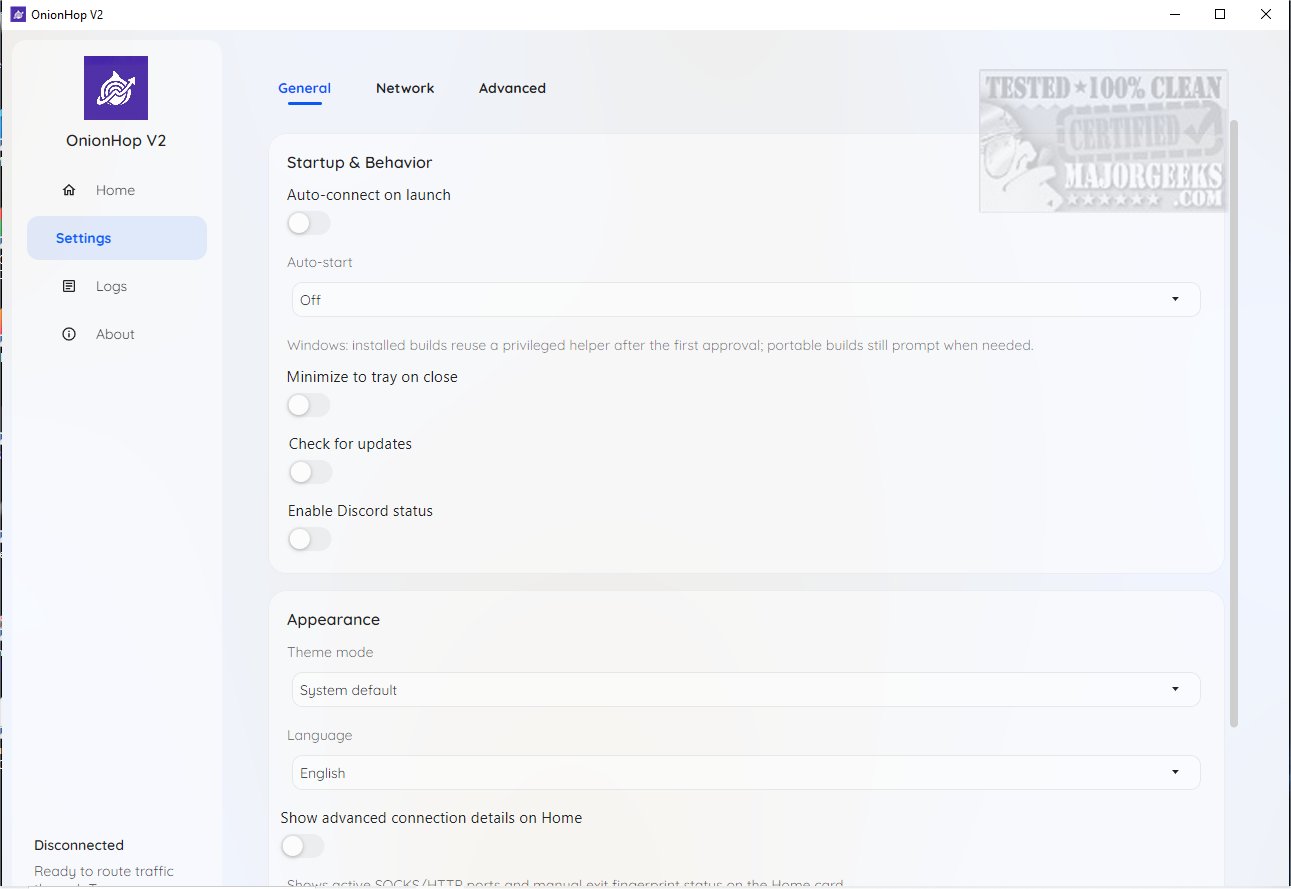
OnionHop version 2.5.3 has been released, offering users improved online privacy through its innovative routing of internet traffic via the Tor network. This application is compatible with both Windows and macOS and provides users with two primary modes of connection to ensure secure browsing:
1. Proxy Mode (Recommended): This mode initiates Tor locally and configures the system to use Tor's local SOCKS5 endpoint. It is particularly user-friendly, making it ideal for everyday users who prefer a less restrictive browsing experience.
2. TUN/VPN Mode (Admin Required): This advanced mode creates a system-wide tunnel utilizing sing-box and Wintun on Windows, offering enhanced security by significantly reducing the risk of DNS leaks. However, it may present challenges regarding app compatibility.
For users experiencing compatibility issues, OnionHop offers a Hybrid Mode, which combines features from both Proxy and TUN/VPN modes to facilitate troubleshooting.
A standout feature of OnionHop is its Censored Network Mode, which enhances tunneling capabilities in regions with restricted internet access. This mode utilizes Secure DNS and SNI bridges, providing a robust solution for users in challenging environments. OnionHop includes its own set of bridges but also allows for the implementation of custom bridges.
Choosing the right exit location is essential for optimizing performance. While users can manually select an exit node from a given list, it is generally recommended to use the automatic mode for the best speed and reliability.
Geek Verdict: OnionHop is an innovative tool that elevates online privacy while ensuring ease of use for individuals with limited technical expertise. It strikes a balance between user-friendliness and extensive customization options for advanced users. With OnionHop, users can enjoy a secure browsing experience that aligns with their unique needs.
Further Reading:
- The importance of avoiding free VPN services
- How to disable Windows 10 & 11 activity history permanently
- Customizing location services in Windows 10 & 11
- Disabling advertising IDs for tailored ads in Windows 10 & 11
Extension:
OnionHop's versatile options cater to a wide range of users, from casual browsers to those needing robust security measures. The application not only safeguards personal information but also encourages users to take control of their online presence. By providing tools that enhance privacy and flexibility, OnionHop empowers individuals to navigate the internet securely and confidently, regardless of their technical proficiency. As digital privacy becomes increasingly crucial in today's online environment, solutions like OnionHop are essential for protecting user data and maintaining anonymity while browsing. With ongoing updates and enhancements, users can expect OnionHop to stay ahead in the realm of online privacy tools
1. Proxy Mode (Recommended): This mode initiates Tor locally and configures the system to use Tor's local SOCKS5 endpoint. It is particularly user-friendly, making it ideal for everyday users who prefer a less restrictive browsing experience.
2. TUN/VPN Mode (Admin Required): This advanced mode creates a system-wide tunnel utilizing sing-box and Wintun on Windows, offering enhanced security by significantly reducing the risk of DNS leaks. However, it may present challenges regarding app compatibility.
For users experiencing compatibility issues, OnionHop offers a Hybrid Mode, which combines features from both Proxy and TUN/VPN modes to facilitate troubleshooting.
A standout feature of OnionHop is its Censored Network Mode, which enhances tunneling capabilities in regions with restricted internet access. This mode utilizes Secure DNS and SNI bridges, providing a robust solution for users in challenging environments. OnionHop includes its own set of bridges but also allows for the implementation of custom bridges.
Choosing the right exit location is essential for optimizing performance. While users can manually select an exit node from a given list, it is generally recommended to use the automatic mode for the best speed and reliability.
Geek Verdict: OnionHop is an innovative tool that elevates online privacy while ensuring ease of use for individuals with limited technical expertise. It strikes a balance between user-friendliness and extensive customization options for advanced users. With OnionHop, users can enjoy a secure browsing experience that aligns with their unique needs.
Further Reading:
- The importance of avoiding free VPN services
- How to disable Windows 10 & 11 activity history permanently
- Customizing location services in Windows 10 & 11
- Disabling advertising IDs for tailored ads in Windows 10 & 11
Extension:
OnionHop's versatile options cater to a wide range of users, from casual browsers to those needing robust security measures. The application not only safeguards personal information but also encourages users to take control of their online presence. By providing tools that enhance privacy and flexibility, OnionHop empowers individuals to navigate the internet securely and confidently, regardless of their technical proficiency. As digital privacy becomes increasingly crucial in today's online environment, solutions like OnionHop are essential for protecting user data and maintaining anonymity while browsing. With ongoing updates and enhancements, users can expect OnionHop to stay ahead in the realm of online privacy tools
OnionHop 2.5.3 released
OnionHop enhances your online privacy by routing your internet traffic through the Tor network using either a proxy or a TUN/VPN connection. This setup ensures a more secure web browsing experience while requiring minimal effort to install and configure.