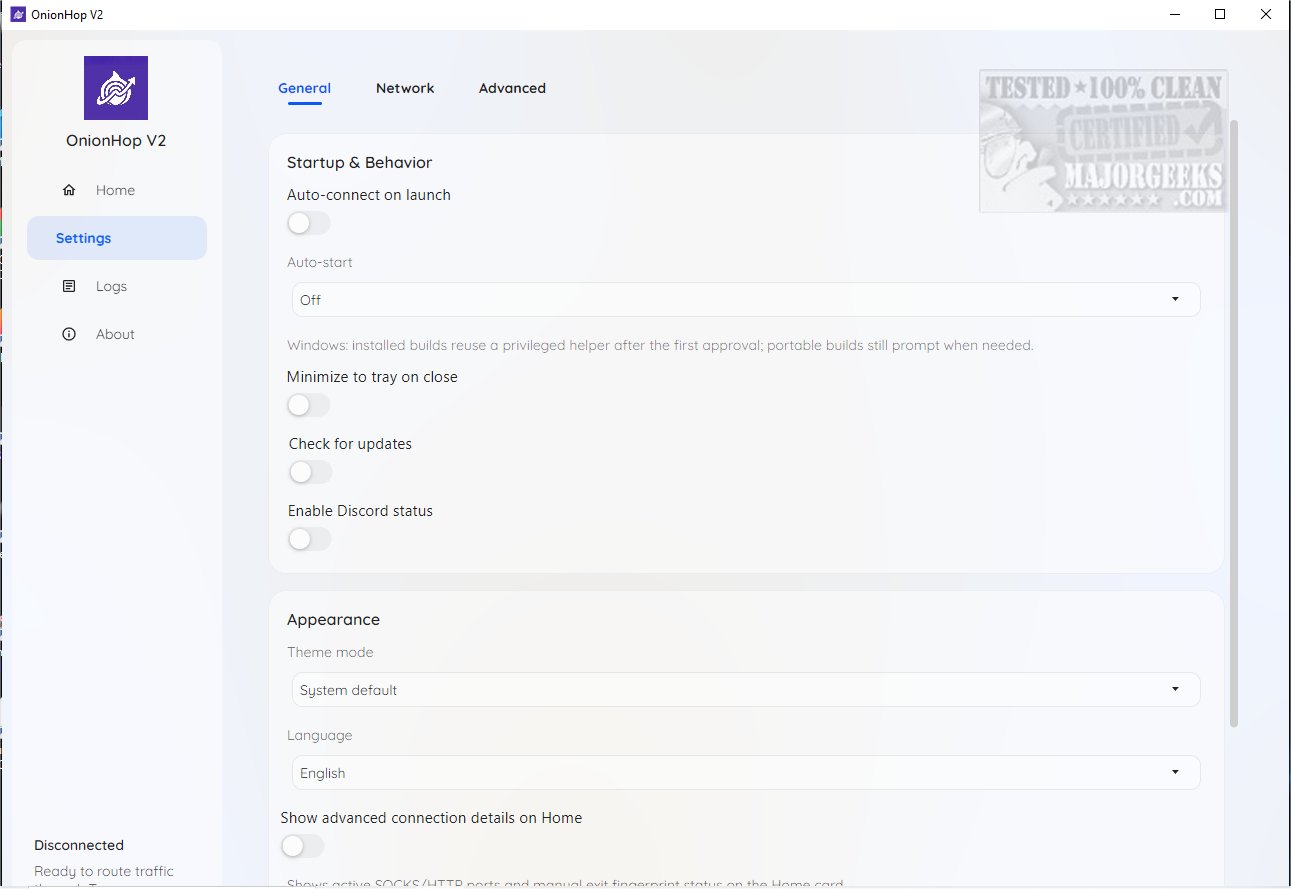
OnionHop has released version 2.5.2, a desktop application designed to enhance online privacy by routing internet traffic through the Tor network. It supports both Windows and macOS platforms and offers a straightforward installation process, making it accessible even for those with limited technical skills.
The application features two main connection modes:
1. Proxy Mode (Recommended): This mode runs Tor locally and sets the system proxy to Tor's SOCKS5 endpoint, making it suitable for everyday users who prefer a less restrictive browsing experience.
2. TUN/VPN Mode (Admin Required): This mode creates a system-wide tunnel using sing-box and Wintun on Windows, providing enhanced security and minimizing the risk of DNS leaks. However, it may present compatibility issues with some applications.
For troubleshooting, OnionHop includes a Hybrid Mode, which combines aspects of both Proxy and TUN/VPN modes to address compatibility concerns.
Another key feature is the Censored Network Mode, which enhances tunneling capabilities through Secure DNS and SNI bridges, making it particularly beneficial for users in areas with restricted internet access. Users can choose from built-in bridges or implement their own custom bridges for added flexibility.
Choosing the right exit node is essential for maintaining performance. Users have the option to select an exit node manually from a list, though the automatic mode is recommended for optimal speed and reliability.
Overall, OnionHop provides an innovative solution that caters to both casual users and those seeking advanced customization for their online privacy needs, ensuring a secure browsing experience tailored to individual lifestyles.
In addition to its primary functions, users are also encouraged to consider the broader implications of online privacy, such as the limitations of free VPN services and the importance of managing settings like activity history, location services, and advertising identifiers in Windows 10 and 11. This holistic approach to online security can significantly enhance the overall user experience while safeguarding personal data
The application features two main connection modes:
1. Proxy Mode (Recommended): This mode runs Tor locally and sets the system proxy to Tor's SOCKS5 endpoint, making it suitable for everyday users who prefer a less restrictive browsing experience.
2. TUN/VPN Mode (Admin Required): This mode creates a system-wide tunnel using sing-box and Wintun on Windows, providing enhanced security and minimizing the risk of DNS leaks. However, it may present compatibility issues with some applications.
For troubleshooting, OnionHop includes a Hybrid Mode, which combines aspects of both Proxy and TUN/VPN modes to address compatibility concerns.
Another key feature is the Censored Network Mode, which enhances tunneling capabilities through Secure DNS and SNI bridges, making it particularly beneficial for users in areas with restricted internet access. Users can choose from built-in bridges or implement their own custom bridges for added flexibility.
Choosing the right exit node is essential for maintaining performance. Users have the option to select an exit node manually from a list, though the automatic mode is recommended for optimal speed and reliability.
Overall, OnionHop provides an innovative solution that caters to both casual users and those seeking advanced customization for their online privacy needs, ensuring a secure browsing experience tailored to individual lifestyles.
In addition to its primary functions, users are also encouraged to consider the broader implications of online privacy, such as the limitations of free VPN services and the importance of managing settings like activity history, location services, and advertising identifiers in Windows 10 and 11. This holistic approach to online security can significantly enhance the overall user experience while safeguarding personal data
OnionHop 2.5.2 released
OnionHop enhances your online privacy by routing your internet traffic through the Tor network using either a proxy or a TUN/VPN connection. This setup ensures a more secure web browsing experience while requiring minimal effort to install and configure.