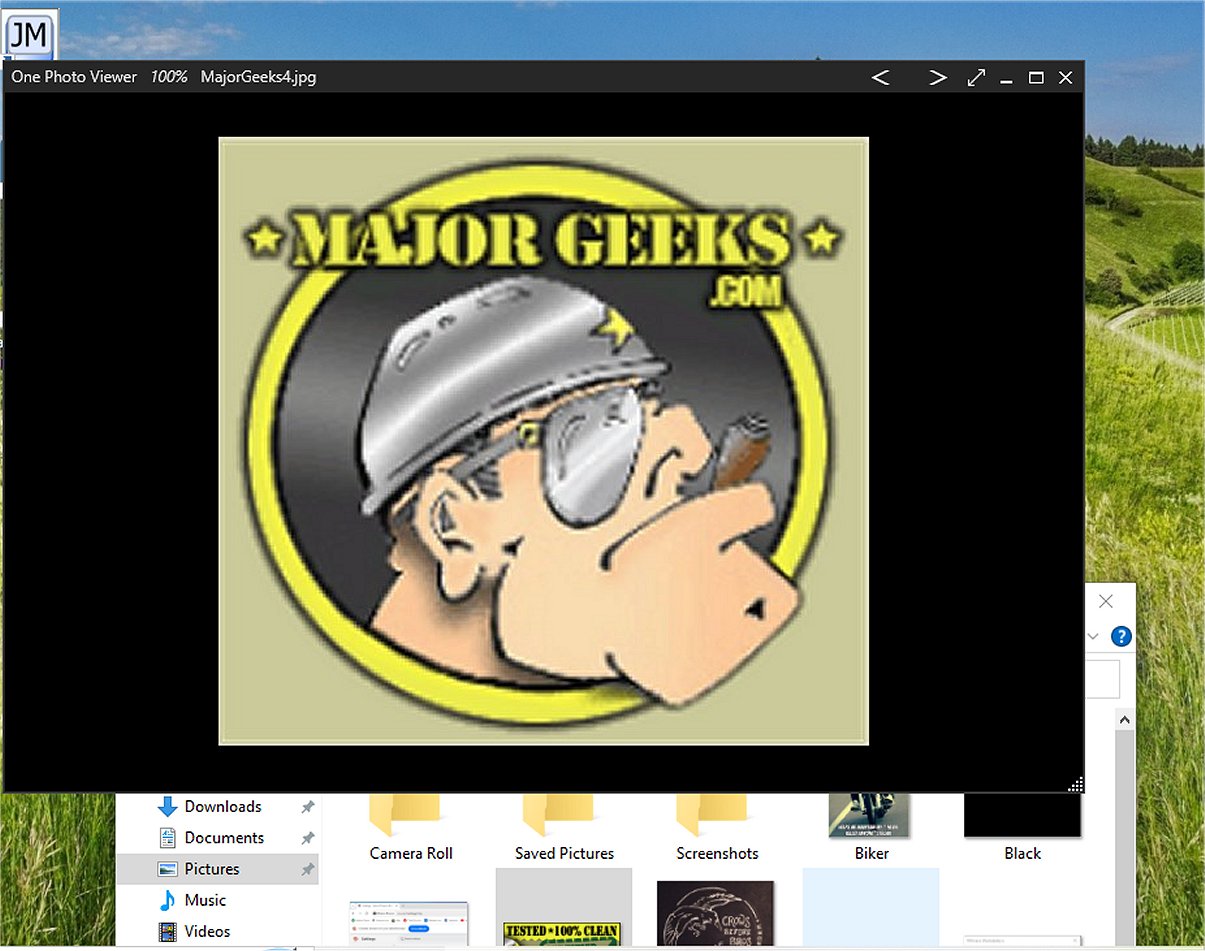
One Photo Viewer has been launched as a user-friendly alternative to the default photo viewer for Windows 10 and 11. This application stands out for its clean and intuitive interface, allowing users to navigate through images with ease. It is particularly suitable for those looking for a straightforward yet effective photo viewing solution.
Key Features of One Photo Viewer
One Photo Viewer offers a highly customizable experience, enabling users to tailor aspects such as background colors for a more personalized viewing environment. One of its standout features is the borderless mode, which presents images in full-screen to eliminate distractions and create an immersive experience.
The application is equipped with a range of features that cater to both casual users and photography enthusiasts, including:
- Slideshow Mode: A dynamic presentation of images that is perfect for showcasing memorable moments.
- Color Adjustment Tools: Users can enhance their images by fine-tuning contrast, brightness, and saturation.
- Cropping and Resizing Options: Easily crop images to highlight specific details or resize them for printing or online sharing.
- Image Rotation: Quickly change the orientation of images with just a few clicks.
- Clipboard Functions: Conveniently copy and paste images or sections of images directly from the clipboard.
User-Friendly Experience
The features are easily accessible through a user-friendly right-click menu or keyboard shortcuts, promoting efficient operation. The application is also fully compatible with touchscreen devices, allowing for effortless navigation.
Geek Verdict
One Photo Viewer is recognized as a lightweight application that conserves storage space while focusing on essential functionalities. By excelling in delivering a reliable and enjoyable photo-viewing experience, it has established itself as an ideal choice for users who prioritize simplicity and effectiveness.
Future Enhancements
As One Photo Viewer continues to evolve, future updates could introduce additional features such as advanced image editing tools, enhanced sharing options to social media, and integration with cloud storage services, allowing for seamless access and management of photos across devices. Continuous user feedback will be vital in shaping these enhancements, ensuring the application remains aligned with user needs and preferences
Key Features of One Photo Viewer
One Photo Viewer offers a highly customizable experience, enabling users to tailor aspects such as background colors for a more personalized viewing environment. One of its standout features is the borderless mode, which presents images in full-screen to eliminate distractions and create an immersive experience.
The application is equipped with a range of features that cater to both casual users and photography enthusiasts, including:
- Slideshow Mode: A dynamic presentation of images that is perfect for showcasing memorable moments.
- Color Adjustment Tools: Users can enhance their images by fine-tuning contrast, brightness, and saturation.
- Cropping and Resizing Options: Easily crop images to highlight specific details or resize them for printing or online sharing.
- Image Rotation: Quickly change the orientation of images with just a few clicks.
- Clipboard Functions: Conveniently copy and paste images or sections of images directly from the clipboard.
User-Friendly Experience
The features are easily accessible through a user-friendly right-click menu or keyboard shortcuts, promoting efficient operation. The application is also fully compatible with touchscreen devices, allowing for effortless navigation.
Geek Verdict
One Photo Viewer is recognized as a lightweight application that conserves storage space while focusing on essential functionalities. By excelling in delivering a reliable and enjoyable photo-viewing experience, it has established itself as an ideal choice for users who prioritize simplicity and effectiveness.
Future Enhancements
As One Photo Viewer continues to evolve, future updates could introduce additional features such as advanced image editing tools, enhanced sharing options to social media, and integration with cloud storage services, allowing for seamless access and management of photos across devices. Continuous user feedback will be vital in shaping these enhancements, ensuring the application remains aligned with user needs and preferences
One Photo Viewer 1.20.0.0 released
One Photo Viewer is an incredibly user-friendly application that serves as an alternative to the default photo viewer in Windows 10 and 11.