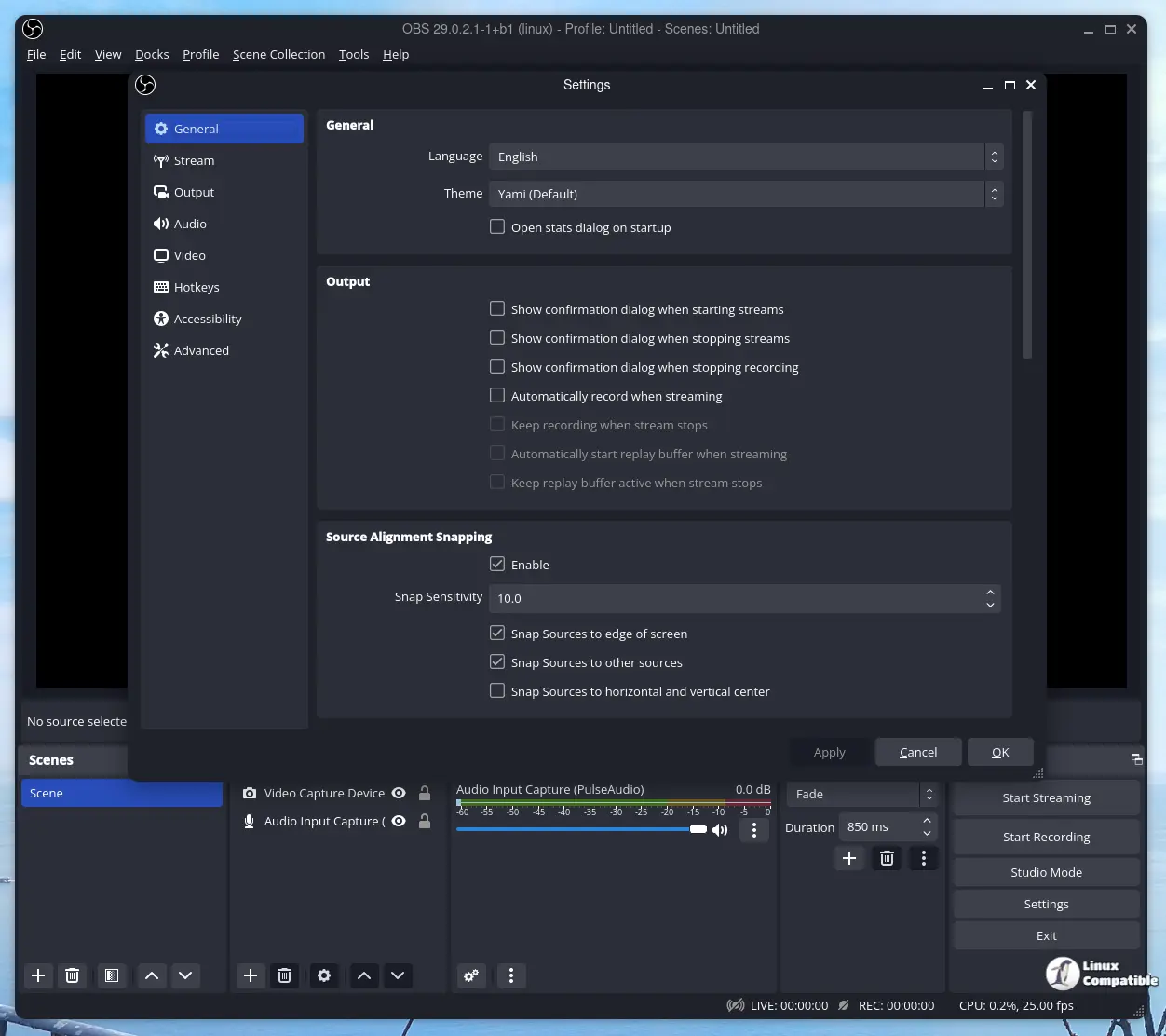
OBS Studio has launched its new beta version, 32.1.0 Beta 2, which introduces various enhancements and features aimed at users keen on exploring advanced functionalities. This update addresses multiple issues from the previous beta, including font size inconsistencies in the Audio Mixer, the absence of tooltips in the Classic theme, and problems with profile or video setting modifications.
Key fixes in Beta 2 include the restoration of functionality in the Audio Mixer, where users can now adjust font sizes without encountering display issues. Contributor Warchamp7 has been instrumental in resolving these problems. Additionally, improvements to the PipeWire Camera sources mean that resolution and aspect ratio details are now correctly displayed, thanks to contributions from pobrn. The update also resolves issues related to changing profiles and settings, as well as transitions that could lock up the software, enhancing overall stability and reducing unexpected crashes during use.
Beyond resolving bugs, Beta 2 introduces new features, such as a completely revamped audio mixer and a simplified source-adding dialog, making it easier to integrate elements into scenes. Source names have been cleaned up to remove the extraneous "Source" label, and the Edit Transform dialog has received updates for better usability.
Performance improvements include disabling dock animations for faster navigation and moving the transition preview button to a more accessible position on the main toolbar. Default dock arrangements have been refined for a more organized interface. Notable features like WebRTC Simulcast support have been added for smoother streaming experiences, and minor adjustments like enabling palettes in the Light theme's audio mixers and increasing default bitrates to 6000 kbps provide users with greater control.
The update also addresses previous projector resolution issues and ensures proper alignment of the Preview/Program window dimensions. Internal adjustments have been made for the Save function, focusing on saving the frontend canvas scenes/groups. Other bug fixes include addressing HEVC caption NAL type issues, video scaling problems in multi-encoder setups, and correcting chapter marker inaccuracies.
Furthermore, users should notice improvements in NVIDIA Blur effects with reduced banding, and macOS users will find screen capture behavior has changed for better item selection. Finally, PipeWire framerate issues have been resolved, enhancing capture device performance.
In summary, OBS Studio 32.1.0 Beta 2 emphasizes bug fixes and usability enhancements while also introducing new features that improve the user experience. Users are encouraged to test this beta version and report any issues they encounter.
- New Features: Revamped audio mixer, improved source-adding dialog, and WebRTC Simulcast support.
- Performance Enhancements: Faster navigation, better alignment of windows, and improved capture performance.
- User Interface Improvements: Cleaner source naming, refined dock arrangements, and adjustments to the Edit Transform dialog.
With these updates, OBS Studio continues to evolve, offering users a robust platform for streaming and video production
Key fixes in Beta 2 include the restoration of functionality in the Audio Mixer, where users can now adjust font sizes without encountering display issues. Contributor Warchamp7 has been instrumental in resolving these problems. Additionally, improvements to the PipeWire Camera sources mean that resolution and aspect ratio details are now correctly displayed, thanks to contributions from pobrn. The update also resolves issues related to changing profiles and settings, as well as transitions that could lock up the software, enhancing overall stability and reducing unexpected crashes during use.
Beyond resolving bugs, Beta 2 introduces new features, such as a completely revamped audio mixer and a simplified source-adding dialog, making it easier to integrate elements into scenes. Source names have been cleaned up to remove the extraneous "Source" label, and the Edit Transform dialog has received updates for better usability.
Performance improvements include disabling dock animations for faster navigation and moving the transition preview button to a more accessible position on the main toolbar. Default dock arrangements have been refined for a more organized interface. Notable features like WebRTC Simulcast support have been added for smoother streaming experiences, and minor adjustments like enabling palettes in the Light theme's audio mixers and increasing default bitrates to 6000 kbps provide users with greater control.
The update also addresses previous projector resolution issues and ensures proper alignment of the Preview/Program window dimensions. Internal adjustments have been made for the Save function, focusing on saving the frontend canvas scenes/groups. Other bug fixes include addressing HEVC caption NAL type issues, video scaling problems in multi-encoder setups, and correcting chapter marker inaccuracies.
Furthermore, users should notice improvements in NVIDIA Blur effects with reduced banding, and macOS users will find screen capture behavior has changed for better item selection. Finally, PipeWire framerate issues have been resolved, enhancing capture device performance.
In summary, OBS Studio 32.1.0 Beta 2 emphasizes bug fixes and usability enhancements while also introducing new features that improve the user experience. Users are encouraged to test this beta version and report any issues they encounter.
Key Features of OBS Studio 32.1.0 Beta 2:
- Bug Fixes: Resolved audio mixer button visibility, tooltip issues, profile changes, and software stability improvements.- New Features: Revamped audio mixer, improved source-adding dialog, and WebRTC Simulcast support.
- Performance Enhancements: Faster navigation, better alignment of windows, and improved capture performance.
- User Interface Improvements: Cleaner source naming, refined dock arrangements, and adjustments to the Edit Transform dialog.
With these updates, OBS Studio continues to evolve, offering users a robust platform for streaming and video production
OBS Studio 32.1.0 Beta 2 released
OBS Studio has released its latest beta version, 32.1.0 Beta 2, which offers improvements and new features for those experimenting with cutting-edge technology. This update resolves several issues that were present in the previous beta, including problems with font sizes in the Audio Mixer, missing tooltips when using the Classic theme, and difficulties changing profiles or video settings.