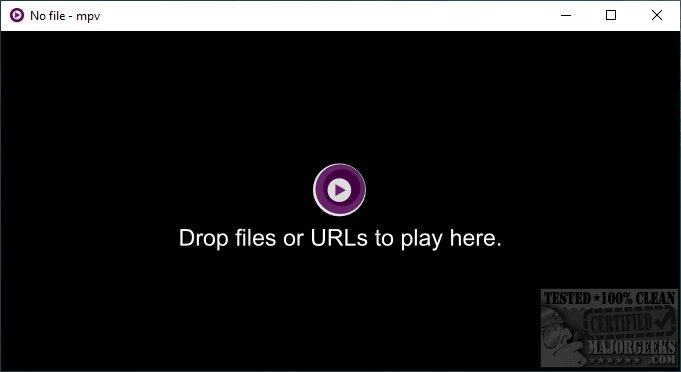
The latest release of mpv player, version 0.41.0, continues to enhance its reputation as a versatile media player forked from MPlayer, designed to deliver audio and video playback through a streamlined interface. The primary objective of mpv is to support a wide array of media file formats, audio and video codecs, as well as subtitle formats. Users may notice that the player window can appear smaller at times, but a simple double-click on the icon in the lower right corner allows it to expand to full screen.
Notably, mpv boasts advanced video output capabilities through OpenGL, Vulkan, and D3D11, which facilitate features like high-quality video scaling, color management, precise frame timing, and HDR interpolation. Additionally, it can utilize various hardware decoding APIs across platforms, allowing for real-time hardware decoding when needed. During testing, mpv demonstrated its ability to handle virtually any media file, making it an excellent choice for users seeking a minimalist yet powerful playback solution.
For those interested in optimizing their audio experience, there are also guides available on enabling Windows Sonic Surround Sound on Windows 10 and 11, converting audio or video using VLC Media Player, and diagnosing sound delays, lags, and audio latency issues in Windows.
In summary, mpv player 0.41.0 is a powerful, user-friendly media player that excels in compatibility and performance, making it a top recommendation for users looking for an efficient playback option. Its ongoing development suggests that future updates will continue to enhance its capabilities and user experience
Notably, mpv boasts advanced video output capabilities through OpenGL, Vulkan, and D3D11, which facilitate features like high-quality video scaling, color management, precise frame timing, and HDR interpolation. Additionally, it can utilize various hardware decoding APIs across platforms, allowing for real-time hardware decoding when needed. During testing, mpv demonstrated its ability to handle virtually any media file, making it an excellent choice for users seeking a minimalist yet powerful playback solution.
For those interested in optimizing their audio experience, there are also guides available on enabling Windows Sonic Surround Sound on Windows 10 and 11, converting audio or video using VLC Media Player, and diagnosing sound delays, lags, and audio latency issues in Windows.
In summary, mpv player 0.41.0 is a powerful, user-friendly media player that excels in compatibility and performance, making it a top recommendation for users looking for an efficient playback option. Its ongoing development suggests that future updates will continue to enhance its capabilities and user experience
mpv player 0.41.0 released
mpv player is a fork of MPlayer designed to play any music or video in a simple, uncluttered interface.