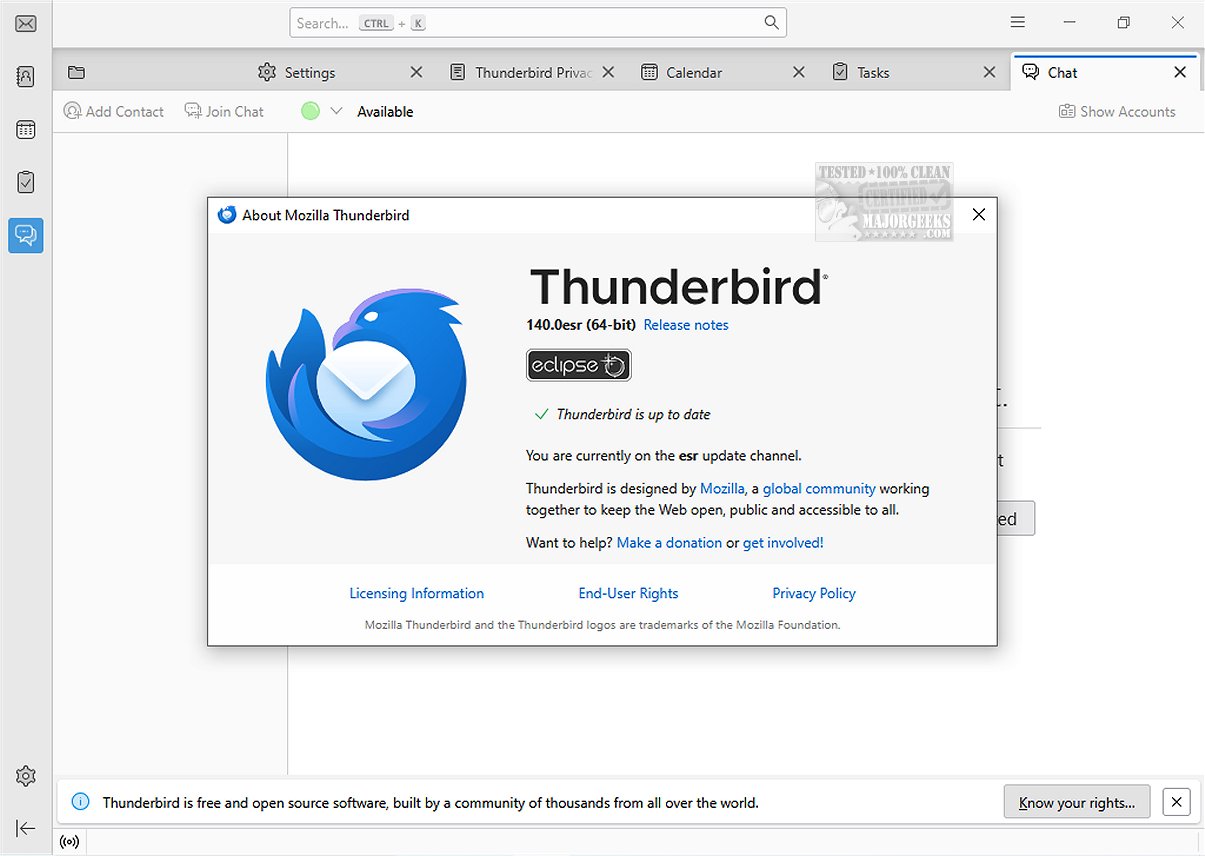
Mozilla Thunderbird Eclipse ESR 140.9.0 has been released as an advanced and free email application. It is designed with customization in mind and offers a comprehensive suite of features to enhance user experience. A portable version is also available for those who prefer a mobile setup.
The Mozilla Thunderbird Eclipse ESR is part of an ongoing development cycle, specifically the ESR 140 series which began in June 2025 and is expected to receive support for approximately one year. This release incorporates all the features and improvements from previous Thunderbird versions up to 140, marking it as a significant update.
Notable enhancements in this release include:
- Vertical Tabs Layout: Users can now arrange their tabs vertically for easier navigation.
- Memory Management: Tabs can be unloaded from memory without being closed, optimizing resource use.
- Custom Search Engines: Adding custom search engines has been simplified.
- Tab Grouping: Organize tabs into groups for better management.
- Enhanced Reader View: New options for text and layout improve readability.
- HTTPS-First Mode: A focus on secure browsing with HTTPS as the default.
- Bounce Tracking Protection: Enhanced privacy features in strict Enhanced Tracking Protection (ETP) mode.
Mozilla Thunderbird emphasizes speed, security, and ease of use, making it suitable for both individuals and organizations. Its built-in features include intuitive message search, customizable views, and support for various protocols like IMAP, POP, and RSS feeds.
The latest version introduces a dynamic toolbar that adjusts based on user activity, allowing for a more personalized experience. The graphical user interface has also been overhauled for easier navigation and improved aesthetics. Additionally, Thunderbird Eclipse ESR maintains compatibility with numerous Mozilla Add-Ons, enhancing its functionality further.
The email client prioritizes security, featuring an effective junk mail filter to detect spam and the ability for users to manually filter messages. It also includes robust security measures like digital signing, message encryption, S/MIME support, and certificate integration, catering to the needs of enterprises and government agencies.
Mozilla Thunderbird Eclipse ESR 140.9.0 is a reliable and secure email client, making it an excellent choice for managing both personal and organizational emails. With its new features and enhanced user experience, it stands out in the realm of email applications. For those interested in a portable version, it is readily available.
As email security becomes increasingly important, Thunderbird's focus on robust safety features positions it well in a competitive market. Future updates could further expand its customization options and improve integration with other communication tools, keeping it relevant in a rapidly evolving digital landscape
Overview of Mozilla Thunderbird Eclipse ESR
The Mozilla Thunderbird Eclipse ESR is part of an ongoing development cycle, specifically the ESR 140 series which began in June 2025 and is expected to receive support for approximately one year. This release incorporates all the features and improvements from previous Thunderbird versions up to 140, marking it as a significant update.
Key Features
Notable enhancements in this release include:
- Vertical Tabs Layout: Users can now arrange their tabs vertically for easier navigation.
- Memory Management: Tabs can be unloaded from memory without being closed, optimizing resource use.
- Custom Search Engines: Adding custom search engines has been simplified.
- Tab Grouping: Organize tabs into groups for better management.
- Enhanced Reader View: New options for text and layout improve readability.
- HTTPS-First Mode: A focus on secure browsing with HTTPS as the default.
- Bounce Tracking Protection: Enhanced privacy features in strict Enhanced Tracking Protection (ETP) mode.
Speed, Safety, and User Experience
Mozilla Thunderbird emphasizes speed, security, and ease of use, making it suitable for both individuals and organizations. Its built-in features include intuitive message search, customizable views, and support for various protocols like IMAP, POP, and RSS feeds.
The latest version introduces a dynamic toolbar that adjusts based on user activity, allowing for a more personalized experience. The graphical user interface has also been overhauled for easier navigation and improved aesthetics. Additionally, Thunderbird Eclipse ESR maintains compatibility with numerous Mozilla Add-Ons, enhancing its functionality further.
Security Features
The email client prioritizes security, featuring an effective junk mail filter to detect spam and the ability for users to manually filter messages. It also includes robust security measures like digital signing, message encryption, S/MIME support, and certificate integration, catering to the needs of enterprises and government agencies.
Conclusion
Mozilla Thunderbird Eclipse ESR 140.9.0 is a reliable and secure email client, making it an excellent choice for managing both personal and organizational emails. With its new features and enhanced user experience, it stands out in the realm of email applications. For those interested in a portable version, it is readily available.
Additional Thoughts
As email security becomes increasingly important, Thunderbird's focus on robust safety features positions it well in a competitive market. Future updates could further expand its customization options and improve integration with other communication tools, keeping it relevant in a rapidly evolving digital landscape
Mozilla Thunderbird Eclipse ESR 140.9.0 released
Mozilla Thunderbird Eclipse ESR is a versatile and free email application that stands out due to its ease of customization and a rich set of features that enhance user experience.Portable version also available.
Mozilla Thunderbird Eclipse ESR 140.9.0 released @ MajorGeeks