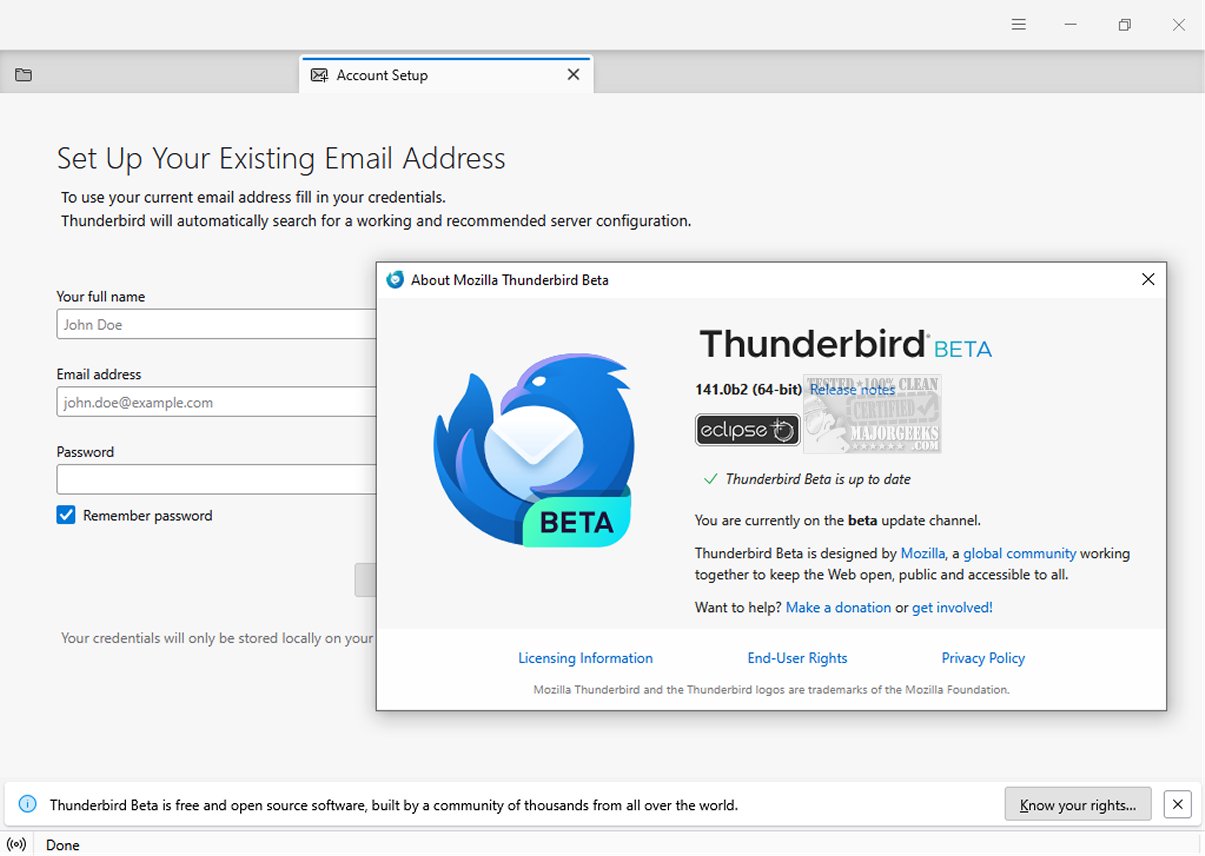
Mozilla Thunderbird Eclipse 146.0 Beta 3 has been released, showcasing an email client that emphasizes security, efficiency, and ease of use. This version includes a plethora of built-in functionalities such as intuitive message search capabilities, customizable views, and support for various protocols like IMAP, POP, and RSS. Additionally, a portable version of the client is available for users on the go.
A notable enhancement in this release is the introduction of a dynamic toolbar, which adapts to display frequently used tools and options based on the active tab or workspace. Users can further personalize their experience by customizing both the toolbar and window layout to optimize their workflow. The graphical user interface (GUI) has also undergone a complete redesign, making it more user-friendly and visually appealing.
Mozilla Thunderbird Eclipse is designed to be a secure and dependable solution for managing organizational emails. It includes robust safety features, such as a junk mail filter that effectively analyzes incoming messages to identify and manage potential spam. Users have the option to manually review and select emails that might bypass the filter. Furthermore, the email client implements high-level security protocols, including digital signing, message encryption, S/MIME support, and certificate management, which are essential for enterprise and government use.
Moreover, Thunderbird Eclipse supports a wide variety of Mozilla Add-Ons, allowing users to further expand the email client's functionalities and tailor it to their specific needs. These add-ons are crucial for creating a personalized and efficient email management system.
In summary, Mozilla Thunderbird Eclipse 146.0 Beta 3 not only fortifies its commitment to security and user satisfaction but also enhances its adaptability through customizable features and a modernized interface. As users continue to seek effective solutions for their email management needs, Thunderbird Eclipse positions itself as a versatile and secure choice in the email client landscape
A notable enhancement in this release is the introduction of a dynamic toolbar, which adapts to display frequently used tools and options based on the active tab or workspace. Users can further personalize their experience by customizing both the toolbar and window layout to optimize their workflow. The graphical user interface (GUI) has also undergone a complete redesign, making it more user-friendly and visually appealing.
Mozilla Thunderbird Eclipse is designed to be a secure and dependable solution for managing organizational emails. It includes robust safety features, such as a junk mail filter that effectively analyzes incoming messages to identify and manage potential spam. Users have the option to manually review and select emails that might bypass the filter. Furthermore, the email client implements high-level security protocols, including digital signing, message encryption, S/MIME support, and certificate management, which are essential for enterprise and government use.
Moreover, Thunderbird Eclipse supports a wide variety of Mozilla Add-Ons, allowing users to further expand the email client's functionalities and tailor it to their specific needs. These add-ons are crucial for creating a personalized and efficient email management system.
In summary, Mozilla Thunderbird Eclipse 146.0 Beta 3 not only fortifies its commitment to security and user satisfaction but also enhances its adaptability through customizable features and a modernized interface. As users continue to seek effective solutions for their email management needs, Thunderbird Eclipse positions itself as a versatile and secure choice in the email client landscape
Mozilla Thunderbird Eclipse 146.0 Beta 3 released
Mozilla Thunderbird Eclipse is an email client prioritizing safety, speed, and user-friendliness. It has numerous built-in features, such as easy message search, customizable views, and IMAP/POP and RSS support. A Portable version is also available.
Mozilla Thunderbird Eclipse 146.0 Beta 3 released @ MajorGeeks