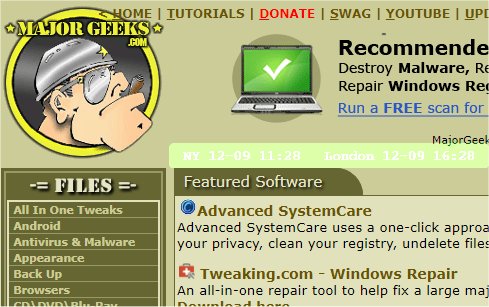
The latest version, mclocks 0.2.43, has been released, enhancing the functionality of this Open Source application designed for displaying multiple time zone clocks. This tool is particularly beneficial for individuals who travel frequently or participate in international meetings, as it allows for easy tracking of different time zones.
To set up the clocks, users need to configure a JSON file named config.json, which can be edited using a simple text editor like Notepad. An example configuration for this file is provided, showcasing how to add clocks for different cities along with customizable options such as date format, language locale, and visual attributes like font color and size.
For those interested in further enhancing their time management capabilities, related resources are available, including guides on displaying multiple clocks on Windows, fixing incorrect date or time settings, and optimizing the appearance of the Windows taskbar clock.
In addition to its core functionality, mclocks could potentially be expanded to include features like customizable alarm settings for each time zone, integration with calendar applications for real-time scheduling, and user-friendly graphical interfaces that simplify the configuration process. Future updates could also introduce mobile compatibility, allowing users to access their time zone clocks on the go
To set up the clocks, users need to configure a JSON file named config.json, which can be edited using a simple text editor like Notepad. An example configuration for this file is provided, showcasing how to add clocks for different cities along with customizable options such as date format, language locale, and visual attributes like font color and size.
For those interested in further enhancing their time management capabilities, related resources are available, including guides on displaying multiple clocks on Windows, fixing incorrect date or time settings, and optimizing the appearance of the Windows taskbar clock.
In addition to its core functionality, mclocks could potentially be expanded to include features like customizable alarm settings for each time zone, integration with calendar applications for real-time scheduling, and user-friendly graphical interfaces that simplify the configuration process. Future updates could also introduce mobile compatibility, allowing users to access their time zone clocks on the go
mclocks 0.2.43 released
mclocks is an Open Source app that allows you to display multiple time zone clocks.