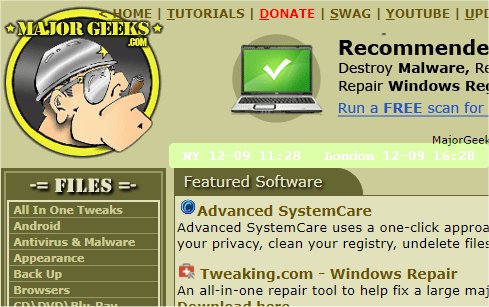
The latest release of mclocks, version 0.2.37, is an Open Source application designed to facilitate the display of multiple clocks across different time zones. This feature is particularly useful for individuals who travel frequently or participate in international meetings, as it allows for easy reference to various global times.
To add new clocks, users need to configure a JSON file named config.json, which can be edited using Notepad. An example configuration includes cities like New York and London, alongside settings for date and time formatting, display options such as font color and size, and background color preferences.
Here’s a sample of the config.json settings:
In addition to mclocks, users may find related topics of interest, including guides on displaying multiple clocks on Windows, fixing incorrect date or time settings, customizing the taskbar to show time only, and removing the clock from the taskbar altogether.
To extend this, mclocks can also be beneficial for businesses with global operations, allowing teams in different countries to coordinate better. The user-friendly interface and customizable features make it adaptable to various preferences, enhancing both personal productivity and collaborative efforts across time zones. Furthermore, as remote work continues to rise, tools like mclocks become increasingly essential for maintaining synchronization among geographically dispersed teams
To add new clocks, users need to configure a JSON file named config.json, which can be edited using Notepad. An example configuration includes cities like New York and London, alongside settings for date and time formatting, display options such as font color and size, and background color preferences.
Here’s a sample of the config.json settings:
json{
"clocks": [
{ "name": "NY", "timezone": "America/New_York" },
{ "name": "London", "timezone": "Europe/London" }
],
"formatDateTime": "MM-DD ddd HH:mm",
"localeDateTime": "en",
"opacity": 1,
"fontColor": "#fff",
"fontSize": 14,
"bgColor": "#151",
"onlyText": false,
"alwaysOnTop": false
}
In addition to mclocks, users may find related topics of interest, including guides on displaying multiple clocks on Windows, fixing incorrect date or time settings, customizing the taskbar to show time only, and removing the clock from the taskbar altogether.
To extend this, mclocks can also be beneficial for businesses with global operations, allowing teams in different countries to coordinate better. The user-friendly interface and customizable features make it adaptable to various preferences, enhancing both personal productivity and collaborative efforts across time zones. Furthermore, as remote work continues to rise, tools like mclocks become increasingly essential for maintaining synchronization among geographically dispersed teams
mclocks 0.2.37 released
mclocks is an Open Source app that allows you to display multiple time zone clocks.