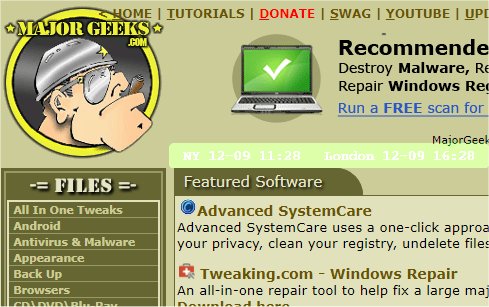
The mclocks app has been updated to version 0.2.36, enhancing its functionality as an open-source tool for displaying clocks across multiple time zones. This feature is particularly useful for individuals who frequently travel or participate in international meetings, as it allows for easy time management across different regions.
To add new clocks, users simply need to edit the configuration file named config.json, which can be done using a text editor like Notepad. An example configuration is provided, demonstrating how to set the clocks for New York and London, along with customizable options for date and time formats, localization, font styles, and background colors.
In addition to the core functionality, users might also find related guides helpful, such as how to show multiple clocks on Windows, fix incorrect date and time settings, display only the time on the Windows taskbar, or remove the clock from the taskbar entirely.
To extend the application further, future updates could include features such as automatic updates for daylight saving changes, integration with calendar applications to display upcoming meetings in different time zones, or customizable alerts for specific time zones. These enhancements could make mclocks even more valuable for users who need to manage their time effectively across multiple regions
To add new clocks, users simply need to edit the configuration file named config.json, which can be done using a text editor like Notepad. An example configuration is provided, demonstrating how to set the clocks for New York and London, along with customizable options for date and time formats, localization, font styles, and background colors.
In addition to the core functionality, users might also find related guides helpful, such as how to show multiple clocks on Windows, fix incorrect date and time settings, display only the time on the Windows taskbar, or remove the clock from the taskbar entirely.
To extend the application further, future updates could include features such as automatic updates for daylight saving changes, integration with calendar applications to display upcoming meetings in different time zones, or customizable alerts for specific time zones. These enhancements could make mclocks even more valuable for users who need to manage their time effectively across multiple regions
mclocks 0.2.36 released
mclocks is an Open Source app that allows you to display multiple time zone clocks.