Lux 1.40.1 has been released, introducing enhancements to its VPN service aimed at bolstering online security. The Lux VPN is tailored to protect users from trackers, adware, and other digital threats, offering a solid solution for safeguarding personal information and improving the overall browsing experience.
User-Friendly Interface: Lux is designed for users of all experience levels, featuring a sleek interface that simplifies the process of monitoring and switching between connections. Users can easily initiate a connection by clicking the Plus button to choose between options like Shadowsocks or Socks5, or by importing connection details from their clipboard.
Customizable Connection Setup: The application requires users to input specific information such as connection name, server address, port number, password, and encryption type, allowing for personalized and secure connection configurations.
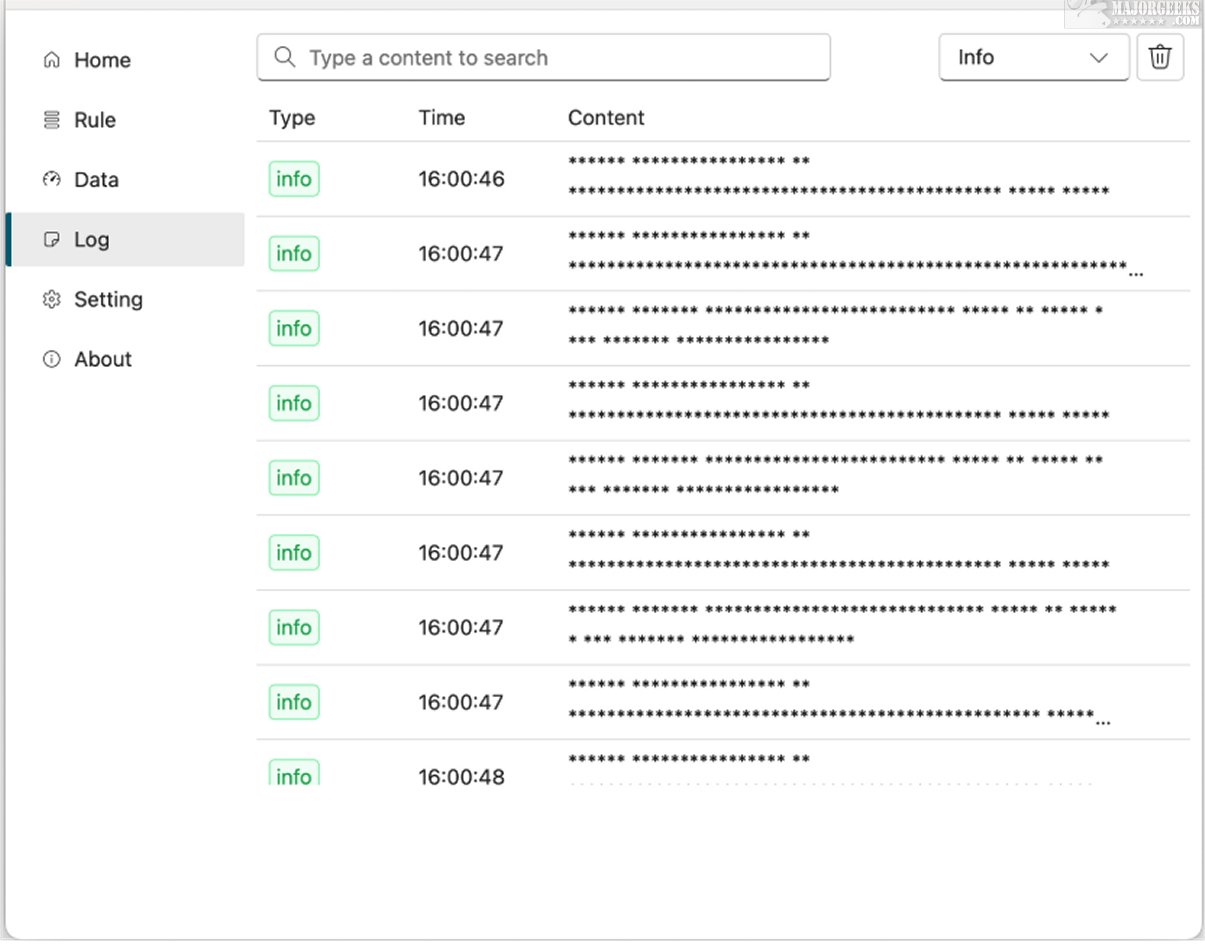
Comprehensive Dashboard: Lux includes a detailed dashboard that showcases overall and average upload and download speeds. Users can gain insights into all applications and processes involved in data transmission through the Connection tab, which lists processes alongside their respective domains, rules, and network configurations.
Local Server Operation: Unlike conventional Shadowsocks, Lux establishes a local server on the user's system, necessitating that applications using Lux are compatible with SOCKS or HTTP protocols. This feature provides greater flexibility in managing network traffic but requires developers to ensure their applications can handle these protocols for optimal functionality.
In summary, Lux not only enhances the inherent security features of Shadowsocks but also introduces additional requirements for application compatibility. This makes it essential for users to select appropriate tools for seamless integration. If you are looking for an easy-to-use, open-source proxy client that gives you full control over your data, Lux is worth exploring.
- How to Disable Advertising ID for Relevant Ads in Windows 10 & 11
- How to Disable Windows 10 & 11 Activity History Permanently
Key Features of Lux VPN
User-Friendly Interface: Lux is designed for users of all experience levels, featuring a sleek interface that simplifies the process of monitoring and switching between connections. Users can easily initiate a connection by clicking the Plus button to choose between options like Shadowsocks or Socks5, or by importing connection details from their clipboard.
Customizable Connection Setup: The application requires users to input specific information such as connection name, server address, port number, password, and encryption type, allowing for personalized and secure connection configurations.
Comprehensive Dashboard: Lux includes a detailed dashboard that showcases overall and average upload and download speeds. Users can gain insights into all applications and processes involved in data transmission through the Connection tab, which lists processes alongside their respective domains, rules, and network configurations.
Local Server Operation: Unlike conventional Shadowsocks, Lux establishes a local server on the user's system, necessitating that applications using Lux are compatible with SOCKS or HTTP protocols. This feature provides greater flexibility in managing network traffic but requires developers to ensure their applications can handle these protocols for optimal functionality.
Conclusion and Additional Considerations
In summary, Lux not only enhances the inherent security features of Shadowsocks but also introduces additional requirements for application compatibility. This makes it essential for users to select appropriate tools for seamless integration. If you are looking for an easy-to-use, open-source proxy client that gives you full control over your data, Lux is worth exploring.
Further Reading:
- Why You Shouldn't (Mostly) Use Free VPN Services- How to Disable Advertising ID for Relevant Ads in Windows 10 & 11
- How to Disable Windows 10 & 11 Activity History Permanently
Future Developments
As we move forward, users can anticipate further updates that may enhance Lux's functionalities, potentially expanding its compatibility with a broader range of applications and improving overall user experience. The commitment to user security and privacy remains a top priority, making Lux a strong contender in the VPN landscapeLux 1.40.1 released
Lux VPN service is designed to enhance your online security by shielding you from trackers, adware, and various other digital threats. This innovative system provides a robust solution for safeguarding your personal information and enhancing your online browsing experience.