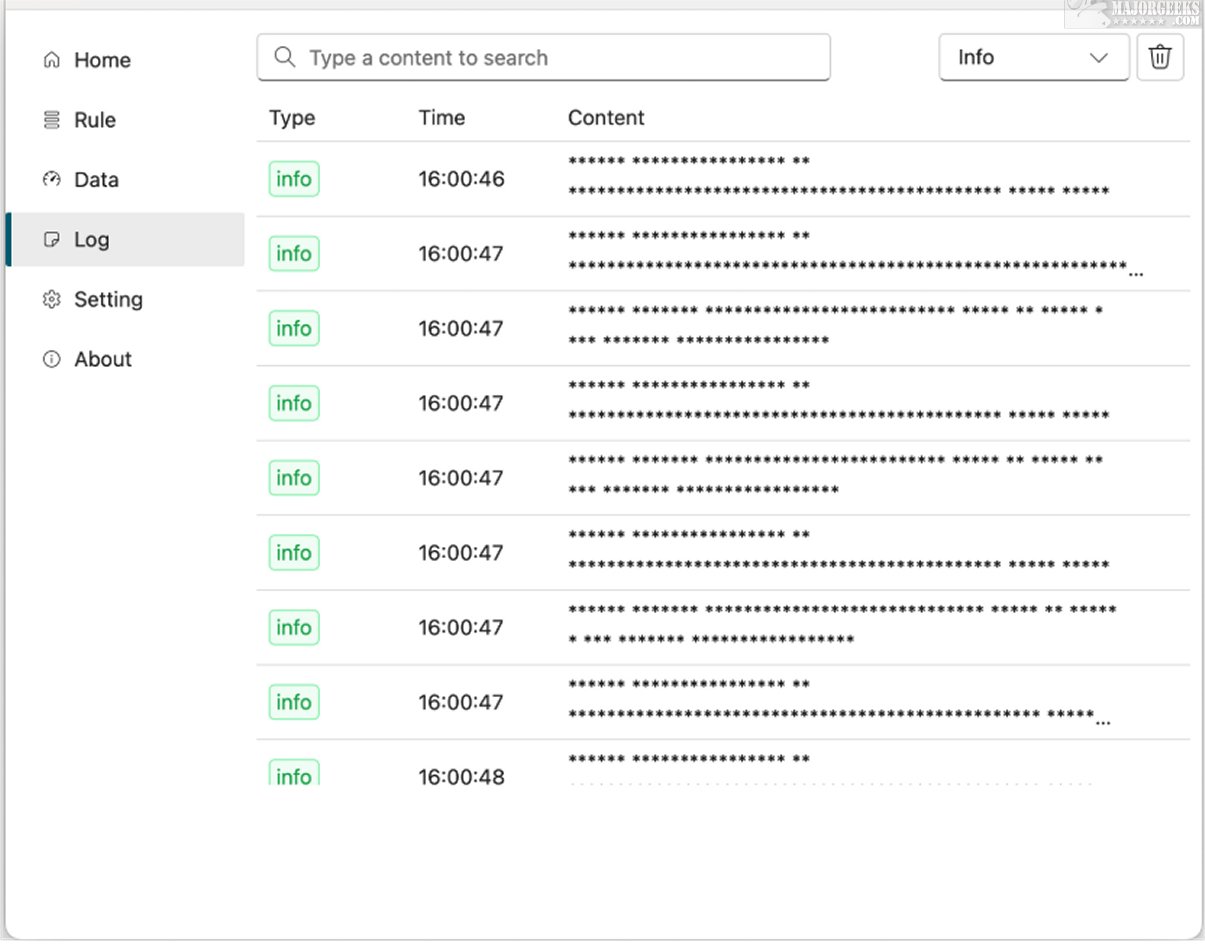
Lux VPN service has officially launched version 1.40.0, offering users a robust tool aimed at bolstering online security by protecting against trackers, adware, and a variety of digital threats. This innovative VPN solution focuses on safeguarding personal information while enriching the overall browsing experience.
Key Features of Lux VPN
Lux is user-friendly, making it accessible to individuals with varying levels of technical expertise. Users can easily monitor and switch between different types of connections—such as Shadowsocks or Socks5—simply by clicking a Plus button. The application allows users to input necessary details like server address, port number, password, and encryption type for a customized and secure connection setup.
The application includes a comprehensive dashboard that showcases both overall and average upload/download speeds. It provides detailed insights into all applications and processes involved in data transmission. The "Connection" tab displays active processes along with their corresponding domains, network configurations, and rules. Users also have the capability to create new rules and test them effectively within the app.
Local Server Configuration
Unlike traditional Shadowsocks, which primarily functions as a proxy, Lux establishes a local server on the user's system. This distinctive setup means that applications utilizing Lux must be compatible with SOCKS or HTTP protocols to send and receive data. While this feature enhances flexibility in managing network traffic, it necessitates that developers ensure their applications can handle these protocols for optimal performance.
Conclusion: Geek Verdict
For those looking for a user-friendly open-source proxy client that prioritizes data privacy and security, Lux is an excellent choice. Its focus on ease of use and control over personal data makes it a valuable tool in today’s digital landscape.
Extension: Future Considerations and Recommendations
As online security threats continue to evolve, users are encouraged to regularly update their VPN applications to benefit from the latest features and security patches. Additionally, it’s advisable to educate oneself about the different types of connections and protocols to ensure that the chosen tools are compatible and effective in providing the desired level of online protection. Users should also remain vigilant about their overall digital hygiene by employing good practices such as using strong passwords, enabling two-factor authentication, and being cautious of suspicious links or downloads. With Lux’s comprehensive features and user-focused design, individuals can take proactive steps toward safeguarding their online activities
Key Features of Lux VPN
Lux is user-friendly, making it accessible to individuals with varying levels of technical expertise. Users can easily monitor and switch between different types of connections—such as Shadowsocks or Socks5—simply by clicking a Plus button. The application allows users to input necessary details like server address, port number, password, and encryption type for a customized and secure connection setup.
The application includes a comprehensive dashboard that showcases both overall and average upload/download speeds. It provides detailed insights into all applications and processes involved in data transmission. The "Connection" tab displays active processes along with their corresponding domains, network configurations, and rules. Users also have the capability to create new rules and test them effectively within the app.
Local Server Configuration
Unlike traditional Shadowsocks, which primarily functions as a proxy, Lux establishes a local server on the user's system. This distinctive setup means that applications utilizing Lux must be compatible with SOCKS or HTTP protocols to send and receive data. While this feature enhances flexibility in managing network traffic, it necessitates that developers ensure their applications can handle these protocols for optimal performance.
Conclusion: Geek Verdict
For those looking for a user-friendly open-source proxy client that prioritizes data privacy and security, Lux is an excellent choice. Its focus on ease of use and control over personal data makes it a valuable tool in today’s digital landscape.
Extension: Future Considerations and Recommendations
As online security threats continue to evolve, users are encouraged to regularly update their VPN applications to benefit from the latest features and security patches. Additionally, it’s advisable to educate oneself about the different types of connections and protocols to ensure that the chosen tools are compatible and effective in providing the desired level of online protection. Users should also remain vigilant about their overall digital hygiene by employing good practices such as using strong passwords, enabling two-factor authentication, and being cautious of suspicious links or downloads. With Lux’s comprehensive features and user-focused design, individuals can take proactive steps toward safeguarding their online activities
Lux 1.40.0 released
Lux VPN service is designed to enhance your online security by shielding you from trackers, adware, and various other digital threats. This innovative system provides a robust solution for safeguarding your personal information and enhancing your online browsing experience.