LastPass Password Manager has released version 5.4.1, enhancing its reputation as a reliable tool for managing passwords efficiently. This user-friendly password manager aims to simplify online browsing while bolstering security, allowing users to focus on their activities without the burden of remembering numerous passwords.
Key features of LastPass include the ability to generate strong, secure passwords while requiring users to remember only one master password. With just a single click, users can log into their favorite websites, streamlining the authentication process. The software supports seamless data access and management across multiple devices, making it ideal for users who work from different workstations. Additionally, LastPass enables users to share logins with friends and collaborate easily on account access.
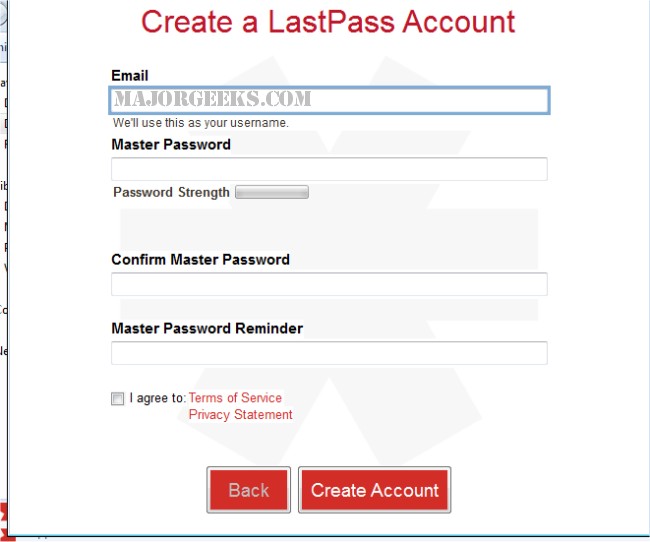
The Universal Windows installer facilitates the installation of LastPass across various browsers, including Internet Explorer, Firefox, Chrome, Safari, and Opera. It also simplifies the process of creating a LastPass account and importing existing passwords, making it a convenient solution for Windows users. The 64-bit installer includes a 32-bit version for Internet Explorer, ensuring compatibility across different systems.
In the realm of password management, LastPass stands out among its competitors. It is often compared to other top password managers, and users can also explore guides on managing passwords in Google Chrome.
To further extend the discussion, it is worth noting that as cybersecurity threats continue to evolve, using a password manager like LastPass can significantly reduce the risk of unauthorized access to personal accounts. Furthermore, with features such as multi-factor authentication and dark web monitoring, LastPass may offer additional layers of security that are essential for protecting sensitive information. As digital lifestyles become more complex, the importance of secure password management cannot be overstated, making tools like LastPass indispensable for both individuals and businesses alike
Key features of LastPass include the ability to generate strong, secure passwords while requiring users to remember only one master password. With just a single click, users can log into their favorite websites, streamlining the authentication process. The software supports seamless data access and management across multiple devices, making it ideal for users who work from different workstations. Additionally, LastPass enables users to share logins with friends and collaborate easily on account access.
The Universal Windows installer facilitates the installation of LastPass across various browsers, including Internet Explorer, Firefox, Chrome, Safari, and Opera. It also simplifies the process of creating a LastPass account and importing existing passwords, making it a convenient solution for Windows users. The 64-bit installer includes a 32-bit version for Internet Explorer, ensuring compatibility across different systems.
In the realm of password management, LastPass stands out among its competitors. It is often compared to other top password managers, and users can also explore guides on managing passwords in Google Chrome.
To further extend the discussion, it is worth noting that as cybersecurity threats continue to evolve, using a password manager like LastPass can significantly reduce the risk of unauthorized access to personal accounts. Furthermore, with features such as multi-factor authentication and dark web monitoring, LastPass may offer additional layers of security that are essential for protecting sensitive information. As digital lifestyles become more complex, the importance of secure password management cannot be overstated, making tools like LastPass indispensable for both individuals and businesses alike
LastPass Password Manager 5.4.1 released
LastPass Password Manager - The last password you'll ever have to remember. This easy to use password manager will make your browsing a lot easier and much more secure without having to remember multiple passwords.