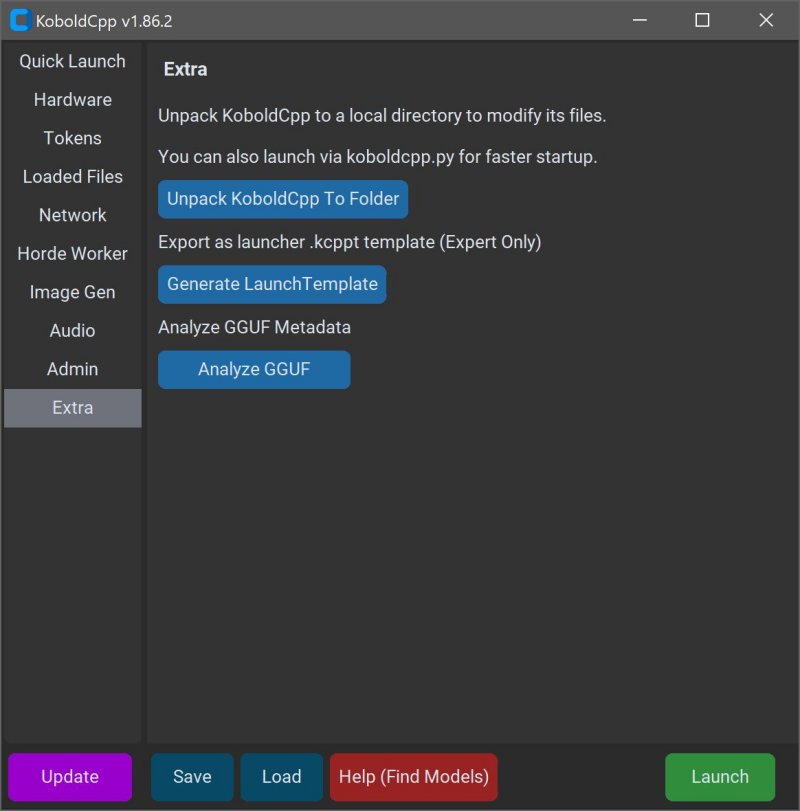
KoboldCPP 1.107 has been released, offering an efficient solution for running AI models directly on your computer without the need for online accounts, subscriptions, or any compromises on privacy. This open-source tool allows users to operate local AI chatbots effortlessly, making it ideal for private business projects, creative writing, game development, and AI experimentation—all offline.
- Offline Functionality: Ensures complete privacy without needing internet access.
- Performance: Offers fast operation through Intel oneAPI and NVIDIA CUDA support.
- User-Friendly Setup: Requires minimal technical knowledge—simply unzip and run.
- Compatibility with KoboldAI: Access to features like memory and character cards.
- Customization Options: Allows adjustments to context size and memory usage.
2. Select the downloaded GGUF model file.
3. Choose a backend (CPU or GPU).
4. Adjust settings as needed.
5. Start the application to engage with the AI through a local chat interface.
- Operating System: Windows or Linux.
- RAM: Minimum 8GB; 16GB or more recommended.
- CPU: Modern Intel or AMD CPUs with AVX2 support.
- GPU: Optional, but beneficial for enhanced performance.
Overview of KoboldCPP
KoboldCPP serves as a lightweight backend for the KoboldAI web interface, enabling users to interact with AI models in a manner similar to ChatGPT, but executed locally. With straightforward installation, users can download a GGUF-format model file, launch KoboldCPP, and start engaging with their AI. The software supports both CPU and GPU acceleration, catering to various hardware configurations.Understanding GGUF
The GGUF (GPT-Generated Unified Format) is a specialized format designed for local use, focusing on speed and compatibility with quantized models, such as 4-bit or 8-bit versions, which are more manageable for mid-range PCs. It's important to note that KoboldCPP does not support models that are not GGUF or LLaMA-style.Target Audience
KoboldCPP appeals to a diverse group: writers looking for assistance in storytelling, RPG creators in need of AI-generated NPCs, developers exploring local AI setups, and casual users wanting a private, offline AI experience. It provides a solution for those in low-connectivity areas or those who are weary of cloud services' limitations and costs.Key Features
- Local LLM Operation: Supports GGUF/LLAMA-based models directly on your PC.- Offline Functionality: Ensures complete privacy without needing internet access.
- Performance: Offers fast operation through Intel oneAPI and NVIDIA CUDA support.
- User-Friendly Setup: Requires minimal technical knowledge—simply unzip and run.
- Compatibility with KoboldAI: Access to features like memory and character cards.
- Customization Options: Allows adjustments to context size and memory usage.
Acquiring AI Models
KoboldCPP does not come with included AI models, so users must download them separately, with Hugging Face being a recommended source. Ensure that the model is in a compatible GGUF format.Steps to Use KoboldCPP
1. Launch KoboldCPP.exe.2. Select the downloaded GGUF model file.
3. Choose a backend (CPU or GPU).
4. Adjust settings as needed.
5. Start the application to engage with the AI through a local chat interface.
System Requirements
KoboldCPP is designed to run well on standard hardware:- Operating System: Windows or Linux.
- RAM: Minimum 8GB; 16GB or more recommended.
- CPU: Modern Intel or AMD CPUs with AVX2 support.
- GPU: Optional, but beneficial for enhanced performance.
Additional Considerations
While the initial setup may seem daunting, it becomes user-friendly after familiarization. Users are advised to start with smaller models to gauge system capabilities before moving to larger ones, as they require more RAM and storage space. Different versions of KoboldCPP cater to various hardware configurations, ensuring a tailored experience for each user.Conclusion
KoboldCPP stands out as a powerful tool for anyone seeking to leverage AI locally without the pitfalls of cloud dependency. It's an excellent resource for writers, game developers, and tech enthusiasts wanting to maintain control over their AI interactions. With a supportive open-source community, users can easily find guidance on model selection and setup customization. KoboldCPP truly embodies a seamless way to access AI technology on your own termsKoboldCPP 1.107 released
KoboldCPP is a great choice for running powerful AI models on your computer with no accounts, internet, subscriptions, or privacy trade-offs.