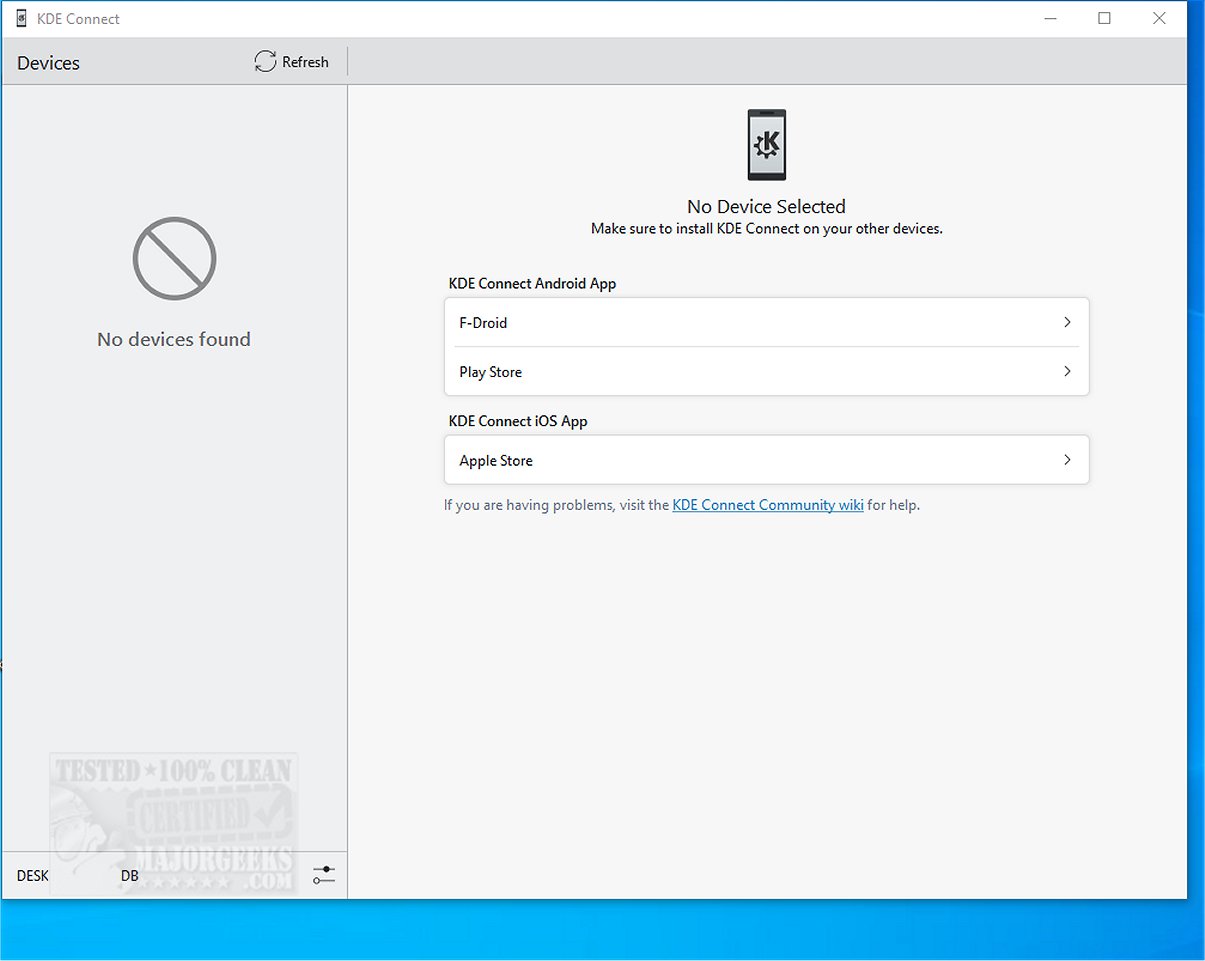
KDE Connect has released version 25.12.3, enhancing the integration between mobile phones and desktop computers. This innovative tool provides numerous functionalities such as file sharing, notification synchronization, clipboard sharing, and the ability to use your phone as a remote control or trackpad. Users can execute commands remotely and access their phone notifications directly from their computer, streamlining their workflow and productivity.
The integration process is simple: users need to install the KDE Connect application on their smartphone and the corresponding desktop client. Once both devices are connected to the same Wi-Fi network, pairing them is straightforward and secured with end-to-end TLS encryption, ensuring data privacy during communication.
KDE Connect's key features include:
- Shared Clipboard: Easily copy and paste content between devices.
- Notification Sync: Access your phone's notifications on your computer, with the ability to respond directly if you have an Android device.
- File and URL Sharing: Quickly transfer files and web links between devices.
- Remote Input: Utilize your phone as a wireless touchpad and keyboard for your computer.
- Multimedia Control: Manage media playback on your computer using your phone.
- Phone Locator: Make your phone ring to locate it easily if misplaced.
- Run Commands: Execute custom commands on your computer from your phone.
- Device Information: Monitor your phone's battery level and network status from your desktop.
The expert opinion on KDE Connect is overwhelmingly positive, as it serves as a robust alternative to Phone Link, particularly excelling in its file sharing and notification capabilities. Although there have been occasional issues with file transfer speeds and stability, the overall user experience remains highly beneficial.
In summary, KDE Connect not only enhances connectivity between devices but also significantly boosts productivity by allowing seamless interaction and control across different platforms. With its extensive features, users are encouraged to explore KDE Connect to elevate their connectivity and workflow efficiency. Moving forward, continued improvements and updates will likely address any lingering issues, further solidifying KDE Connect's position as an essential tool for device integration
The integration process is simple: users need to install the KDE Connect application on their smartphone and the corresponding desktop client. Once both devices are connected to the same Wi-Fi network, pairing them is straightforward and secured with end-to-end TLS encryption, ensuring data privacy during communication.
KDE Connect's key features include:
- Shared Clipboard: Easily copy and paste content between devices.
- Notification Sync: Access your phone's notifications on your computer, with the ability to respond directly if you have an Android device.
- File and URL Sharing: Quickly transfer files and web links between devices.
- Remote Input: Utilize your phone as a wireless touchpad and keyboard for your computer.
- Multimedia Control: Manage media playback on your computer using your phone.
- Phone Locator: Make your phone ring to locate it easily if misplaced.
- Run Commands: Execute custom commands on your computer from your phone.
- Device Information: Monitor your phone's battery level and network status from your desktop.
The expert opinion on KDE Connect is overwhelmingly positive, as it serves as a robust alternative to Phone Link, particularly excelling in its file sharing and notification capabilities. Although there have been occasional issues with file transfer speeds and stability, the overall user experience remains highly beneficial.
In summary, KDE Connect not only enhances connectivity between devices but also significantly boosts productivity by allowing seamless interaction and control across different platforms. With its extensive features, users are encouraged to explore KDE Connect to elevate their connectivity and workflow efficiency. Moving forward, continued improvements and updates will likely address any lingering issues, further solidifying KDE Connect's position as an essential tool for device integration
KDE Connect 25.12.3 released
KDE Connect seamlessly integrates your mobile phone with your desktop computer, enabling a range of functionalities such as file sharing, notification synchronization, clipboard sharing, and using your phone as a remote control or trackpad.