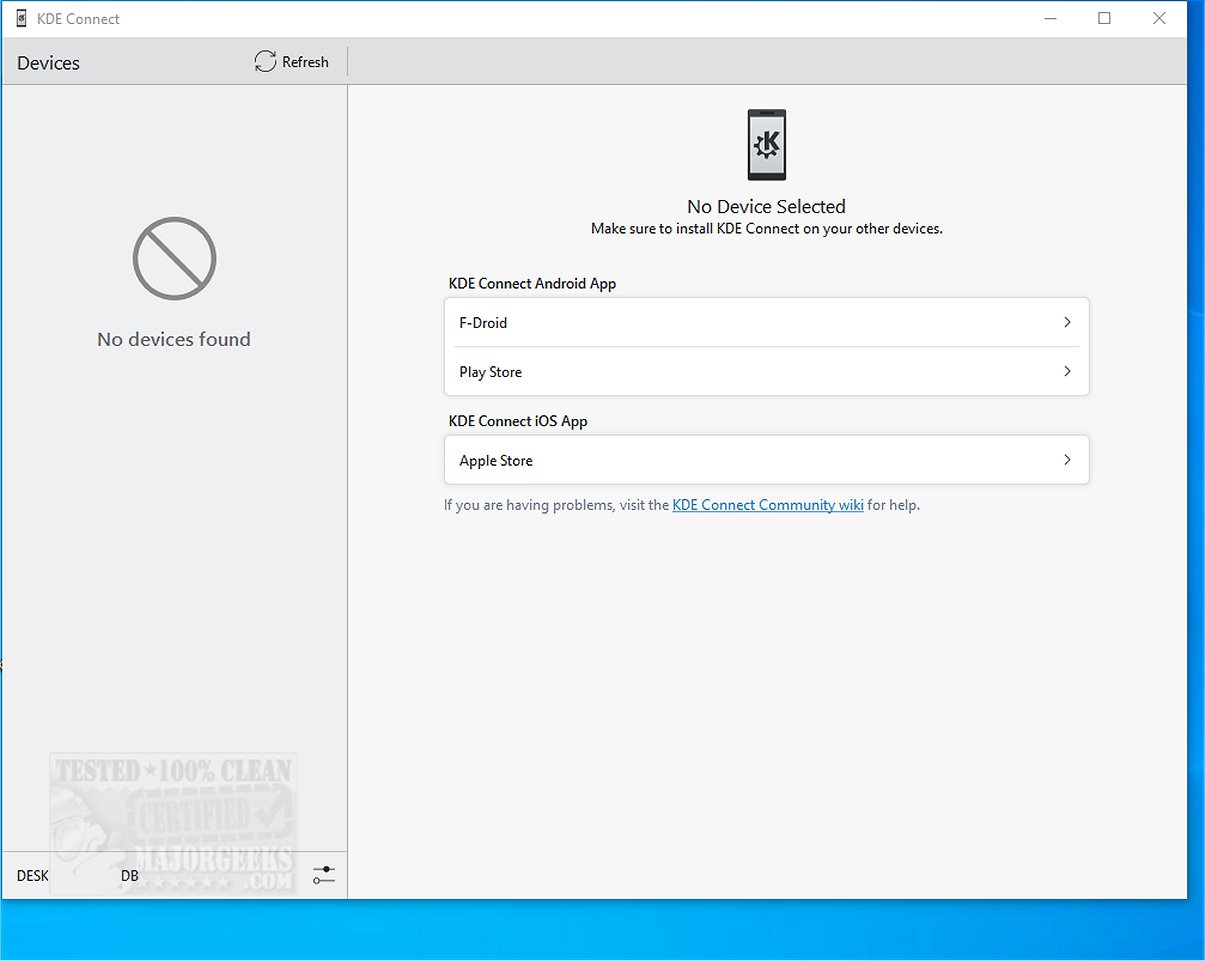
KDE Connect has released version 25.12.1, enhancing the integration between mobile phones and desktop computers. This application allows users to seamlessly share files, synchronize notifications, share clipboards, and even use their phones as remote controls or trackpads. Users can execute remote commands between devices, facilitating a highly interactive experience.
The integration process is straightforward, requiring the installation of an app on both the smartphone and the desktop client. Once both devices are connected to the same Wi-Fi network, they can be paired securely with end-to-end TLS encryption, ensuring data protection. Optimal use of KDE Connect necessitates that the application be installed on all devices intended for connection.
Key features of KDE Connect include:
- Shared Clipboard: Copy text from one device and paste it on another.
- Notification Sync: Access your phone's notifications on your computer, with the ability to reply directly from the desktop for Android users.
- File and URL Sharing: Quickly transfer files and web links between devices.
- Remote Input: Use your phone as a wireless touchpad and keyboard for your computer.
- Multimedia Control: Manage media playback on your computer through your phone.
- Phone Locator: Ring your phone to locate it easily.
- Run Commands: Execute custom commands on your computer via your phone.
- Device Information: Check your phone's battery level and network status from your desktop.
In summary, KDE Connect is an essential tool for fostering connectivity between devices, providing a range of functionalities that enhance productivity and user experience. It serves as an excellent alternative to Phone Link, particularly shining in features such as notification and file sharing, media control, and clipboard functionality. Despite some users experiencing occasional issues with file transfer speeds and stability, the overall benefits of using KDE Connect are significant. Embrace KDE Connect to elevate your device connectivity and streamline your workflow.
Looking ahead, future updates could focus on improving file transfer speeds, enhancing user interface design, and expanding compatibility with additional operating systems, which would further enrich the user experience and broaden its appeal
The integration process is straightforward, requiring the installation of an app on both the smartphone and the desktop client. Once both devices are connected to the same Wi-Fi network, they can be paired securely with end-to-end TLS encryption, ensuring data protection. Optimal use of KDE Connect necessitates that the application be installed on all devices intended for connection.
Key features of KDE Connect include:
- Shared Clipboard: Copy text from one device and paste it on another.
- Notification Sync: Access your phone's notifications on your computer, with the ability to reply directly from the desktop for Android users.
- File and URL Sharing: Quickly transfer files and web links between devices.
- Remote Input: Use your phone as a wireless touchpad and keyboard for your computer.
- Multimedia Control: Manage media playback on your computer through your phone.
- Phone Locator: Ring your phone to locate it easily.
- Run Commands: Execute custom commands on your computer via your phone.
- Device Information: Check your phone's battery level and network status from your desktop.
In summary, KDE Connect is an essential tool for fostering connectivity between devices, providing a range of functionalities that enhance productivity and user experience. It serves as an excellent alternative to Phone Link, particularly shining in features such as notification and file sharing, media control, and clipboard functionality. Despite some users experiencing occasional issues with file transfer speeds and stability, the overall benefits of using KDE Connect are significant. Embrace KDE Connect to elevate your device connectivity and streamline your workflow.
Looking ahead, future updates could focus on improving file transfer speeds, enhancing user interface design, and expanding compatibility with additional operating systems, which would further enrich the user experience and broaden its appeal
KDE Connect 25.12.1 released
KDE Connect seamlessly integrates your mobile phone with your desktop computer, enabling a range of functionalities such as file sharing, notification synchronization, clipboard sharing, and using your phone as a remote control or trackpad.