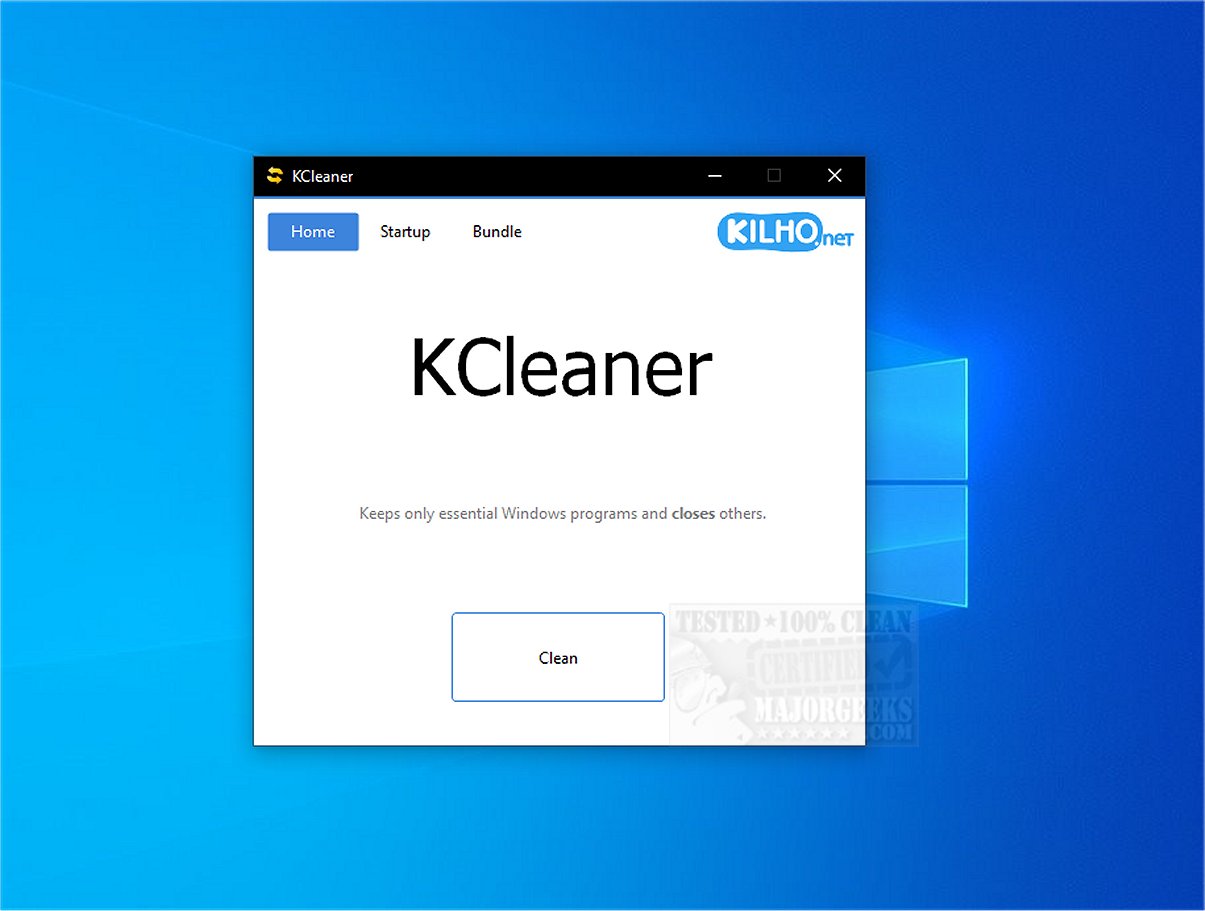
KCleaner version 3.8.5 has been released, offering users a robust tool for optimizing system performance by shutting down unnecessary background processes. This utility focuses on maintaining only essential operations, effectively freeing up system resources that contribute to smoother computer performance.
One of KCleaner's key features is its capability to search for, identify, and terminate unwanted or malicious security programs that may disguise themselves as legitimate Windows processes. This functionality is crucial in safeguarding users' systems from potential threats.
KCleaner also boasts a simple user interface, allowing users to manage startup programs efficiently. By controlling which applications launch with the operating system, users can significantly improve startup times and overall system performance.
Crucially, KCleaner is designed to avoid disrupting essential drivers, such as those for graphics and audio, which can lead to performance degradation. It also refrains from terminating trusted antivirus software, ensuring continuous protection while optimizing system efficiency.
Users are advised to create a recent restore point before using KCleaner, as a precautionary measure in case of unforeseen issues. Maintaining a current backup is also recommended to ensure data security.
In summary, KCleaner 3.8.5 serves as a valuable resource for enhancing system efficiency and security. Its intuitive interface makes it accessible for users looking to eliminate unnecessary programs without uninstalling them. With KCleaner, users can declutter their systems and enjoy improved performance.
Extension:
In addition to its core features, KCleaner could benefit from further enhancements, such as real-time monitoring of background processes and a more advanced scheduling system for automatic cleanups. Integrating a feature that provides detailed analytics on system performance before and after optimization could also help users understand the impact of their actions. Furthermore, KCleaner could explore partnerships with major antivirus providers to ensure seamless compatibility and mutual protection for users. These advancements could solidify KCleaner’s position as an indispensable tool for both casual users and tech enthusiasts looking to maintain peak system performance
One of KCleaner's key features is its capability to search for, identify, and terminate unwanted or malicious security programs that may disguise themselves as legitimate Windows processes. This functionality is crucial in safeguarding users' systems from potential threats.
KCleaner also boasts a simple user interface, allowing users to manage startup programs efficiently. By controlling which applications launch with the operating system, users can significantly improve startup times and overall system performance.
Crucially, KCleaner is designed to avoid disrupting essential drivers, such as those for graphics and audio, which can lead to performance degradation. It also refrains from terminating trusted antivirus software, ensuring continuous protection while optimizing system efficiency.
Users are advised to create a recent restore point before using KCleaner, as a precautionary measure in case of unforeseen issues. Maintaining a current backup is also recommended to ensure data security.
In summary, KCleaner 3.8.5 serves as a valuable resource for enhancing system efficiency and security. Its intuitive interface makes it accessible for users looking to eliminate unnecessary programs without uninstalling them. With KCleaner, users can declutter their systems and enjoy improved performance.
Extension:
In addition to its core features, KCleaner could benefit from further enhancements, such as real-time monitoring of background processes and a more advanced scheduling system for automatic cleanups. Integrating a feature that provides detailed analytics on system performance before and after optimization could also help users understand the impact of their actions. Furthermore, KCleaner could explore partnerships with major antivirus providers to ensure seamless compatibility and mutual protection for users. These advancements could solidify KCleaner’s position as an indispensable tool for both casual users and tech enthusiasts looking to maintain peak system performance
KCleaner 3.8.5 released
KCleaner is a powerful utility designed to help optimize your system's performance by closing unnecessary background processes, ensuring only essential processes remain active.