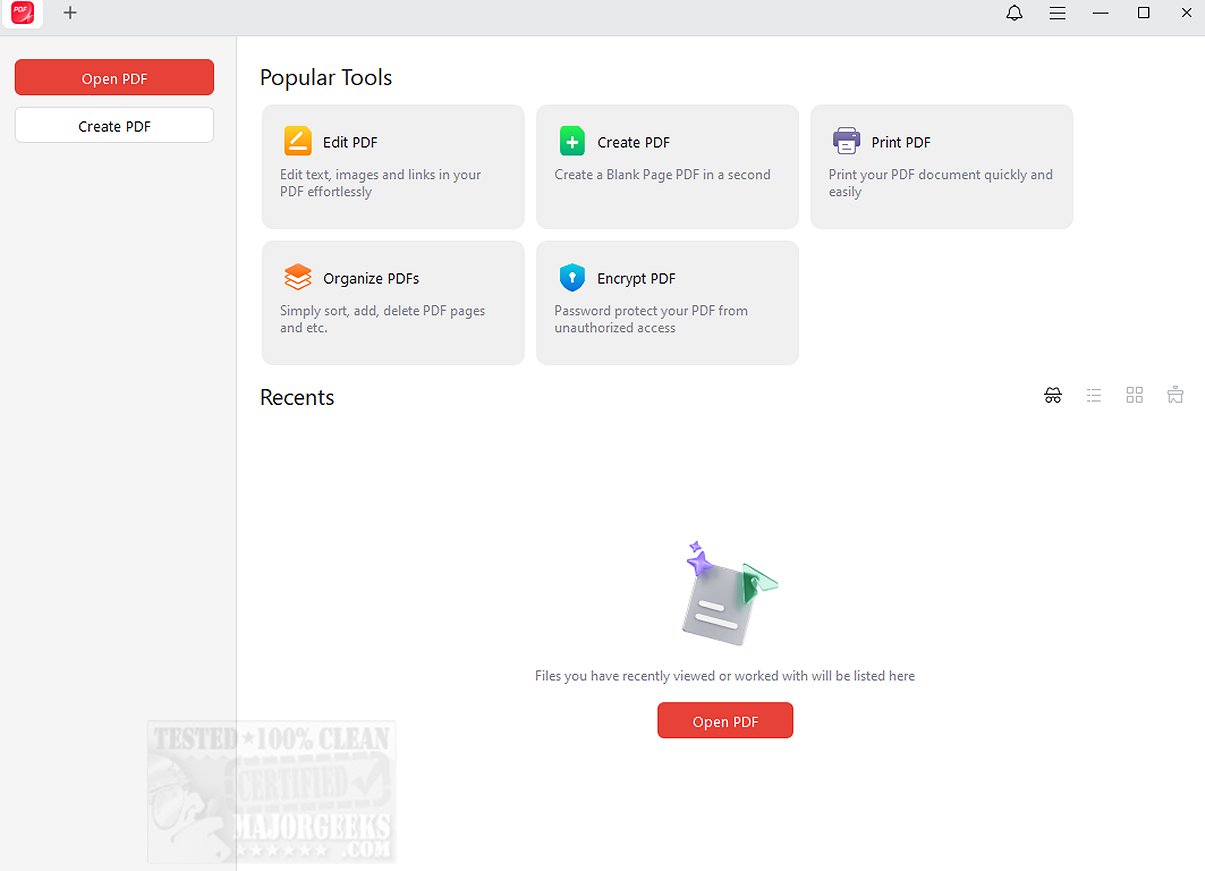
The recent release of JOPDF 2.2.1 introduces an all-in-one PDF editor and reader designed to enhance the PDF workflow for users. JOPDF stands out as a versatile tool that enables effective management of PDF documents through a comprehensive suite of features. Users can easily edit text and images, annotate documents, rearrange pages, split PDFs, apply password protection, and print, making it a competitive alternative to Adobe Acrobat.
This free software is designed with user-friendliness in mind, allowing for quick modifications such as adding text, links, and images to existing PDFs. Users can manipulate images with ease through options for rotating, cropping, replacing, or resizing, making it accessible for individuals with varying levels of technical expertise.
JOPDF is equipped with an adequate toolset that includes over ten annotation options, enabling effective markup and commentary on PDFs. Features such as highlighting, underlining, strikethrough text, and freehand drawing position JOPDF as a highly efficient PDF annotator for Windows users. Additionally, for those concerned about document security, JOPDF offers password protection to ensure sensitive information is safeguarded against unauthorized access.
The overall verdict highlights JOPDF as a reliable desktop PDF tool that is straightforward to use and free from registration requirements. It promises to unlock the full potential of your PDF experience by providing seamless functionality for viewing, editing, organizing, and securing documents. With JOPDF, users can expect a streamlined workflow and enhanced security for their sensitive information, transforming the management of PDFs into a swift and efficient process.
Looking ahead, future updates to JOPDF could further expand its capabilities, potentially incorporating advanced features such as cloud integration for easier access across devices, enhanced collaboration tools for team projects, or support for additional file formats. As the digital landscape continues to evolve, JOPDF may also explore integrations with other productivity software to provide a more holistic approach to document management
This free software is designed with user-friendliness in mind, allowing for quick modifications such as adding text, links, and images to existing PDFs. Users can manipulate images with ease through options for rotating, cropping, replacing, or resizing, making it accessible for individuals with varying levels of technical expertise.
JOPDF is equipped with an adequate toolset that includes over ten annotation options, enabling effective markup and commentary on PDFs. Features such as highlighting, underlining, strikethrough text, and freehand drawing position JOPDF as a highly efficient PDF annotator for Windows users. Additionally, for those concerned about document security, JOPDF offers password protection to ensure sensitive information is safeguarded against unauthorized access.
The overall verdict highlights JOPDF as a reliable desktop PDF tool that is straightforward to use and free from registration requirements. It promises to unlock the full potential of your PDF experience by providing seamless functionality for viewing, editing, organizing, and securing documents. With JOPDF, users can expect a streamlined workflow and enhanced security for their sensitive information, transforming the management of PDFs into a swift and efficient process.
Looking ahead, future updates to JOPDF could further expand its capabilities, potentially incorporating advanced features such as cloud integration for easier access across devices, enhanced collaboration tools for team projects, or support for additional file formats. As the digital landscape continues to evolve, JOPDF may also explore integrations with other productivity software to provide a more holistic approach to document management
JOPDF 2.2.1 released
JOPDF provides an all-in-one PDF editor and reader designed to optimize your PDF workflow.