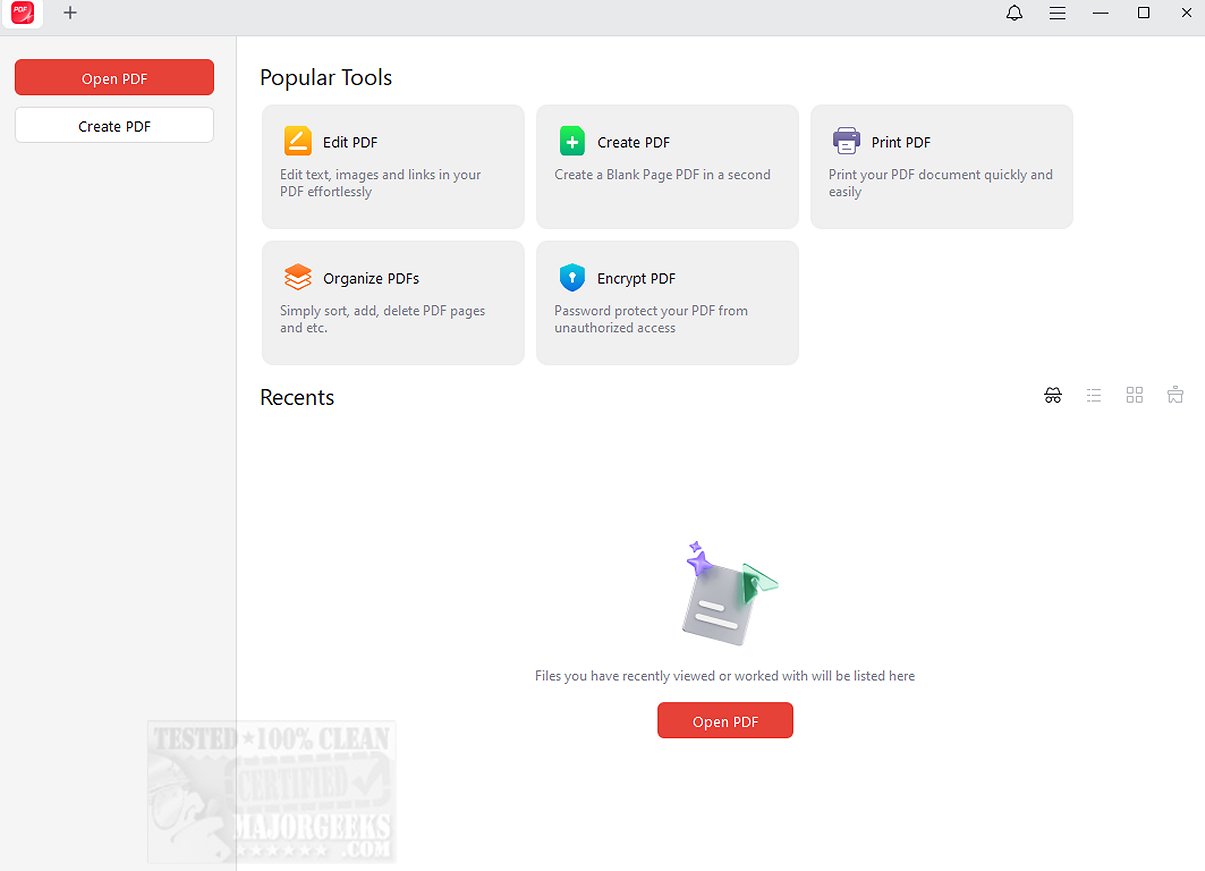
JOPDF 2.2.0 has been released, offering a comprehensive all-in-one solution for PDF editing and reading aimed at optimizing user workflows with PDF documents. This versatile tool allows users to manage PDFs effectively by providing features such as text and image editing, document annotation, page rearrangement, PDF splitting, password protection, and printing capabilities, positioning itself as a practical alternative to Adobe Acrobat.
One of JOPDF's key strengths is its user-friendly interface, which simplifies the process of editing, reading, and organizing PDF files. Users can quickly add text, links, and images to existing documents and easily manipulate images through rotation, cropping, replacement, or resizing. Additionally, the software offers over ten annotation tools for effective commenting and markup, including options for highlighting, underlining, and freehand drawing, making it a top choice for PDF annotation on Windows.
In terms of security, JOPDF provides password protection for PDF documents, ensuring that sensitive information is safeguarded against unauthorized access. The software is straightforward to use, requiring no registration, which enhances the user experience.
In summary, JOPDF 2.2.0 presents itself as the ultimate all-in-one PDF solution, facilitating efficient document viewing, editing, organization, and security. It aims to transform how users manage their PDF tasks, whether they seek to streamline their workflows or protect sensitive data.
Looking ahead, JOPDF may integrate additional features such as cloud storage compatibility, collaboration tools for team projects, and enhanced accessibility options to further improve user experiences. As the demand for efficient PDF management tools continues to grow, JOPDF is well-positioned to remain a leading choice among users
One of JOPDF's key strengths is its user-friendly interface, which simplifies the process of editing, reading, and organizing PDF files. Users can quickly add text, links, and images to existing documents and easily manipulate images through rotation, cropping, replacement, or resizing. Additionally, the software offers over ten annotation tools for effective commenting and markup, including options for highlighting, underlining, and freehand drawing, making it a top choice for PDF annotation on Windows.
In terms of security, JOPDF provides password protection for PDF documents, ensuring that sensitive information is safeguarded against unauthorized access. The software is straightforward to use, requiring no registration, which enhances the user experience.
In summary, JOPDF 2.2.0 presents itself as the ultimate all-in-one PDF solution, facilitating efficient document viewing, editing, organization, and security. It aims to transform how users manage their PDF tasks, whether they seek to streamline their workflows or protect sensitive data.
Looking ahead, JOPDF may integrate additional features such as cloud storage compatibility, collaboration tools for team projects, and enhanced accessibility options to further improve user experiences. As the demand for efficient PDF management tools continues to grow, JOPDF is well-positioned to remain a leading choice among users
JOPDF 2.2.0 released
JOPDF provides an all-in-one PDF editor and reader designed to optimize your PDF workflow.