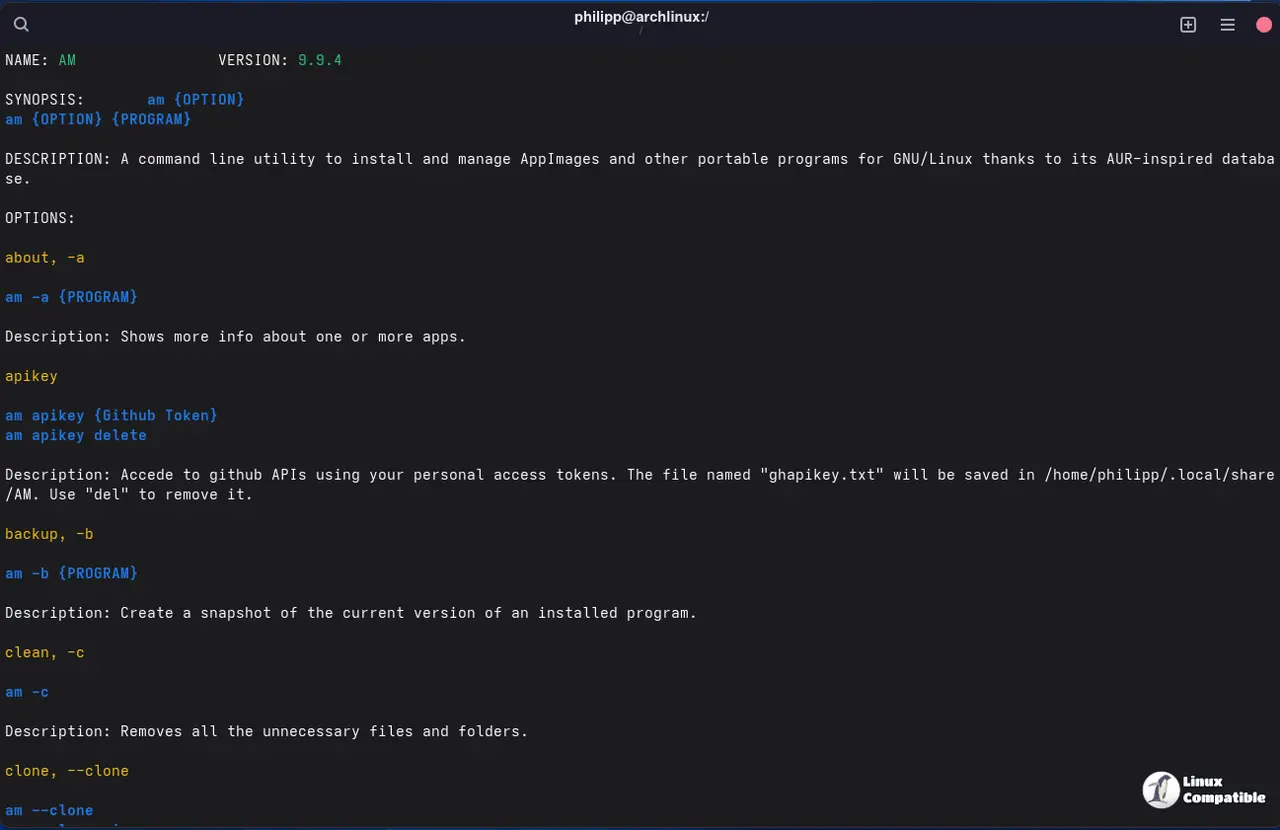
AM 9.9.5 introduces experimental checksum verification that provides a visual confirmation of AppImage integrity with a green checkmark, indicating that the binary matches its corresponding online .zsync or .DIGEST file. This verification process occurs during every installation and upgrade, allowing users to quickly identify any discrepancies in the AppImage checksum, although a failed verification does not necessarily indicate malware. To enable this feature, users can run the command `am -u` to re-verify checksums and then list apps with `am -l` to see which have been verified. Developers are encouraged to include .zsync files with their AppImages to ensure compliance and facilitate efficient updates, enhancing the overall safety and trustworthiness of application installations
How AM 9.9.5s Checksum Verification Keeps AppImages Safe and Sound
AM 9.9.5 introduces experimental checksum support that marks installed AppImages with a green checkmark whenever the binary’s digest matches an online .zsync or .DIGEST file, instantly indicating the app’s integrity. The feature runs on every install and upgrade, so a missing or mismatched checksum will be flagged right after the download completes, though failure does not automatically mean malware—it merely signals that the AppImage lacks a compliant checksum file. Enabling it is as simple as updating with am -u and then listing apps; verified packages will show the tick next to their version number.
How AM 9.9.5s Checksum Verification Keeps AppImages Safe and Sound @ Linux Compatible