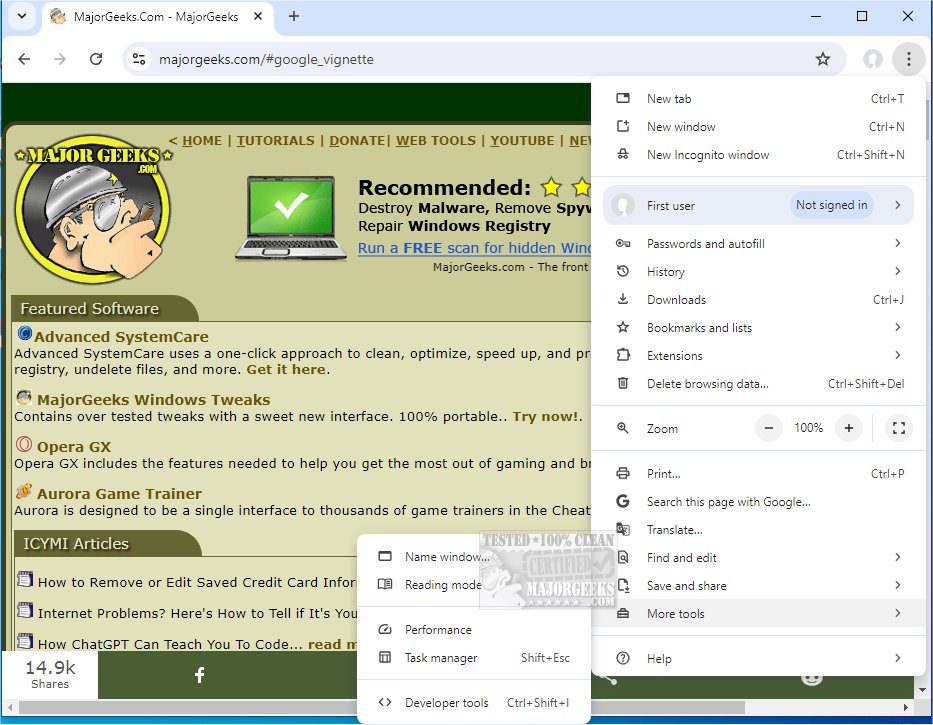
Google Chrome has recently released version 146.0.7680.72, continuing to establish itself as a leading web browser known for its speed, simplicity, and security. Chrome Portable is also available for users who prefer a portable version.
Google Chrome is more than just a browser; it's a comprehensive tool that enhances the way users interact with the web. Its design prioritizes minimalism, providing a clutter-free experience that focuses on content rather than distracting menus. Whether you are managing numerous tabs or simply browsing, Chrome offers a versatile solution tailored to all users, from tech enthusiasts to casual surfers.
1. Supercharged Speed: Chrome ensures quick page loads and rapid boot-up times, allowing users to spend more time engaging with content rather than waiting for pages to load.
2. Minimalist Design: The clean interface enables users to focus on their browsing without unnecessary distractions. Fullscreen mode further enhances this experience.
3. Efficient Tab Management: Users can easily organize multiple tabs, reopen closed tabs, and keep tabs running independently to avoid crashes affecting the entire session.
4. Privacy and Security: Features like Incognito Mode, built-in malware detection, and regular updates safeguard users against online threats, ensuring a secure browsing environment.
5. Extensive Extensions: The Chrome Web Store boasts thousands of extensions, allowing users to customize their experience with tools for ad blocking, grammar checking, and more.
6. Smart Search Bar (Omnibox): The Omnibox simplifies searching by allowing users to input queries, URLs, or calculations seamlessly.
7. Cross-Device Sync: Users can sync bookmarks, open tabs, and history across all devices by signing into their Google account, making it easy to transition between devices.
8. Custom Profiles: Chrome allows for the creation of personal profiles, making it easier for multiple users or different usage contexts to coexist on the same device.
Google Chrome is not only about speed; it also optimizes tab performance for efficient browsing, even on slower internet connections. Its ability to handle high-definition streaming and simplify online shopping through autofill options enhances the overall user experience. The high level of customization, from privacy settings to aesthetic preferences, makes each browsing session feel personal and tailored.
Pros:
- Fast browsing and robust web app performance
- Seamless syncing with Google accounts
- Strong privacy features and extensive extension library
Cons:
- Higher RAM usage compared to some competitors
- Close integration with Google services, which may not appeal to all users
Google Chrome's popularity is not simply due to its association with Google; it is built on its effectiveness as a fast, user-friendly, and customizable browser. Despite its occasional resource intensity, Chrome's impressive blend of speed, reliability, and rich features solidifies its status as a preferred choice for internet users.
For those looking to enhance their online experience, downloading Google Chrome is highly recommended. Once you start using it, transitioning back to other browsers may prove challenging. Additionally, users can explore Chrome Portable for a versatile browsing option on the go.
For further improvements to your browsing experience, consider looking into tips on optimizing settings, utilizing Google Chrome flags, or learning how to manage browser performance effectively
Why Google Chrome Stands Out
Google Chrome is more than just a browser; it's a comprehensive tool that enhances the way users interact with the web. Its design prioritizes minimalism, providing a clutter-free experience that focuses on content rather than distracting menus. Whether you are managing numerous tabs or simply browsing, Chrome offers a versatile solution tailored to all users, from tech enthusiasts to casual surfers.
Key Features of Google Chrome
1. Supercharged Speed: Chrome ensures quick page loads and rapid boot-up times, allowing users to spend more time engaging with content rather than waiting for pages to load.
2. Minimalist Design: The clean interface enables users to focus on their browsing without unnecessary distractions. Fullscreen mode further enhances this experience.
3. Efficient Tab Management: Users can easily organize multiple tabs, reopen closed tabs, and keep tabs running independently to avoid crashes affecting the entire session.
4. Privacy and Security: Features like Incognito Mode, built-in malware detection, and regular updates safeguard users against online threats, ensuring a secure browsing environment.
5. Extensive Extensions: The Chrome Web Store boasts thousands of extensions, allowing users to customize their experience with tools for ad blocking, grammar checking, and more.
6. Smart Search Bar (Omnibox): The Omnibox simplifies searching by allowing users to input queries, URLs, or calculations seamlessly.
7. Cross-Device Sync: Users can sync bookmarks, open tabs, and history across all devices by signing into their Google account, making it easy to transition between devices.
8. Custom Profiles: Chrome allows for the creation of personal profiles, making it easier for multiple users or different usage contexts to coexist on the same device.
Everyday Use and Performance
Google Chrome is not only about speed; it also optimizes tab performance for efficient browsing, even on slower internet connections. Its ability to handle high-definition streaming and simplify online shopping through autofill options enhances the overall user experience. The high level of customization, from privacy settings to aesthetic preferences, makes each browsing session feel personal and tailored.
Pros and Cons
Pros:
- Fast browsing and robust web app performance
- Seamless syncing with Google accounts
- Strong privacy features and extensive extension library
Cons:
- Higher RAM usage compared to some competitors
- Close integration with Google services, which may not appeal to all users
Conclusion
Google Chrome's popularity is not simply due to its association with Google; it is built on its effectiveness as a fast, user-friendly, and customizable browser. Despite its occasional resource intensity, Chrome's impressive blend of speed, reliability, and rich features solidifies its status as a preferred choice for internet users.
Next Steps
For those looking to enhance their online experience, downloading Google Chrome is highly recommended. Once you start using it, transitioning back to other browsers may prove challenging. Additionally, users can explore Chrome Portable for a versatile browsing option on the go.
For further improvements to your browsing experience, consider looking into tips on optimizing settings, utilizing Google Chrome flags, or learning how to manage browser performance effectively
Google Chrome 146.0.7680.72 released
Google Chrome is a web browser that combines a minimal design with sophisticated technology to make the web faster, safer, and easier. Chrome Portable is also available.