VSCodium 1.110: Fine‑Tuning Fonts for Every Workbench Area
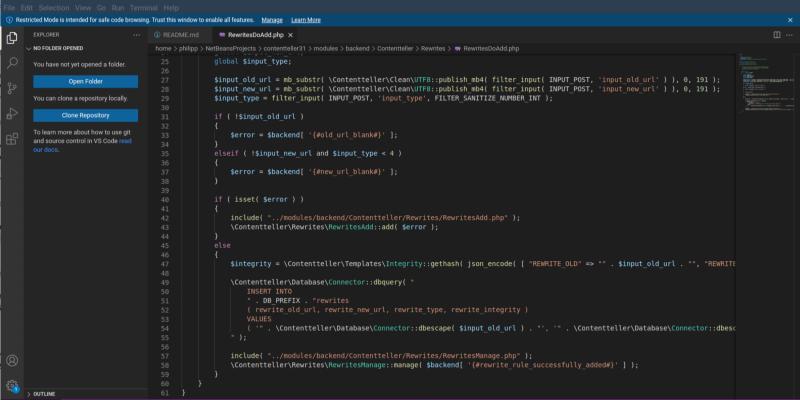
VSCodium 1.110.01571 introduces per‑area font settings—font family and size for the sidebar, status bar, editor tabs, bottom panel, and activity bar—that let users fine‑tune each visible element without touching the global workbench font. A user who upgraded to a dark theme on a 4K monitor saw blurred sidebar text; bumping workbench.sideBar.experimental.fontSize to 15 px restored clarity while leaving editor text at its default size. The update also patches a lingering Visual Studio Code rendering bug that caused glitches after theme switches, ensuring smoother font display across Linux desktops. These lightweight tweaks can save time for power users juggling multiple monitors or custom themes and add no noticeable bloat to the editor.
VSCodium 1.110: Fine‑Tuning Fonts for Every Workbench Area @ Linux Compatible
VSCodium 1.110: Fine‑Tuning Fonts for Every Workbench Area
VSCodium 1.110.01571 introduces new per-area font settings that allow users to customize font family and size for different parts of the interface, such as the sidebar, status bar, and activity bar, without altering the global workbench font. This update addresses issues like blurry text in sidebars on high-resolution displays and fixes a rendering bug in Visual Studio Code that caused glitches after theme changes. The new settings can be adjusted easily through the Preferences Settings UI, making it convenient for users to optimize their workspace for readability and aesthetics. While casual users may find the global setting sufficient, power users, particularly those using multiple monitors or custom themes, will benefit from this granular control for improved efficiency