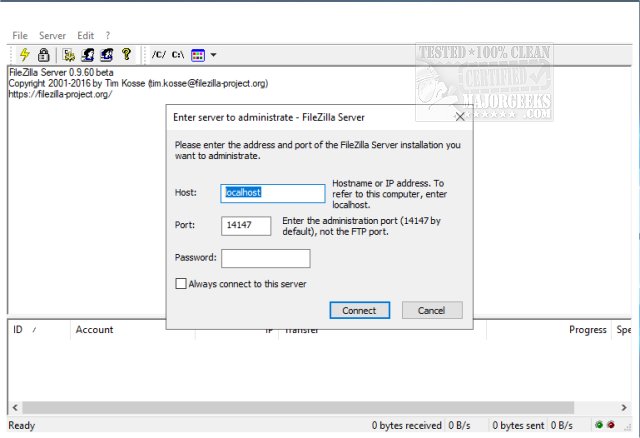
FileZilla Server has recently released version 1.12.2, enhancing its functionality as a Windows application that serves as both a local and remote FTP server. Alongside the server, FileZilla offers clients compatible with both 32-Bit and 64-Bit systems.
The server provides a range of customizable options, allowing administrators to select listening ports, set restrictions on the number of concurrent user connections, determine CPU thread usage, and configure timeout settings for logins and data transfers. Additionally, it supports passive mode FTP, enables adjustments to transfer and socket buffer sizes, and offers bandwidth limitations along with file transfer compression that can be tailored by individual IP addresses.
Security is a significant aspect of FileZilla Server, featuring automatic IP address banning after multiple failed login attempts, the option to enable FTP over TLS while disabling unencrypted FTP, and robust IP filtering capabilities. The user interface is designed for simplicity, and the server can be easily set up as a Windows service.
To further extend this discussion, users can explore the various configurations and best practices for securing their FTP servers, such as implementing strong password policies, regularly updating software to patch vulnerabilities, and utilizing firewall settings to restrict access. Additionally, information on optimizing server performance and managing user permissions can be invaluable for enhancing server efficiency and security. For more guidance, users may refer to tutorials on setting up FTP servers on Windows 10 and 11
The server provides a range of customizable options, allowing administrators to select listening ports, set restrictions on the number of concurrent user connections, determine CPU thread usage, and configure timeout settings for logins and data transfers. Additionally, it supports passive mode FTP, enables adjustments to transfer and socket buffer sizes, and offers bandwidth limitations along with file transfer compression that can be tailored by individual IP addresses.
Security is a significant aspect of FileZilla Server, featuring automatic IP address banning after multiple failed login attempts, the option to enable FTP over TLS while disabling unencrypted FTP, and robust IP filtering capabilities. The user interface is designed for simplicity, and the server can be easily set up as a Windows service.
To further extend this discussion, users can explore the various configurations and best practices for securing their FTP servers, such as implementing strong password policies, regularly updating software to patch vulnerabilities, and utilizing firewall settings to restrict access. Additionally, information on optimizing server performance and managing user permissions can be invaluable for enhancing server efficiency and security. For more guidance, users may refer to tutorials on setting up FTP servers on Windows 10 and 11
FileZilla Server 1.12.2 released
FileZilla Server is a Windows application administered as a local and remote FTP server. FileZilla Client for 32-Bit and 64-Bit are also available.