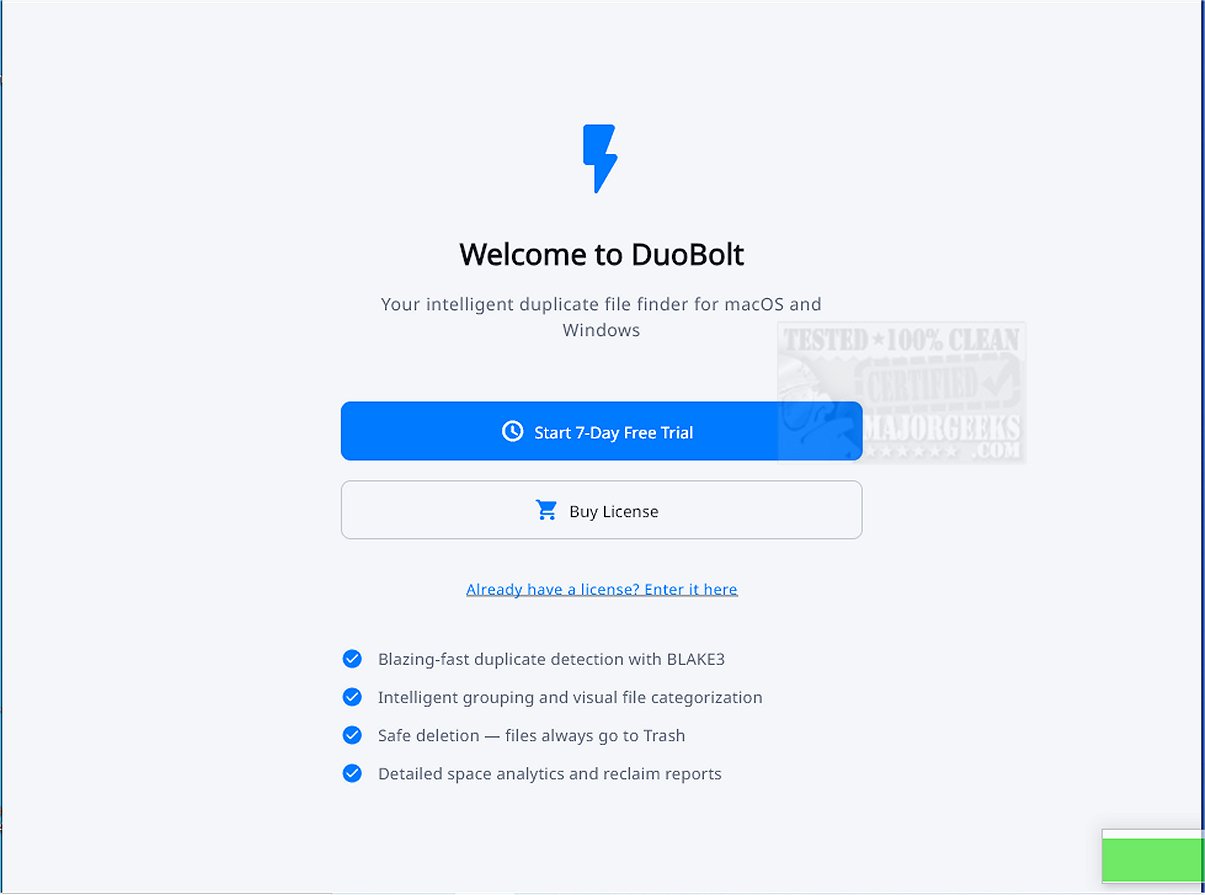
DuoBolt is a sophisticated software tool designed to accurately identify and eliminate duplicate files across various storage environments. The latest version, DuoBolt 1.3.8, utilizes a powerful multi-threaded engine that employs the BLAKE3 hashing algorithm, ensuring efficient scanning of local folders, extensive codebases, design archives, external hard drives, and network-attached storage (NAS) volumes. Its consistent performance allows users to achieve fast and reliable results, regardless of the data size.
Key Features and User Experience
DuoBolt prioritizes an intuitive user experience, enabling users to easily select locations for scanning. Once the scanning process is completed, the application presents detected duplicates in an organized manner, grouped with relevant contextual information, which aids users in making informed decisions about which files to delete. Notable features include:
- Multi-threaded BLAKE3 hashing for rapid and consistent scanning.
- Byte-for-byte duplicate detection, eliminating reliance on filenames or metadata.
- Safe deletions routed through the Recycle Bin to facilitate recovery of mistakenly deleted files.
- Grouped duplicate review with details such as paths, sizes, and file previews.
- Smart-Select suggestions for efficient cleanup.
- Comprehensive scan history with freed-space tracking.
- Support for large codebases, design archives, and media libraries.
- Optimized performance for HDD, SSD, and NAS volumes.
- A minimalistic and focused interface for clarity.
Standout Feature: Reversible Deletion System
An exceptional aspect of DuoBolt is its reversible deletion system, which directs all removed files to a dedicated Recycle Bin, ensuring users can recover any accidentally deleted items. Additionally, all actions are logged, providing a comprehensive overview of user activities for reference.
Byte-Level Processing for Precision
DuoBolt’s unique approach to file processing takes place at the byte level, avoiding the pitfalls of relying on metadata or file names. This meticulous attention to accuracy is essential in professional settings where data integrity is crucial.
Versatility and Compatibility
DuoBolt is designed to seamlessly integrate with both Windows and macOS, appealing to a broad spectrum of users, including software developers and designers. Its powerful scanning engine is also available in a Command Line Interface (CLI) version compatible with Windows, macOS, and Linux, providing users with operational flexibility.
Conclusion
Whether you're looking to maintain an organized digital workspace or enhance productivity, DuoBolt stands out as a vital tool for effective file management. Its advanced features and user-friendly design make it an indispensable addition to anyone's digital toolkit.
Further Reading:
- Tips for Using Storage Sense to Automatically Delete Junk Files in Windows 10/11.
- How to Perform Automatic Disk Cleanup with All Items Checked.
- Comparing the Best Drive Cleaners: CCleaner vs. Wise Disk Cleaner vs. PrivaZer.
- Managing Folders in Libraries on Windows 10 & 11: Show, Hide, Add, or Remove Folders
Key Features and User Experience
DuoBolt prioritizes an intuitive user experience, enabling users to easily select locations for scanning. Once the scanning process is completed, the application presents detected duplicates in an organized manner, grouped with relevant contextual information, which aids users in making informed decisions about which files to delete. Notable features include:
- Multi-threaded BLAKE3 hashing for rapid and consistent scanning.
- Byte-for-byte duplicate detection, eliminating reliance on filenames or metadata.
- Safe deletions routed through the Recycle Bin to facilitate recovery of mistakenly deleted files.
- Grouped duplicate review with details such as paths, sizes, and file previews.
- Smart-Select suggestions for efficient cleanup.
- Comprehensive scan history with freed-space tracking.
- Support for large codebases, design archives, and media libraries.
- Optimized performance for HDD, SSD, and NAS volumes.
- A minimalistic and focused interface for clarity.
Standout Feature: Reversible Deletion System
An exceptional aspect of DuoBolt is its reversible deletion system, which directs all removed files to a dedicated Recycle Bin, ensuring users can recover any accidentally deleted items. Additionally, all actions are logged, providing a comprehensive overview of user activities for reference.
Byte-Level Processing for Precision
DuoBolt’s unique approach to file processing takes place at the byte level, avoiding the pitfalls of relying on metadata or file names. This meticulous attention to accuracy is essential in professional settings where data integrity is crucial.
Versatility and Compatibility
DuoBolt is designed to seamlessly integrate with both Windows and macOS, appealing to a broad spectrum of users, including software developers and designers. Its powerful scanning engine is also available in a Command Line Interface (CLI) version compatible with Windows, macOS, and Linux, providing users with operational flexibility.
Conclusion
Whether you're looking to maintain an organized digital workspace or enhance productivity, DuoBolt stands out as a vital tool for effective file management. Its advanced features and user-friendly design make it an indispensable addition to anyone's digital toolkit.
Further Reading:
- Tips for Using Storage Sense to Automatically Delete Junk Files in Windows 10/11.
- How to Perform Automatic Disk Cleanup with All Items Checked.
- Comparing the Best Drive Cleaners: CCleaner vs. Wise Disk Cleaner vs. PrivaZer.
- Managing Folders in Libraries on Windows 10 & 11: Show, Hide, Add, or Remove Folders
DuoBolt 1.3.8 released
DuoBolt provides a sophisticated software solution that identifies and eliminates duplicate files with exceptional accuracy and reliability.