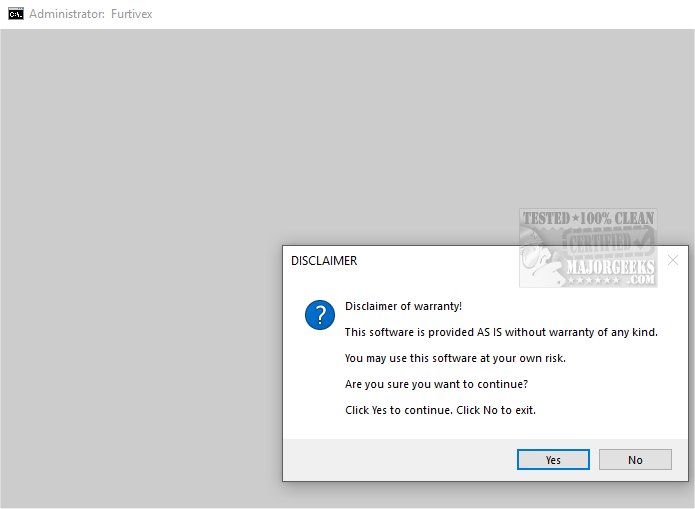
Introduction to DoesNotBelong
DoesNotBelong, previously known as Furtivex Malware Removal, is a powerful script that enhances your existing antivirus software by providing a free, on-demand scanning tool. This additional layer of security is designed to identify and eradicate malware threats efficiently.
Functionality and Features
DoesNotBelong serves multiple purposes as an effective malware remediation and system modification tool. While it excels in removing threats, users should have a basic understanding of Windows system internals for optimal use. Key features include:
1. Proactive Process Management: The script improves system performance and security by terminating unnecessary processes while maintaining a whitelist of essential ones. This ensures critical functionalities remain operational. It also cleans up RunOnce entries in the Windows Registry for a streamlined system.
2. Event Viewer Management: DoesNotBelong systematically clears various Event Viewer Logs (Application, Security, Setup, System, and Forwarded Events) to improve event data accessibility. It also removes caches from popular browsers while retaining cookies to safeguard user logins.
3. Registry Repair: The tool addresses potential registry modifications caused by malware, lifts policy restrictions, and allows the operation of other antivirus software to ensure comprehensive protection.
4. Crash Analysis: For troubleshooting, it presents crash dump information that can be analyzed using WinDbg, aiding in diagnosing issues with crashed executables.
5. User Preferences: The script disables the 'Show me suggested content in the Settings app' option in Windows 10 and 11, a feature many users consider intrusive.
System Restore Point Creation
During operation, DoesNotBelong automatically creates a System Restore Point titled 'Furtivex Malware Removal Script.' This serves as a safety net in case any issues arise due to the script's actions. However, if System Restore is disabled, this feature will not activate.
Conclusion: The Geek Verdict
DoesNotBelong is an essential tool for individuals looking to bolster their malware protection. Acting as a robust supplemental layer of security, it not only fortifies defenses against a wide range of threats but also provides peace of mind for users concerned about their online safety. By integrating DoesNotBelong into your cybersecurity toolkit, you can enhance your digital experience and ensure a more secure presence online.
Future Developments
As the software continues to evolve, upcoming updates may further refine its functionalities, improve user experience, and expand its capabilities against emerging malware threats. Users are encouraged to stay tuned for future releases and enhancements that will make DoesNotBelong an even more invaluable resource in malware protection
Functionality and Features
DoesNotBelong serves multiple purposes as an effective malware remediation and system modification tool. While it excels in removing threats, users should have a basic understanding of Windows system internals for optimal use. Key features include:
1. Proactive Process Management: The script improves system performance and security by terminating unnecessary processes while maintaining a whitelist of essential ones. This ensures critical functionalities remain operational. It also cleans up RunOnce entries in the Windows Registry for a streamlined system.
2. Event Viewer Management: DoesNotBelong systematically clears various Event Viewer Logs (Application, Security, Setup, System, and Forwarded Events) to improve event data accessibility. It also removes caches from popular browsers while retaining cookies to safeguard user logins.
3. Registry Repair: The tool addresses potential registry modifications caused by malware, lifts policy restrictions, and allows the operation of other antivirus software to ensure comprehensive protection.
4. Crash Analysis: For troubleshooting, it presents crash dump information that can be analyzed using WinDbg, aiding in diagnosing issues with crashed executables.
5. User Preferences: The script disables the 'Show me suggested content in the Settings app' option in Windows 10 and 11, a feature many users consider intrusive.
System Restore Point Creation
During operation, DoesNotBelong automatically creates a System Restore Point titled 'Furtivex Malware Removal Script.' This serves as a safety net in case any issues arise due to the script's actions. However, if System Restore is disabled, this feature will not activate.
Conclusion: The Geek Verdict
DoesNotBelong is an essential tool for individuals looking to bolster their malware protection. Acting as a robust supplemental layer of security, it not only fortifies defenses against a wide range of threats but also provides peace of mind for users concerned about their online safety. By integrating DoesNotBelong into your cybersecurity toolkit, you can enhance your digital experience and ensure a more secure presence online.
Future Developments
As the software continues to evolve, upcoming updates may further refine its functionalities, improve user experience, and expand its capabilities against emerging malware threats. Users are encouraged to stay tuned for future releases and enhancements that will make DoesNotBelong an even more invaluable resource in malware protection
DoesNotBelong 10.7.5 released
DoesNotBelong (formerly Furtivex Malware Removal) is a script designed to enhance the capabilities of your antivirus software by providing a free, on-demand scanning tool. This additional layer of protection helps identify and eliminate malware threats effectively.