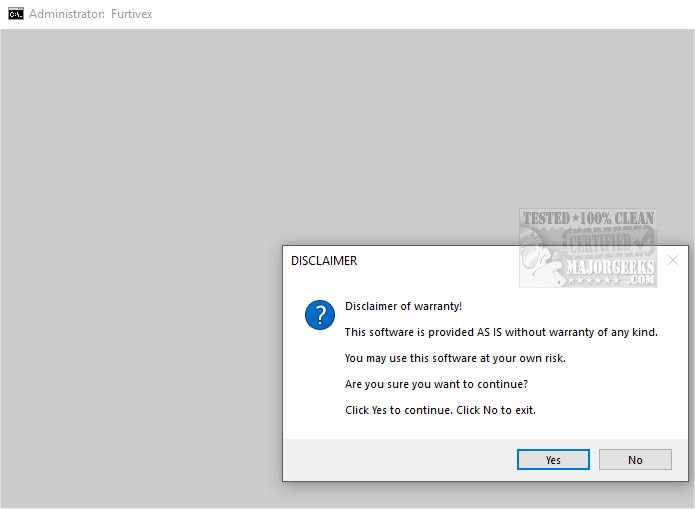
The release of DoesNotBelong version 10.4.3 marks a significant update to this script, formerly known as Furtivex Malware Removal. Designed to supplement existing antivirus software, DoesNotBelong provides users with a free, on-demand scanning tool that enhances malware detection and removal capabilities, creating an additional layer of security for their systems.
The primary function of DoesNotBelong is to offer effective malware remediation and system modification. While it excels at identifying and eliminating threats, users are advised to have a basic understanding of Windows system internals to navigate some of its more advanced features successfully. A notable aspect of DoesNotBelong is its proactive process management, which optimizes system performance by terminating unnecessary processes while preserving essential ones through a whitelist system. The script also conducts thorough clean-ups of RunOnce entries in the Windows Registry.
In addition to its malware removal capabilities, DoesNotBelong clears various Event Viewer Logs—such as Application, Security, and System logs—to enhance event data clarity. It also cleans caches from popular web browsers and applications, improving performance while retaining user login cookies for convenience. The script is in the process of developing a feature that highlights Windows Defender logs, specifically targeting event ID 3002, which can assist users in identifying potential threats, although it shouldn't be considered a definitive sign of infection.
DoesNotBelong also offers solutions to mitigate registry modifications made by malware, restoring policy settings and allowing the use of other antivirus software. For troubleshooting, it provides access to crash dump information through WinDbg, aiding users in diagnosing issues with malfunctioning programs. Additionally, it disables the often intrusive "Show me suggested content" feature in Windows 10 and 11 settings.
An important safety feature of DoesNotBelong is its automatic creation of a system restore point titled 'Furtivex Malware Removal Script' during its operation, ensuring a fallback option is available in case any problems arise—unless System Restore has been disabled due to malware interference.
In summary, DoesNotBelong 10.4.3 stands out as a crucial tool for individuals seeking to bolster their malware defenses. By acting as a robust supplementary security measure, it not only enhances protection against various threats but also instills confidence in users regarding their digital safety. Embracing DoesNotBelong means embracing a more secure online experience.
Looking ahead, continuous updates and user feedback will likely lead to further enhancements in DoesNotBelong’s functionality, making it an even more valuable asset in the fight against malware. As cybersecurity threats evolve, tools like DoesNotBelong will remain essential in protecting both personal and professional digital environments
The primary function of DoesNotBelong is to offer effective malware remediation and system modification. While it excels at identifying and eliminating threats, users are advised to have a basic understanding of Windows system internals to navigate some of its more advanced features successfully. A notable aspect of DoesNotBelong is its proactive process management, which optimizes system performance by terminating unnecessary processes while preserving essential ones through a whitelist system. The script also conducts thorough clean-ups of RunOnce entries in the Windows Registry.
In addition to its malware removal capabilities, DoesNotBelong clears various Event Viewer Logs—such as Application, Security, and System logs—to enhance event data clarity. It also cleans caches from popular web browsers and applications, improving performance while retaining user login cookies for convenience. The script is in the process of developing a feature that highlights Windows Defender logs, specifically targeting event ID 3002, which can assist users in identifying potential threats, although it shouldn't be considered a definitive sign of infection.
DoesNotBelong also offers solutions to mitigate registry modifications made by malware, restoring policy settings and allowing the use of other antivirus software. For troubleshooting, it provides access to crash dump information through WinDbg, aiding users in diagnosing issues with malfunctioning programs. Additionally, it disables the often intrusive "Show me suggested content" feature in Windows 10 and 11 settings.
An important safety feature of DoesNotBelong is its automatic creation of a system restore point titled 'Furtivex Malware Removal Script' during its operation, ensuring a fallback option is available in case any problems arise—unless System Restore has been disabled due to malware interference.
In summary, DoesNotBelong 10.4.3 stands out as a crucial tool for individuals seeking to bolster their malware defenses. By acting as a robust supplementary security measure, it not only enhances protection against various threats but also instills confidence in users regarding their digital safety. Embracing DoesNotBelong means embracing a more secure online experience.
Looking ahead, continuous updates and user feedback will likely lead to further enhancements in DoesNotBelong’s functionality, making it an even more valuable asset in the fight against malware. As cybersecurity threats evolve, tools like DoesNotBelong will remain essential in protecting both personal and professional digital environments
DoesNotBelong 10.4.3 released
DoesNotBelong (formerly Furtivex Malware Removal) is a script designed to enhance the capabilities of your antivirus software by providing a free, on-demand scanning tool. This additional layer of protection helps identify and eliminate malware threats effectively.