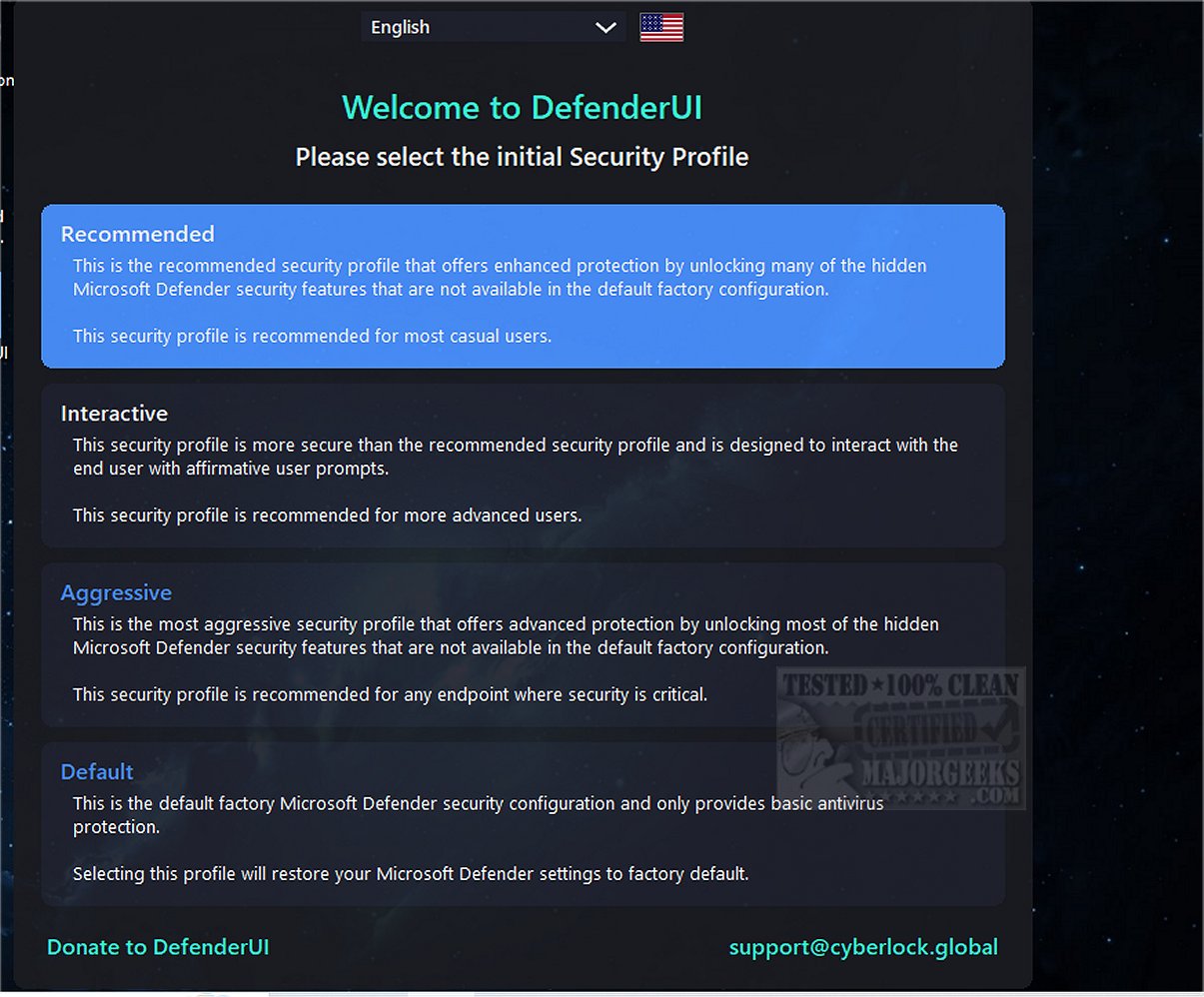
DefenderUI version 2.05 has been released, enhancing the usability of Windows Security for Windows 10 and 11 users while revealing numerous hidden security features. This tool streamlines access to various components of Windows Security that are often challenging to navigate. It is organized into four primary categories: Real-time, Scan, Utility, and Settings, allowing users to easily manage settings such as disabling real-time protection, cloud protection, and the Windows firewall.
One of the standout features of DefenderUI is its ability to provide quick access to exclusions and logs, making it easier for users to manage their security settings. Additionally, the interface includes other categories such as Basic, Advanced, ASR Rules, and DefenderGuard, which further expand its functionality.
Although DefenderUI is still in beta and considered a work in progress, it represents a significant step towards creating a more user-friendly experience with Microsoft Security. It serves as a compelling example of how Microsoft Security could be improved for better user interaction and effectiveness.
As DefenderUI continues to evolve, it is anticipated that it will address more user needs and possibly integrate additional features that enhance security management. Users are encouraged to explore its capabilities while providing feedback to help refine the application. Overall, DefenderUI could potentially set a new standard for security tools in the Windows ecosystem, prompting Microsoft to reconsider its approach to user interface design and functionality in security applications
One of the standout features of DefenderUI is its ability to provide quick access to exclusions and logs, making it easier for users to manage their security settings. Additionally, the interface includes other categories such as Basic, Advanced, ASR Rules, and DefenderGuard, which further expand its functionality.
Although DefenderUI is still in beta and considered a work in progress, it represents a significant step towards creating a more user-friendly experience with Microsoft Security. It serves as a compelling example of how Microsoft Security could be improved for better user interaction and effectiveness.
As DefenderUI continues to evolve, it is anticipated that it will address more user needs and possibly integrate additional features that enhance security management. Users are encouraged to explore its capabilities while providing feedback to help refine the application. Overall, DefenderUI could potentially set a new standard for security tools in the Windows ecosystem, prompting Microsoft to reconsider its approach to user interface design and functionality in security applications
DefenderUI 2.05 released
DefenderUI significantly improves usability and unlocks many hidden security features of Windows Security in Windows 10 & 11.