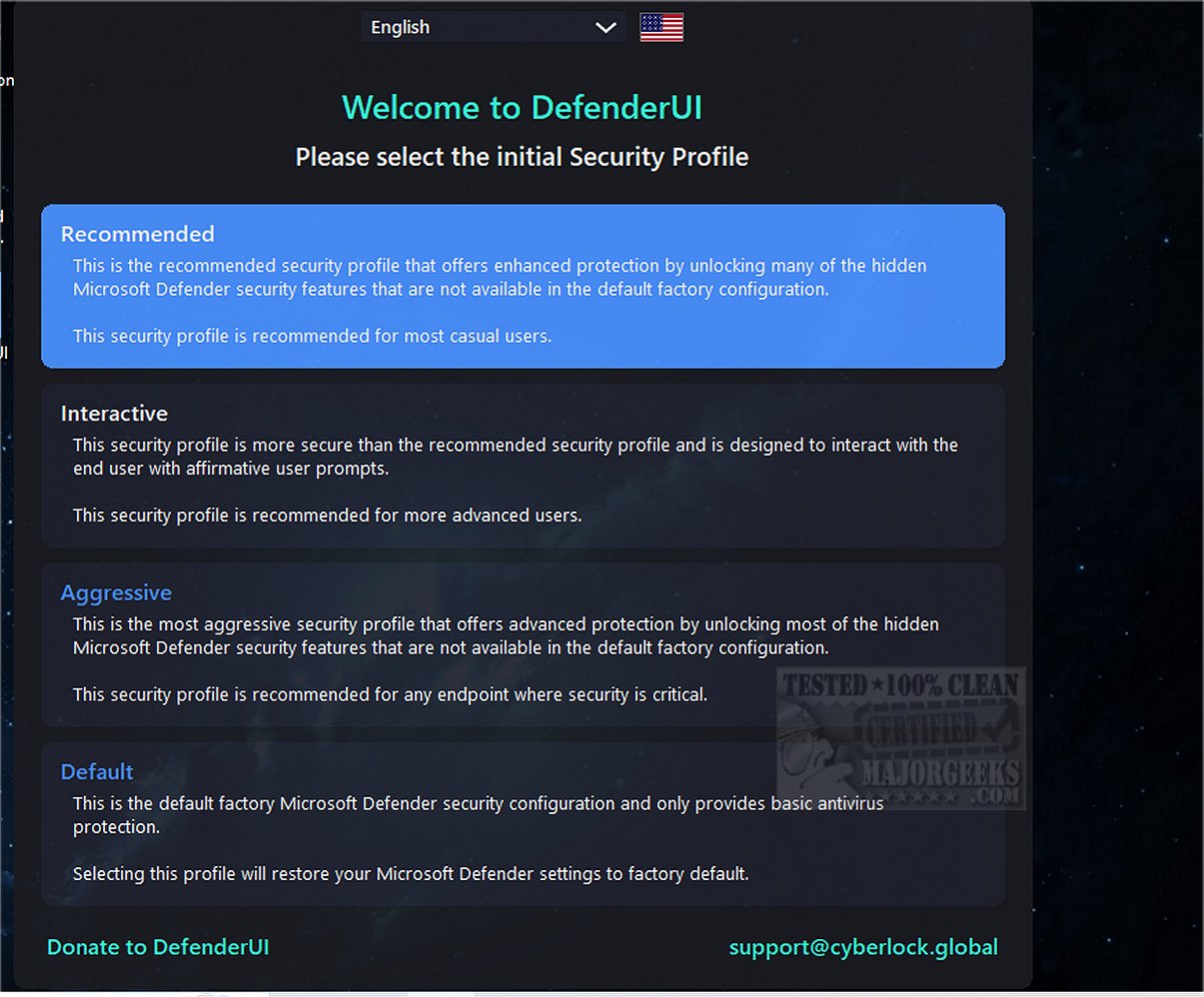
DefenderUI version 2.04 has been released, bringing significant enhancements to the usability of Windows Security features for Windows 10 and 11. This tool simplifies access to various security functionalities that are often obscure and difficult to navigate within the native Windows Security interface. DefenderUI organizes its features into four primary categories: Real-Time, Scan, Utility, and Settings, allowing users to easily manage settings such as disabling real-time protection, cloud protection, and the Windows firewall.
One of the standout features of DefenderUI is its quick access to exclusions and logs, which enhances user control over their security settings. Additionally, it includes other categories such as Basic, Advanced, ASR Rules, and DefenderGuard, providing a comprehensive suite of tools for managing security.
Despite being in beta and considered a work in progress, DefenderUI showcases the potential for a more user-friendly approach to Microsoft Security. It serves as a proof of concept, suggesting that there is room for improvement in how Microsoft designs its security software. Users are encouraged to explore its features and provide feedback, as the project aims to evolve and refine the user experience.
In summary, DefenderUI 2.04 represents a significant step forward in making Windows Security more accessible and functional for users, and it calls on Microsoft to consider similar enhancements in their security offerings
One of the standout features of DefenderUI is its quick access to exclusions and logs, which enhances user control over their security settings. Additionally, it includes other categories such as Basic, Advanced, ASR Rules, and DefenderGuard, providing a comprehensive suite of tools for managing security.
Despite being in beta and considered a work in progress, DefenderUI showcases the potential for a more user-friendly approach to Microsoft Security. It serves as a proof of concept, suggesting that there is room for improvement in how Microsoft designs its security software. Users are encouraged to explore its features and provide feedback, as the project aims to evolve and refine the user experience.
In summary, DefenderUI 2.04 represents a significant step forward in making Windows Security more accessible and functional for users, and it calls on Microsoft to consider similar enhancements in their security offerings
DefenderUI 2.04 released
DefenderUI significantly improves usability and unlocks many hidden security features of Windows Security in Windows 10 & 11.