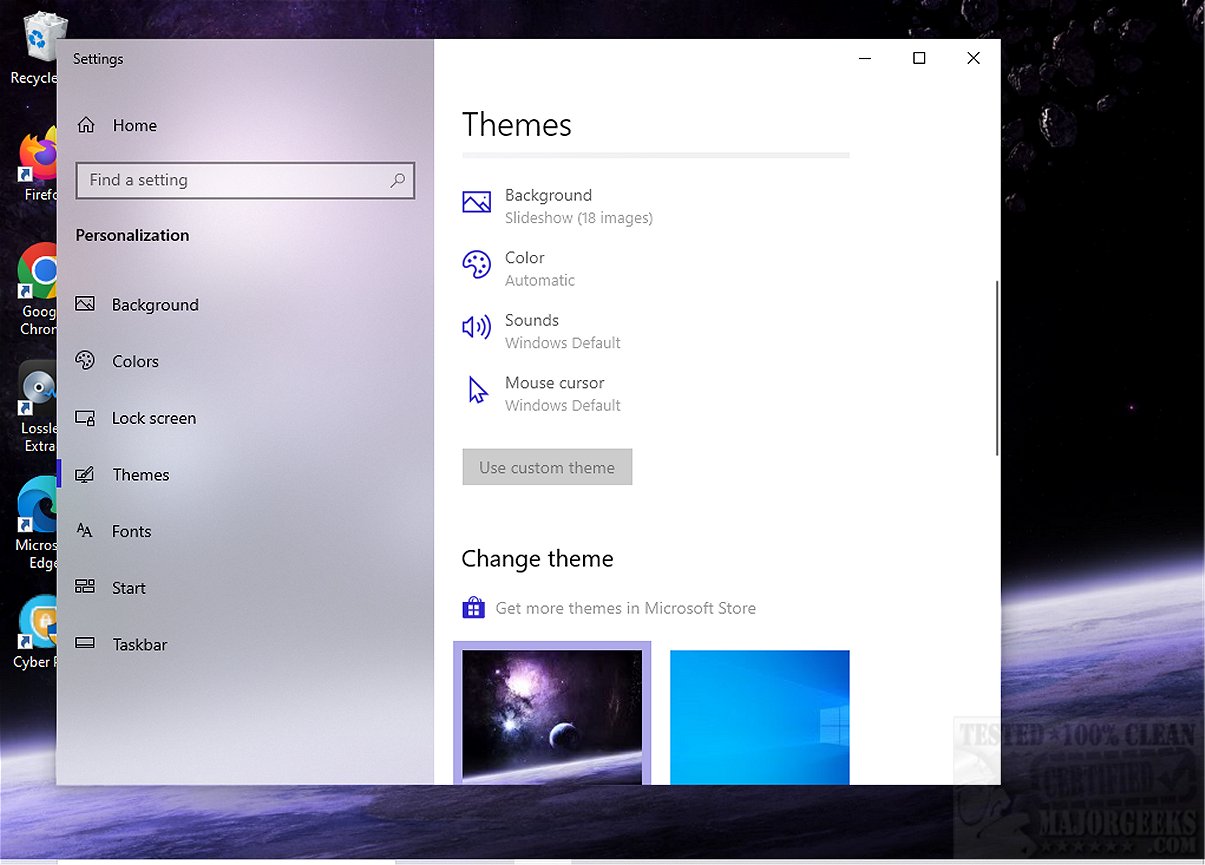
The recently released Dark Space Theme features an impressive array of 18 high-definition wallpapers that capture the captivating essence of the cosmos. This collection allows users to delve into the mysterious allure of outer space, which is filled with a variety of celestial entities such as distant stars, planets, and nebulae, all framed by the infinite expanse of the universe. The theme not only celebrates the vastness of space but also highlights its complex three-dimensional structure, where celestial objects interact through gravitational forces and intricate trajectories of comets and asteroids.
Modern scientific theories are expanding our comprehension of space, suggesting that it is evolving into a boundless four-dimensional continuum known as spacetime, where the interconnectedness of time and space presents new layers of understanding.
The Dark Space Theme is user-friendly, featuring automatic color adjustments, and it does not alter mouse cursors or sound settings. To install the theme, users simply need to download it and double-click the deskthemepack file. For further customization, right-clicking the desktop and selecting Personalize allows for additional theme adjustments.
For those captivated by the mysteries of the universe and seeking to enhance their digital experience, the Dark Space Theme serves as an ideal introduction to the wonders of space. By transforming your digital workspace into a breathtaking view of the cosmos, it brings the majesty of the universe into daily life.
In addition, users might also enjoy exploring seasonal themes, such as Halloween-inspired designs, or learning how to manage and customize their Windows themes effectively, including deleting wallpaper history or disabling transparency effects. With these options, users can personalize their digital environments to reflect their interests and aesthetic preferences
Modern scientific theories are expanding our comprehension of space, suggesting that it is evolving into a boundless four-dimensional continuum known as spacetime, where the interconnectedness of time and space presents new layers of understanding.
The Dark Space Theme is user-friendly, featuring automatic color adjustments, and it does not alter mouse cursors or sound settings. To install the theme, users simply need to download it and double-click the deskthemepack file. For further customization, right-clicking the desktop and selecting Personalize allows for additional theme adjustments.
For those captivated by the mysteries of the universe and seeking to enhance their digital experience, the Dark Space Theme serves as an ideal introduction to the wonders of space. By transforming your digital workspace into a breathtaking view of the cosmos, it brings the majesty of the universe into daily life.
In addition, users might also enjoy exploring seasonal themes, such as Halloween-inspired designs, or learning how to manage and customize their Windows themes effectively, including deleting wallpaper history or disabling transparency effects. With these options, users can personalize their digital environments to reflect their interests and aesthetic preferences
Dark Space Theme released
Dark Space Theme offers a stunning collection of 18 high-definition wallpapers that immerse you in the enigmatic dark beauty of the cosmos.